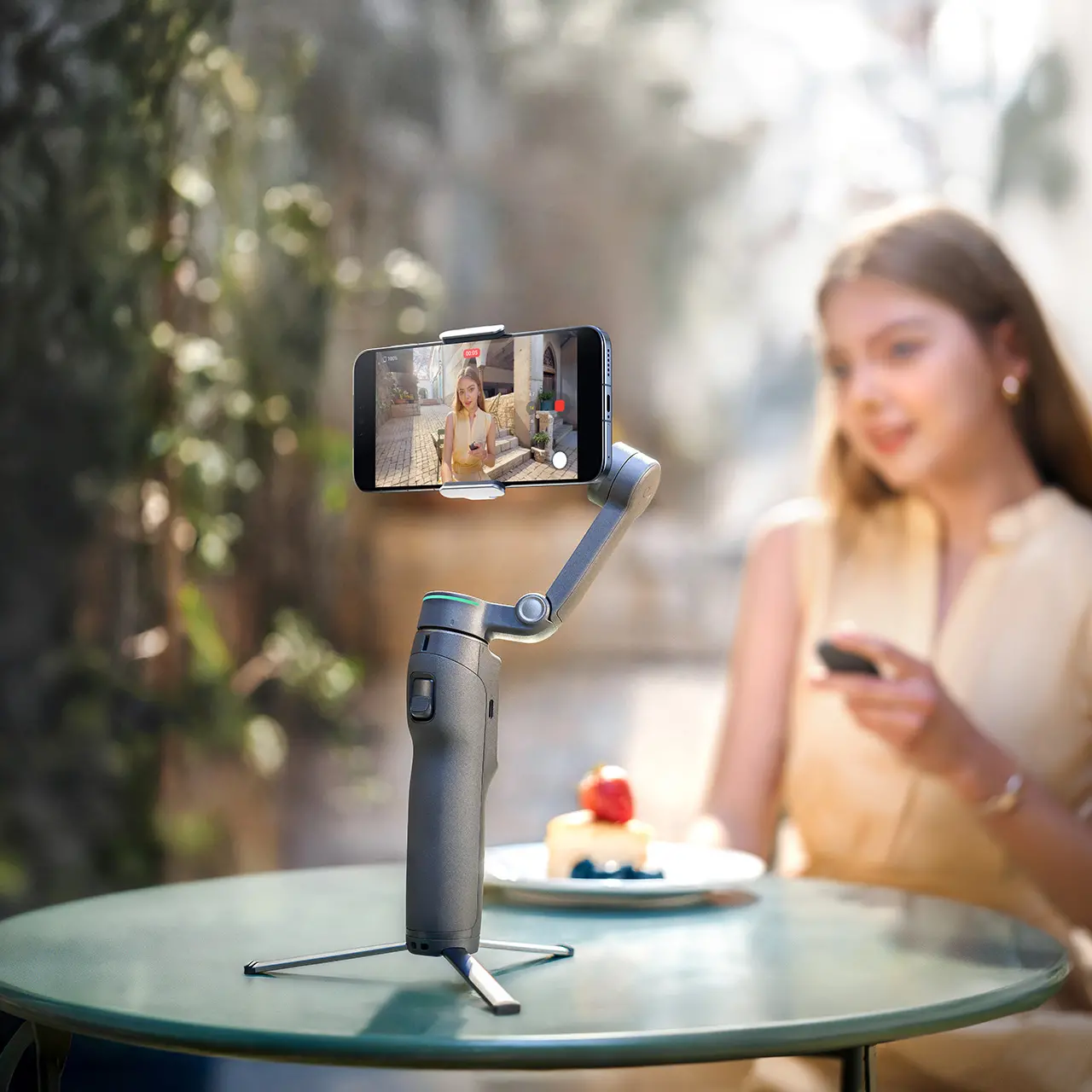


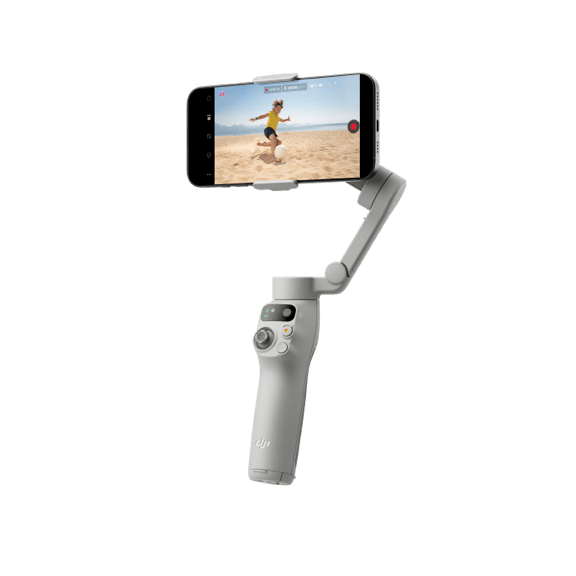
Osmo Mobile 8P Standard Combo
Select Option
Take a Closer Look
Remote Control Selfies, Precise Framing
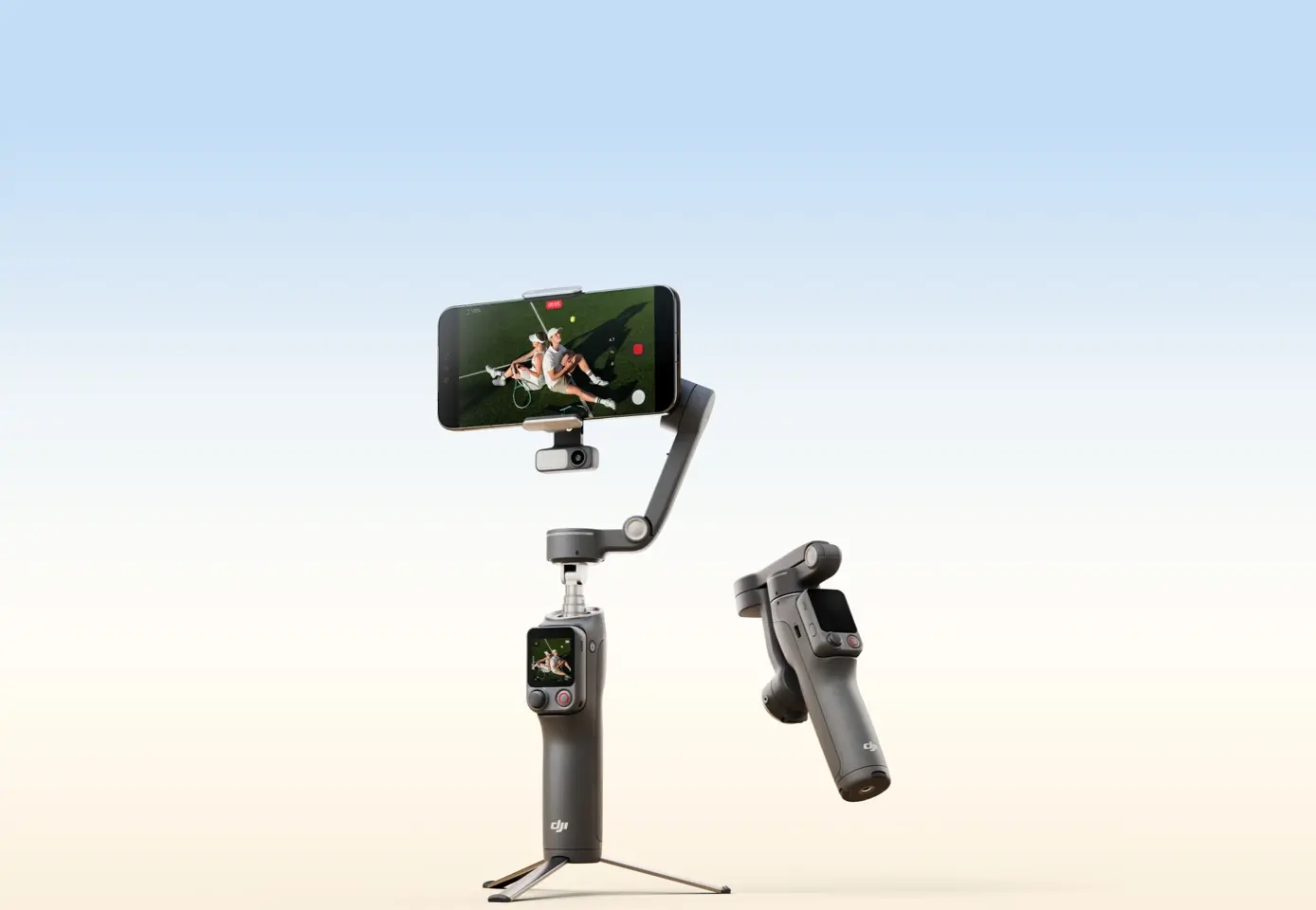
The new Osmo FrameTap mirrors the view from your phone or the Multifunctional Module 2 [2]. Frame rear-camera selfies or shoot from afar with your composition fully under control.
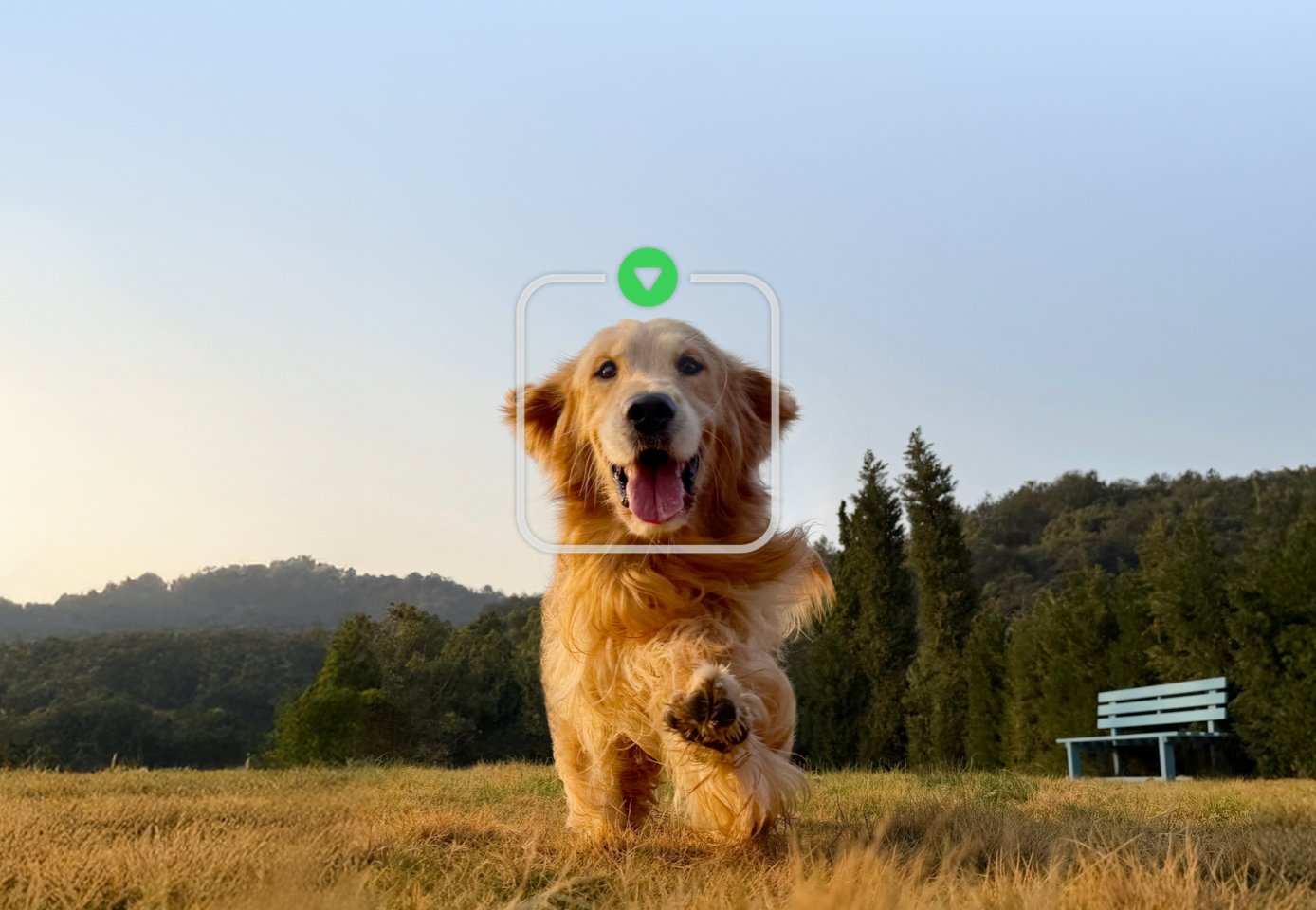
Expanded & Enhanced Subject Tracking
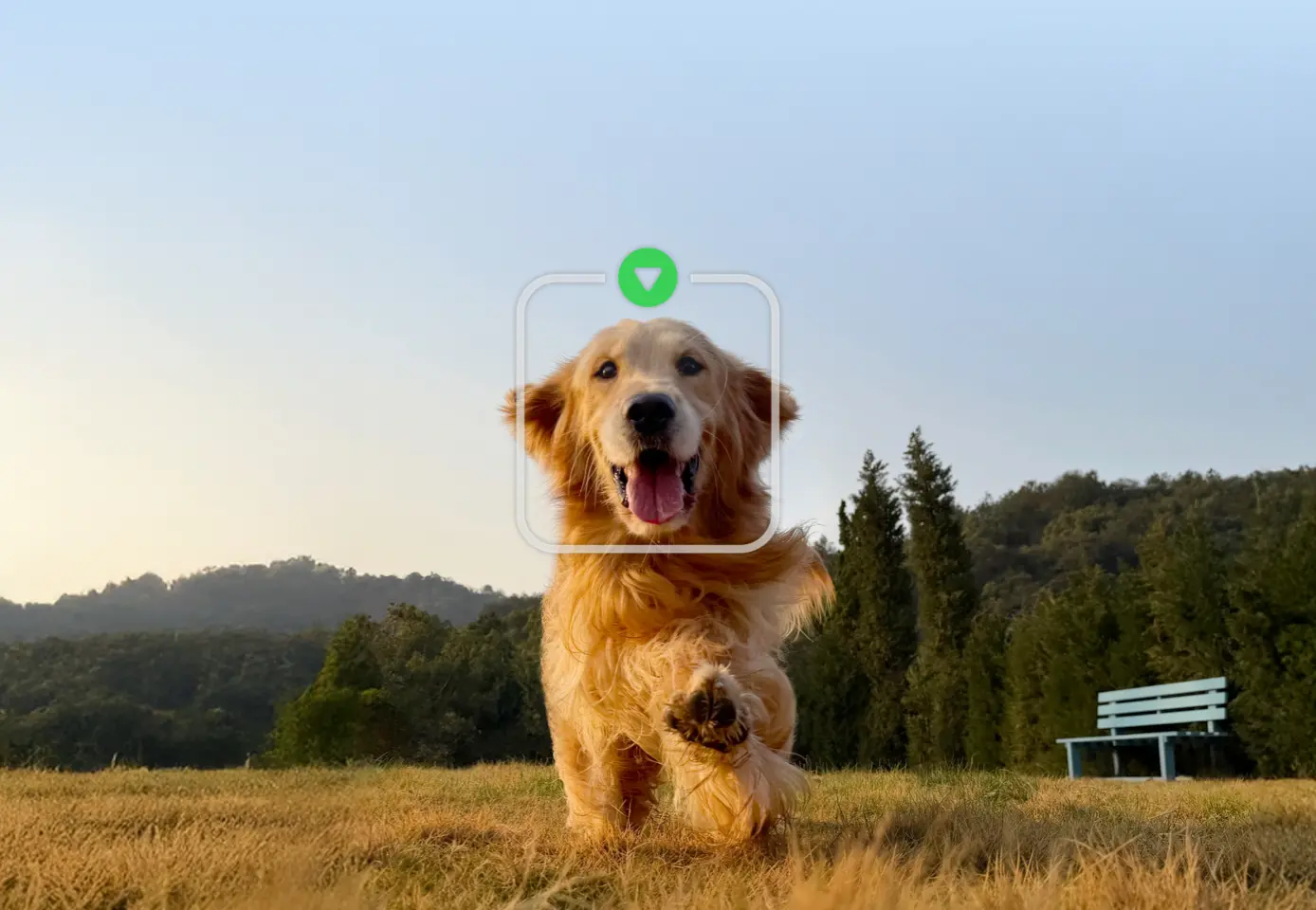
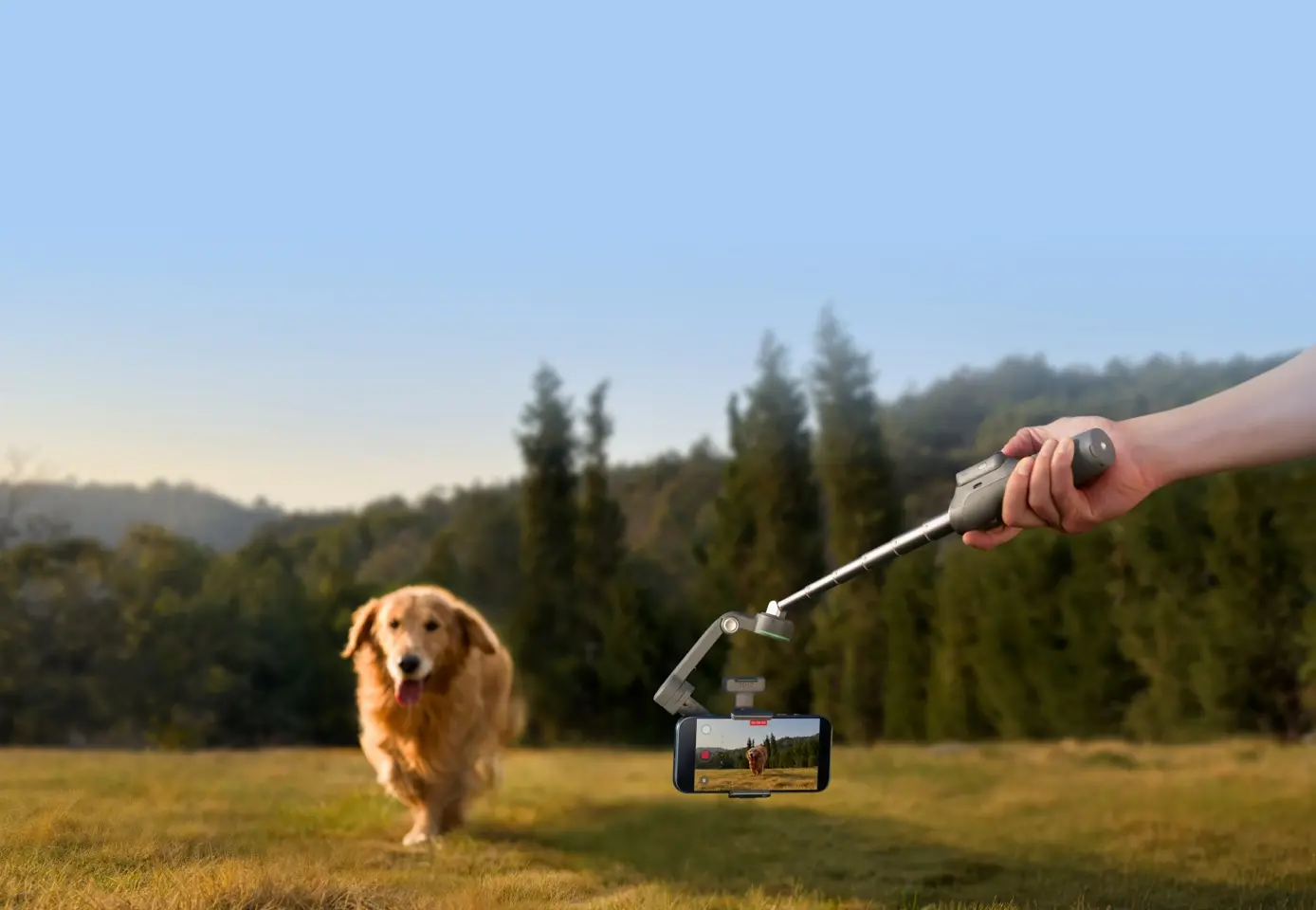
The new Multifunctional Module 2 [2] now tracks people, cats, dogs, and objects [5]. Upgraded ActiveTrack 8.0 [1] delivers steadier tracking in crowded venues like exhibitions [6].
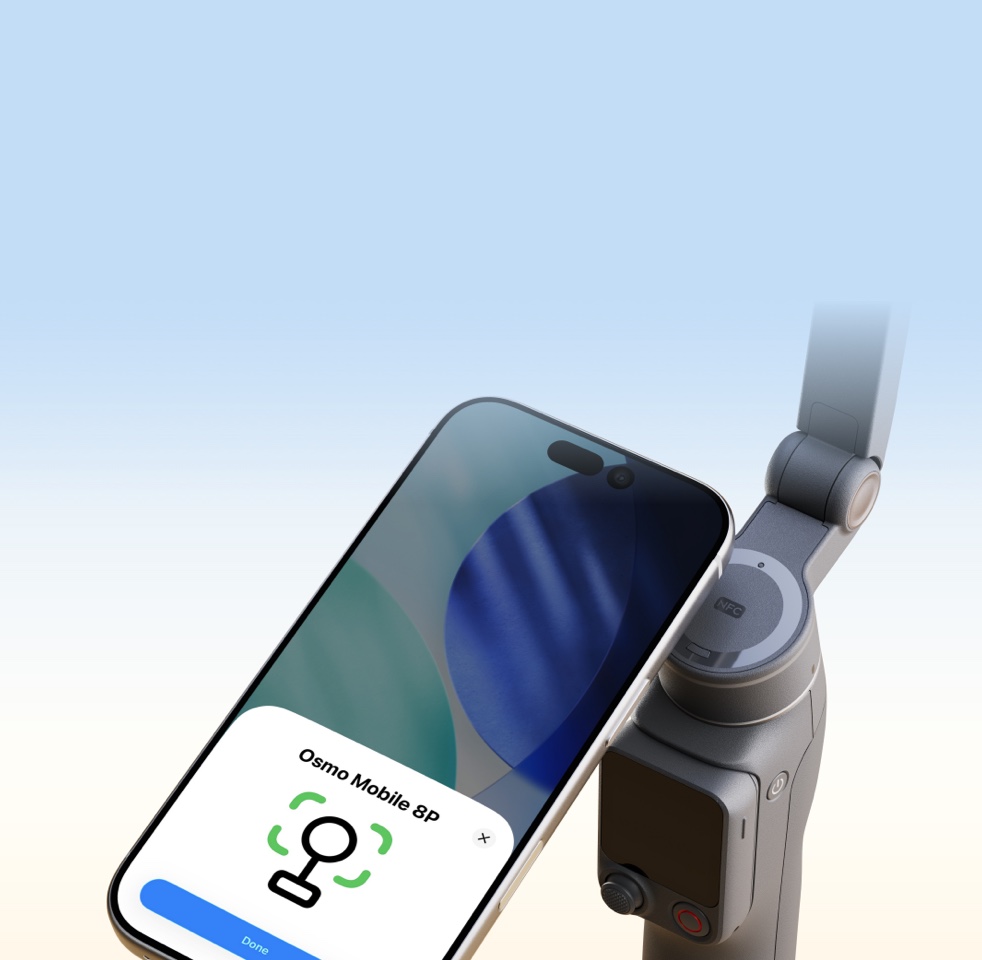
Direct Phone Connection for Native Tracking [3]
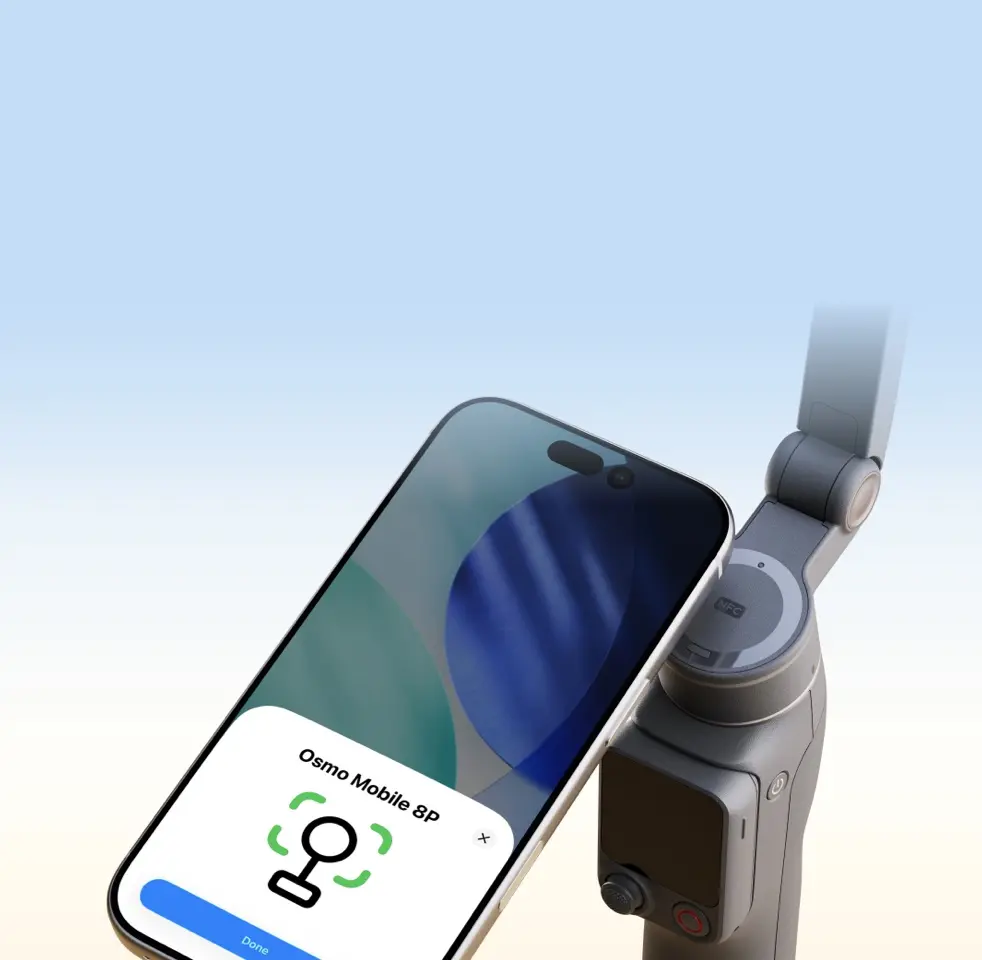
Start filming when inspiration hits. Simply tap your phone [3] on the NFC area of the gimbal to pair via Bluetooth. Once magnetically attached, seamless tracking begins.

Robust 3-Axis Gimbal Stabilization
With boosted motor power, 8th-generation stabilization delivers next-level smoothness. Whether filming low to the ground or switching angles, Osmo Mobile 8P stays rock-solid.

10-Hour Battery Life [4] & Phone Charging
Osmo Mobile 8P offers up to 10 hours [4] of operating time. With a USB-C port, the gimbal can also charge your phone—ideal for extended outdoor filming and live streaming.
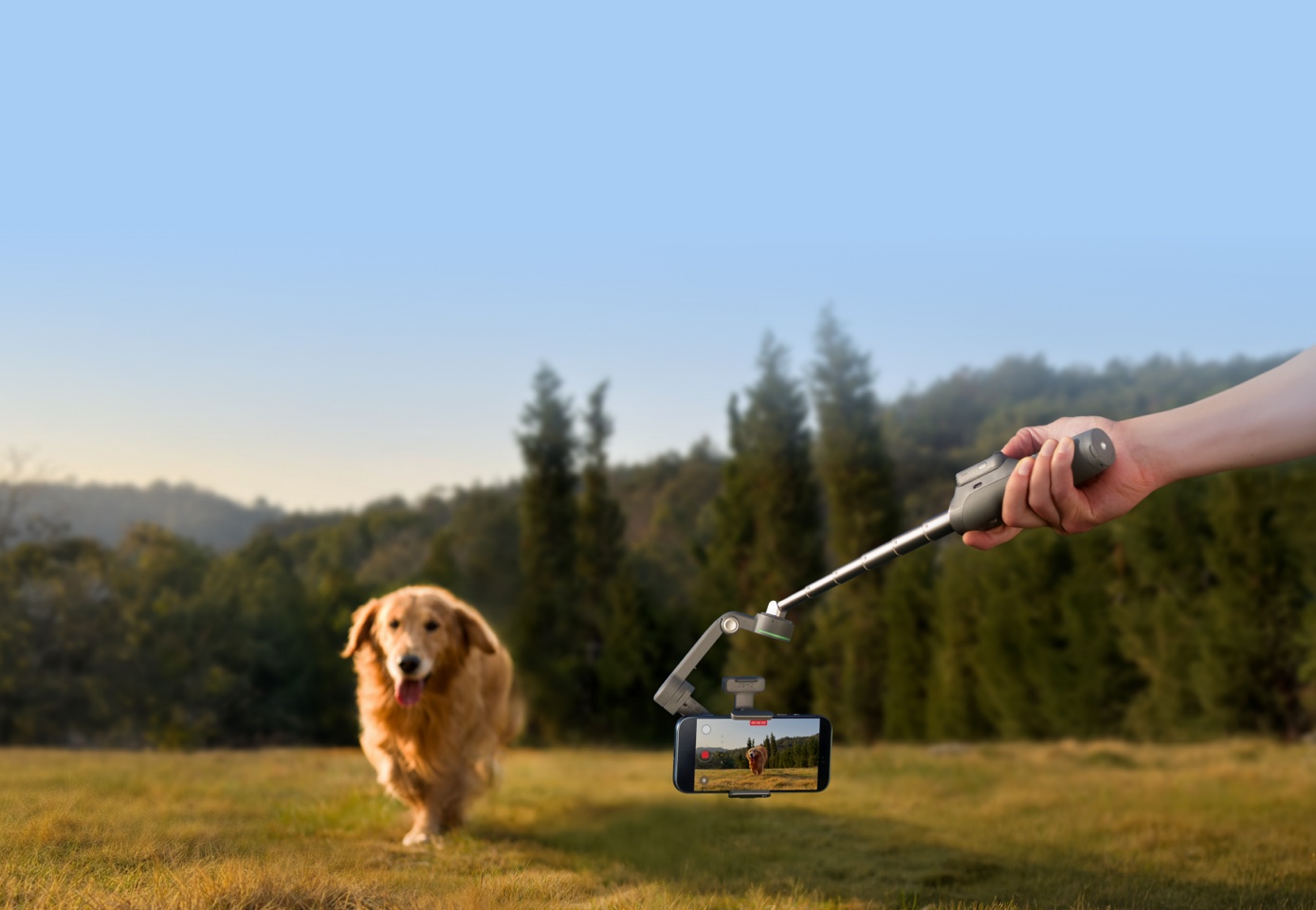
Low-Angle Shots & 360° Pan Rotation
Tilt the pan axis forward to unlock lower-level shots, ideal for tracking kids and pets. With unlimited 360° horizontal rotation, you can easily capture smooth panoramic photos and videos.
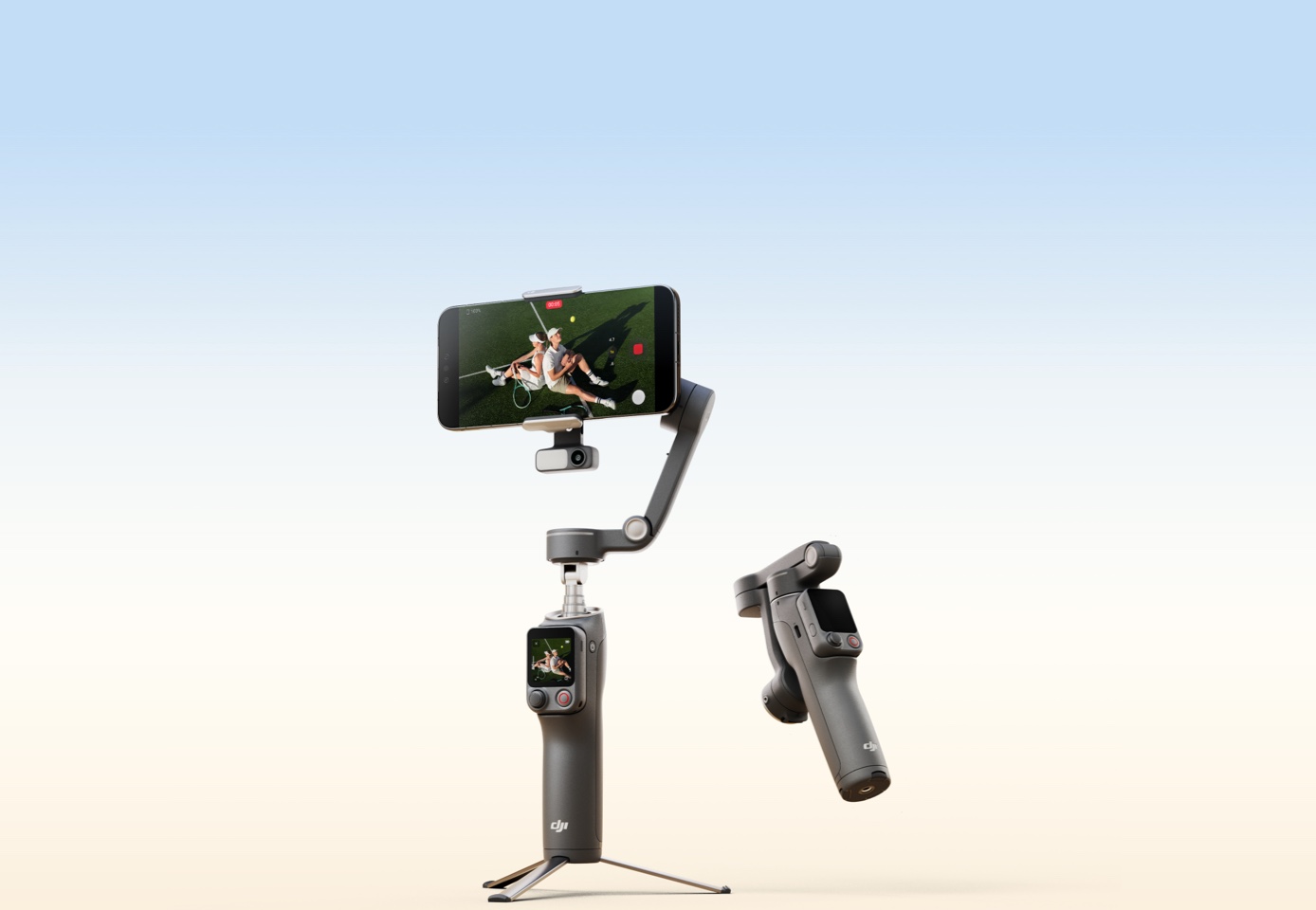
Built-in Extension Rod & Tripod, Folds With Ease
The extension rod expands your field of view for richer selfies and vlogs, while the upgraded tripod features a wider stance for enhanced stability when placed down [7].
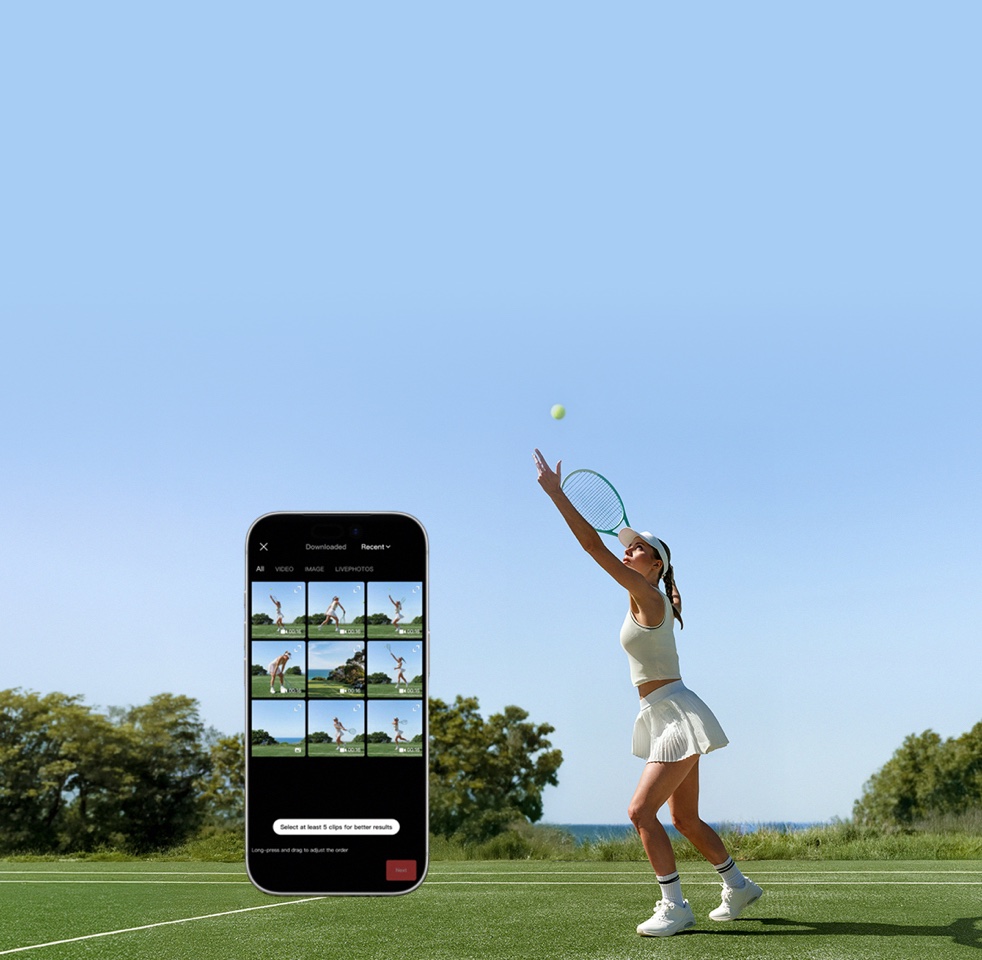
Easy Tutorials & One-Tap Editing
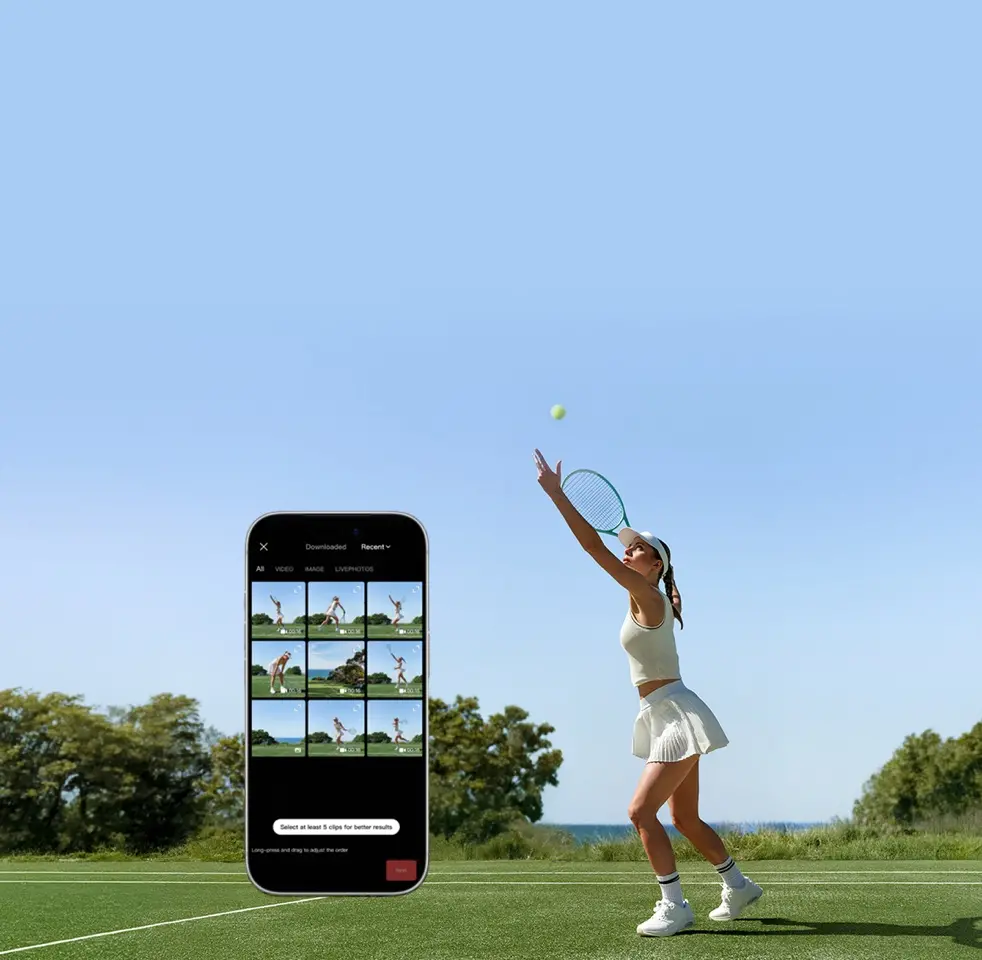
Effortlessly capture and edit using the Mimo app. ShotGuides analyzes your scene to recommend sequences and tutorials. One-Tap Editing helps you get epic videos easily.


In the Box
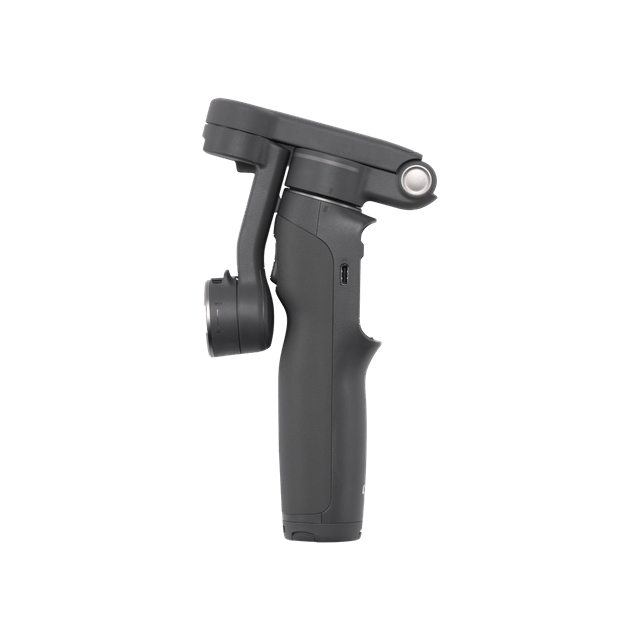
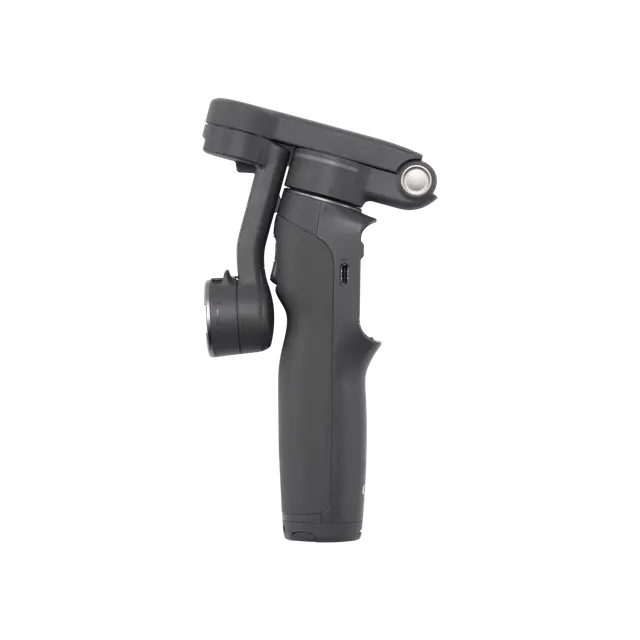
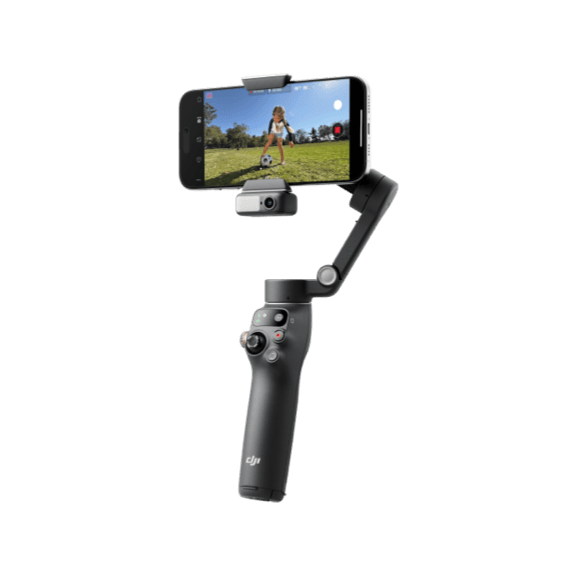
Osmo Mobile 8P
× 1
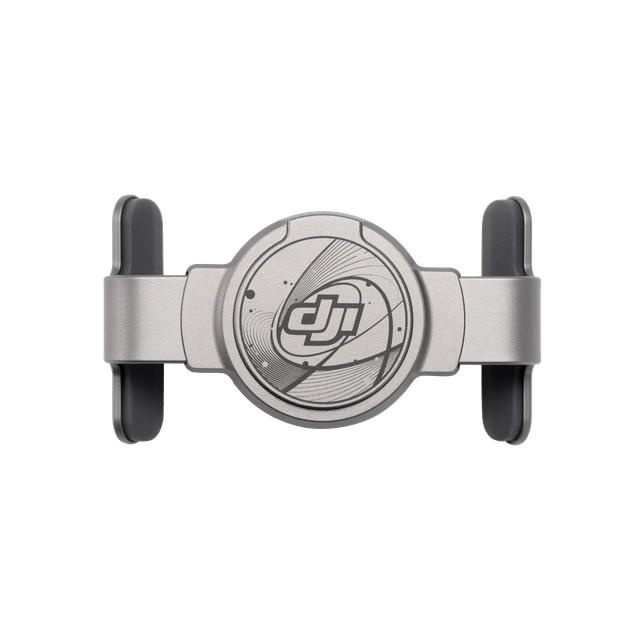
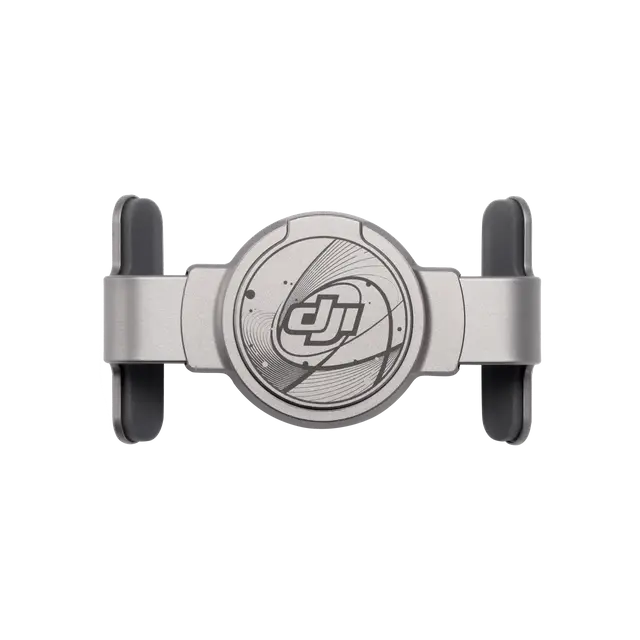
DJI OM Magnetic Phone Clamp 5
× 1
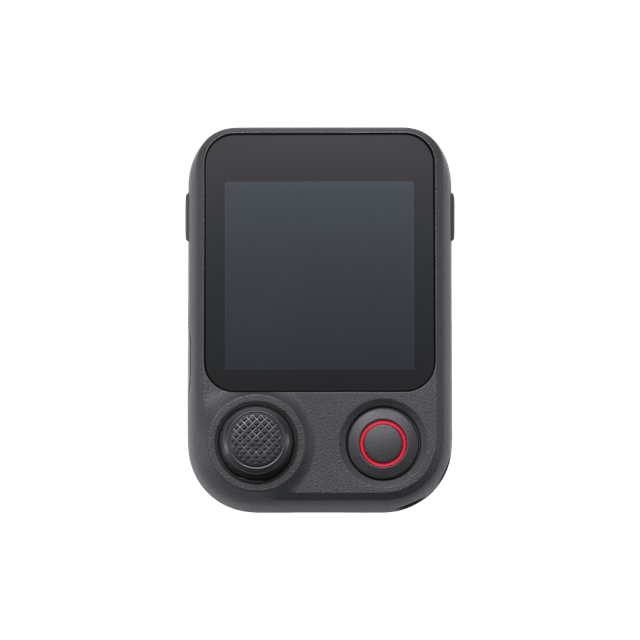
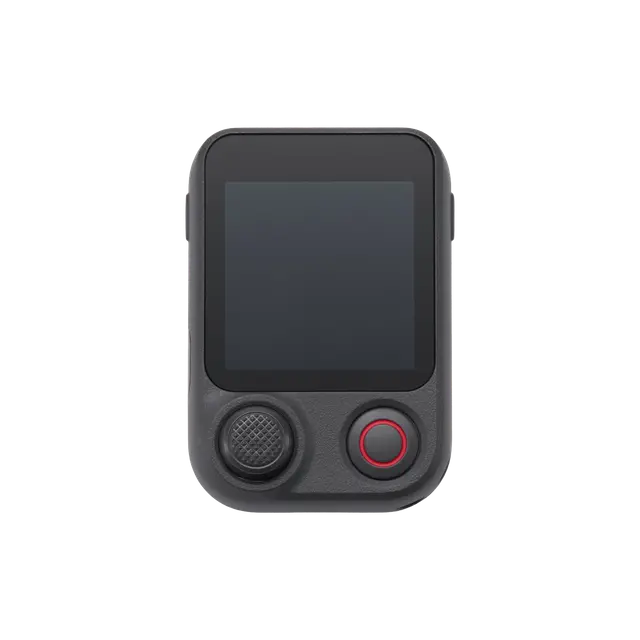
Osmo FrameTap
× 1
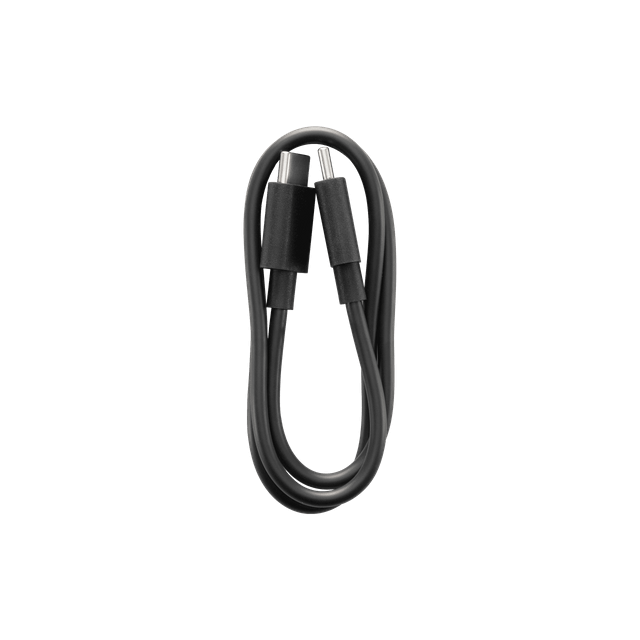
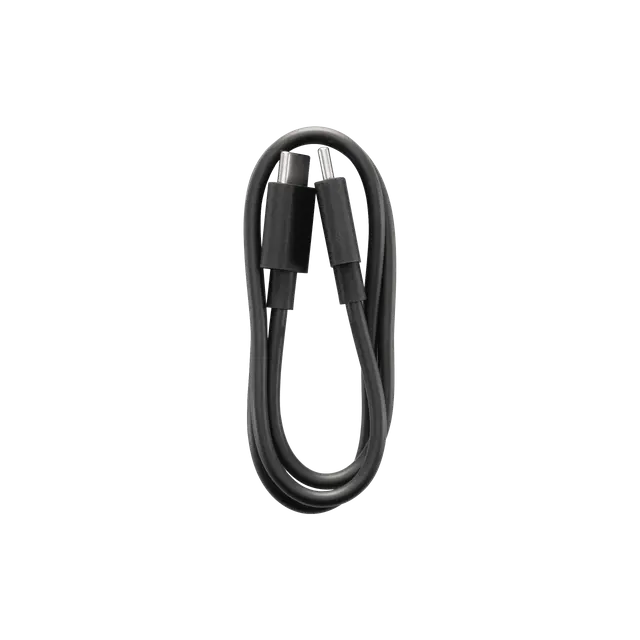
Power Cable (USB-C to USB-C, 50 cm)
× 1
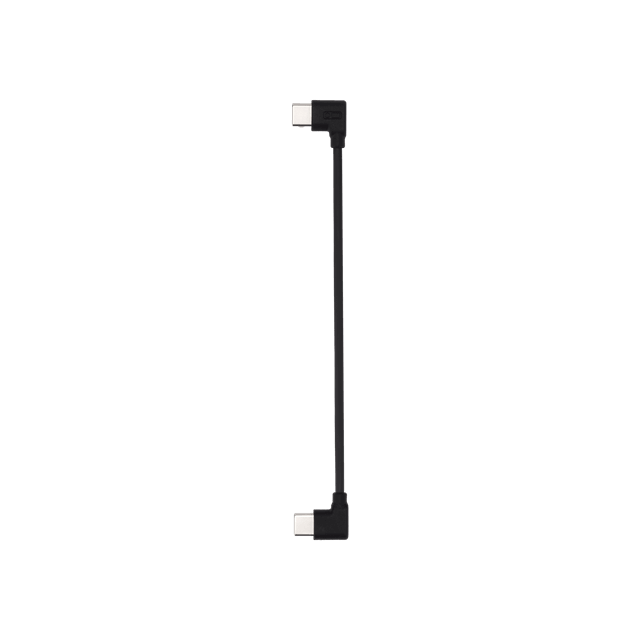
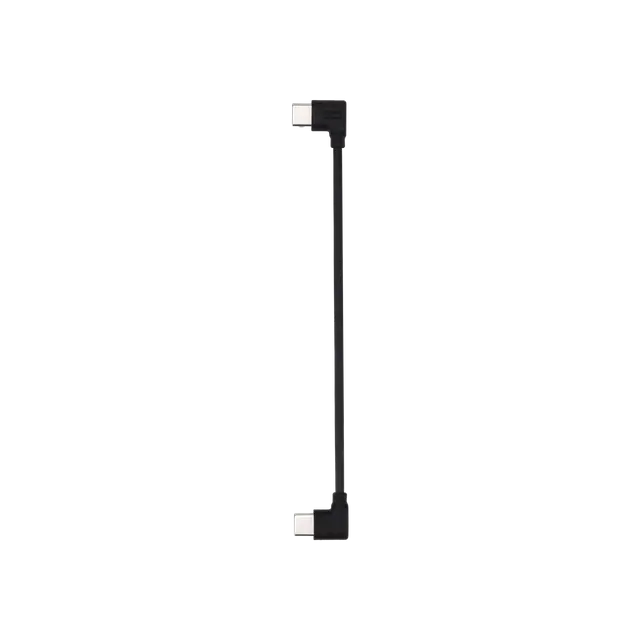
Phone Charging Cable (USB-C to USB-C, 15 cm)
× 1
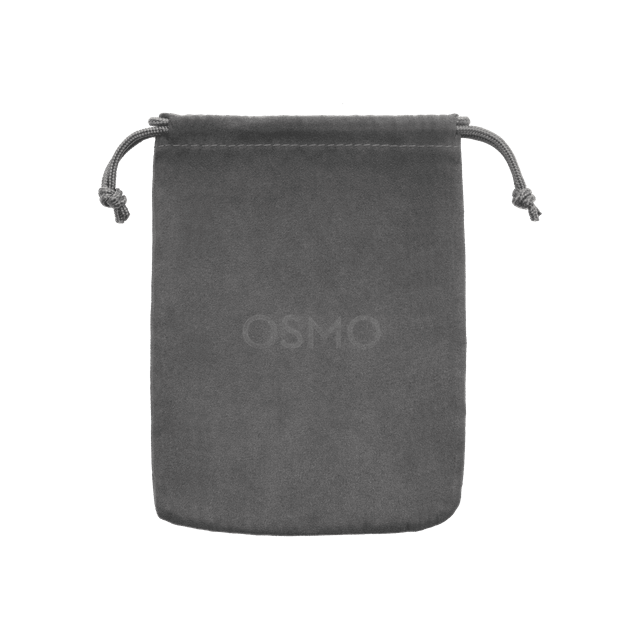
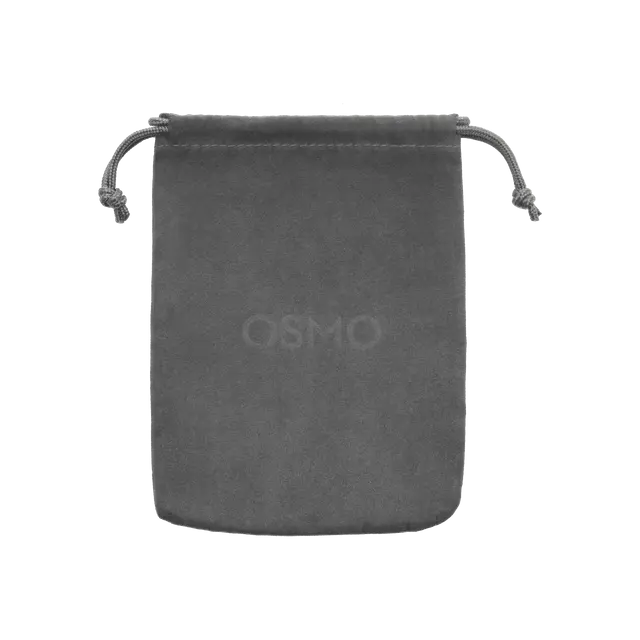
Storage Pouch
× 1
Always Ready, Always on Point
Which is the Best for You?


From €159
From €109
From €109
From €67
 ActiveTrack 8.0ActiveTrack 8.0ActiveTrack 8.0ActiveTrack 8.0
Let’s Answer Your Questions
Can I use the DJI OM 7 Series Magnetic Phone Clamp and the DJI OM Multifunctional Module with Osmo Mobile 8P?
Yes.
1. Osmo Mobile 8P can be used with the DJI OM 7 Series Magnetic Phone Clamp.
2. Osmo Mobile 8P can be used with the DJI OM Multifunctional Module. However, please note that only the DJI OM Multifunctional Module 2 supports video transmission to Osmo FrameTap. If you use the first-generation module, you won't be able to view its feed on the remote screen.
What improvements does Osmo Mobile 8P offer compared with Osmo Mobile 8?
Osmo Mobile 8P has been upgraded in several areas, including the following:
1. New Osmo FrameTap. This detachable touchscreen remote controller allows you to:
a. Adjust gimbal parameters and switch shooting modes.
b. Control the Multifunctional Module. Swipe right to view the live feed from the Multifunctional Module. Press the joystick once or draw a box on the screen to instantly lock onto your subject.
c. Control the gimbal from up to 10 meters away to take photos, record video, switch between portrait/landscape, and fine-tune your composition.
d. Android phone users can mirror their phone screen to the Osmo FrameTap remote directly. iPhone* users can mirror their phone screen to the remote via the DJI Mimo app.
2. Supported by the new DJI OM Multifunctional Module 2 (not included in the Standard combo and is sold separately), the device can now track vehicles and any general object**.
3. The new DJI OM Magnetic Phone Clamp 5 is smaller, lighter, and more secure. It offers wider compatibility and features optimized rubber padding to ensure it covers less of your phone screen.
4. The tripod design has been optimized with three legs that can be spread out independently, ensuring a steadier setup on flat surfaces.
* Please visit the official DJI website for the full smartphone compatibility list.
** Object Tracking via the Multifunctional Module 2 (excluding people/animals/vehicles): Requires manual box selection. Effective range varies based on object size. The object must have clear outlines, high contrast against the background, and occupy more than 10% of the frame.
Which smartphones are compatible?
Osmo Mobile 8P is compatible with most smartphones on the market. It is recommended to use smartphones with a width of 67-84 mm, thickness of 6.9-11 mm, and weight of 170-300 g.
Please visit the official DJI website for the full smartphone compatibility list.
What is the magnetic force?
The magnetic force of Osmo Mobile 8P is approximately 40 Newtons, which is strong enough to hold an object equivalent to the weight of two 2-liter soda bottles. This ensures a secure attachment for smartphones.
Is the gimbal waterproof?
Osmo Mobile 8P and Osmo FrameTap are not waterproof.
Can I use the magnetic phone clamp with my phone case on?
Yes, as long as the combined thickness of the smartphone and the case does not exceed 11 mm.
What is the size of the mounting hole at the bottom of the gimbal?
The mounting hole at the bottom of Osmo Mobile 8P is the standard 1/4″-20 UNC port, which is compatible with most tripods.
What are the functions of the USB-C ports on the roll axis and the handle of Osmo Mobile 8P?
1. The USB-C port on the roll axis of Osmo Mobile 8P is an output port. You can connect it to the Multifunctional Module 2, or use the Phone Charging Cable (15 cm) to connect the port to your phone so the gimbal can power your phone.
2. The USB-C port on the handle of Osmo Mobile 8P is for recharging the gimbal itself. Use the Power Cable (50 cm) to connect this port to a power adapter to recharge your Osmo Mobile 8P.
Which phones support NFC pairing with Osmo Mobile 8P?
Android phones* support NFC pairing and can automatically launch the DJI Mimo app for setup.
iPhone* supports Apple DockKit pairing via NFC.
After unlocking your iPhone, tap the NFC area on Osmo Mobile 8P to bring up the DockKit pairing prompt and connect.
Once paired for the first time, Osmo Mobile 8P will automatically reconnect to your phone in future uses, making the process quick and convenient without the need for repeated setup.
* Please visit the official DJI website for the full smartphone compatibility list.
What's the difference between direct phone connection for effortless tracking, intelligent tracking with the DJI OM Multifunctional Module 2, and intelligent tracking in the DJI Mimo app?
Direct phone connection for effortless tracking allows you to pair your phone with the gimbal via NFC. After pairing, you can track people in the native camera app or any third-party app compatible with Apple DockKit. Please close the DJI Mimo app and remove the DJI OM Multifunctional Module when using this feature.
The Multifunctional Module 2 supports both iPhone and Android phones, allowing tracking of people, cats, dogs, vehicles, or general objects* in the native camera and third-party apps.
The DJI Mimo app, available for both iPhone and Android phones**, allows you to track people, pets, or any object. It also offers various tracking features like Dual Lens Boost, Smart Capture, and DynamicZoom.
* Object Tracking via the Multifunctional Module 2 (excluding people/animals/vehicles): Requires manual box selection. Effective range varies based on object size. The object must have clear outlines, high contrast against the background, and occupy more than 10% of the frame.
** Please visit the official DJI website for the full smartphone compatibility list.
In which apps can the Multifunctional Module 2 enable smart tracking?
The Multifunctional Module 2 allows smart tracking in the following apps:
1. Your smartphone's native camera app, like using Cinematic mode on iPhones.
2. Live streaming on apps like TikTok, YouTube, and Instagram.
3. When used with mainstream camera apps like VSCO and B612.
4. During voice calls and video conferences.
5. When used with professional camera apps like Blackmagic Camera and Protake.
What improvements does the Multifunctional Module 2 of Osmo Mobile 8P have in intelligent tracking compared to the previous generation?
1. It can now track vehicles and any general object*.
2. It supports video transmission to Osmo FrameTap, allowing you to view the live feed and adjust tracking settings directly on the remote screen.
* Object Tracking via the Multifunctional Module 2 (excluding people/animals/vehicles): Requires manual box selection. Effective range varies based on object size. The object must have clear outlines, high contrast against the background, and occupy more than 10% of the frame.
What is Apple DockKit?
Apple DockKit is a subject-tracking technology developed by Apple. Osmo Mobile 8P supports DockKit, allowing iOS users to leverage this feature without additional apps or accessories. This enables intelligent subject tracking in the native iPhone camera app and in third-party iOS apps supporting DockKit, such as Facebook, YouTube, and Blackmagic Camera.
Still have questions? Get help from a DJI expert.
1. ActiveTrack 8.0 is only available within the DJI Mimo app and is currently compatible only with select iPhone models. Refer to the smartphone compatibility list on the official product page for details.
2. The DJI OM Multifunctional Module 2 is not included in the Standard Combo and is sold separately.
3. For compatibility information, refer to the smartphone compatibility list on the official DJI website.
4. Measured with the gimbal balanced, level, and stationary, using only the remote controller (Osmo FrameTap) and no other accessories. The test consisted of 4 hours with the remote detached from the gimbal (connected via Bluetooth, no operations performed) and 6 hours with the remote attached to the gimbal.
5. Object Tracking via the Multifunctional Module 2 (excluding people/animals/vehicles): Requires manual box selection. Effective range varies based on object size. The object must have clear outlines, high contrast against the background, and occupy more than 10% of the frame.
6. Tracking continuity may be affected by strong colored lighting (causing loss of subject color features) or multiple subjects with virtually identical appearances.
7. The built-in tripod is suitable for stable, level surfaces in windless environments.