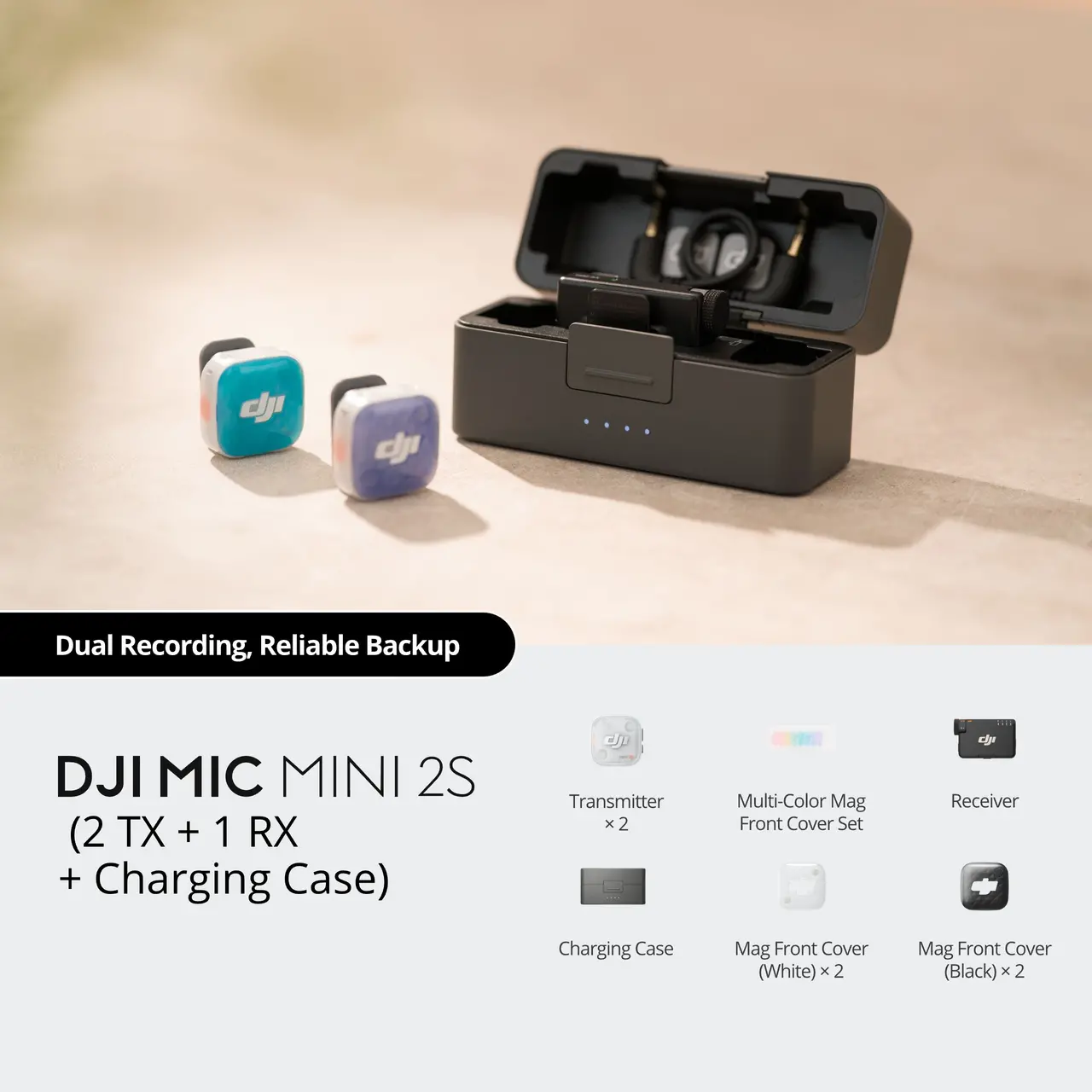


DJI Mic Mini 2S (2 TX + 1 RX + Charging Case)
Select Option
Take a Closer Look
28-Hour Internal Storage [2], 32-bit Float Internal Recording [1]
Preserve a vast dynamic range with 32-bit float internal recording [1], and effortlessly fix clipped audio in post. With approximately 14.5 GB of storage, enjoy up to 28 hours of loop recording [2] as a reliable backup against signal drops. For added flexibility, choose to save internal recordings as the original track or an algorithm-enhanced version [16].
![4TX + 1RX Cross-Gen Connectivity [3]](//se-cdn.djiits.com/tpc/uploads/core_selling_point/image/82132015073231db95af72f9a85da18e@origin.jpg?format=webp)
4TX + 1RX Cross-Gen Connectivity [3]
A single receiver pairs up to 4 transmitters simultaneously [3], making it ideal for multi-person content creation. Build a flexible, cost-effective setup by seamlessly mixing and matching Mic Mini, Mini 2, and Mini 2S [3]. The Mini 2S Transmitter also pairs with the Mic Series Mobile Receiver [3].
![Four-Channel Output [12], Effortless Editing](//se-cdn.djiits.com/tpc/uploads/core_selling_point/image/b8a76540b97f5cbf8d335d53da5db2f4@origin.jpg?format=webp)
Four-Channel Output [12], Effortless Editing
Connect the receiver to a Sony camera via the DJI Mic Series Camera Adapter or a 3.5mm cable and unlock Quadraphonic mode [12]. Outputting four independent audio channels [12] gives you greater control for precise track separation and flexible mixing in post-production.
Two-Level AI Noise Canceling [5], Three Voice Tone Presets [6]
Powered by DJI's new proprietary noise-canceling model, the two-level AI noise canceling precisely suppresses ambient noise while preserving vocal clarity [5]. Enhance your recordings further with Regular, Rich, or Bright voice tone presets [6].
![Lightweight & Versatile, Compact Storage [8]](//se-cdn.djiits.com/tpc/uploads/core_selling_point/image/89ea511cb9c0d5defa568ffb3e4d757b@origin.jpg?format=webp)
Lightweight & Versatile, Compact Storage [8]
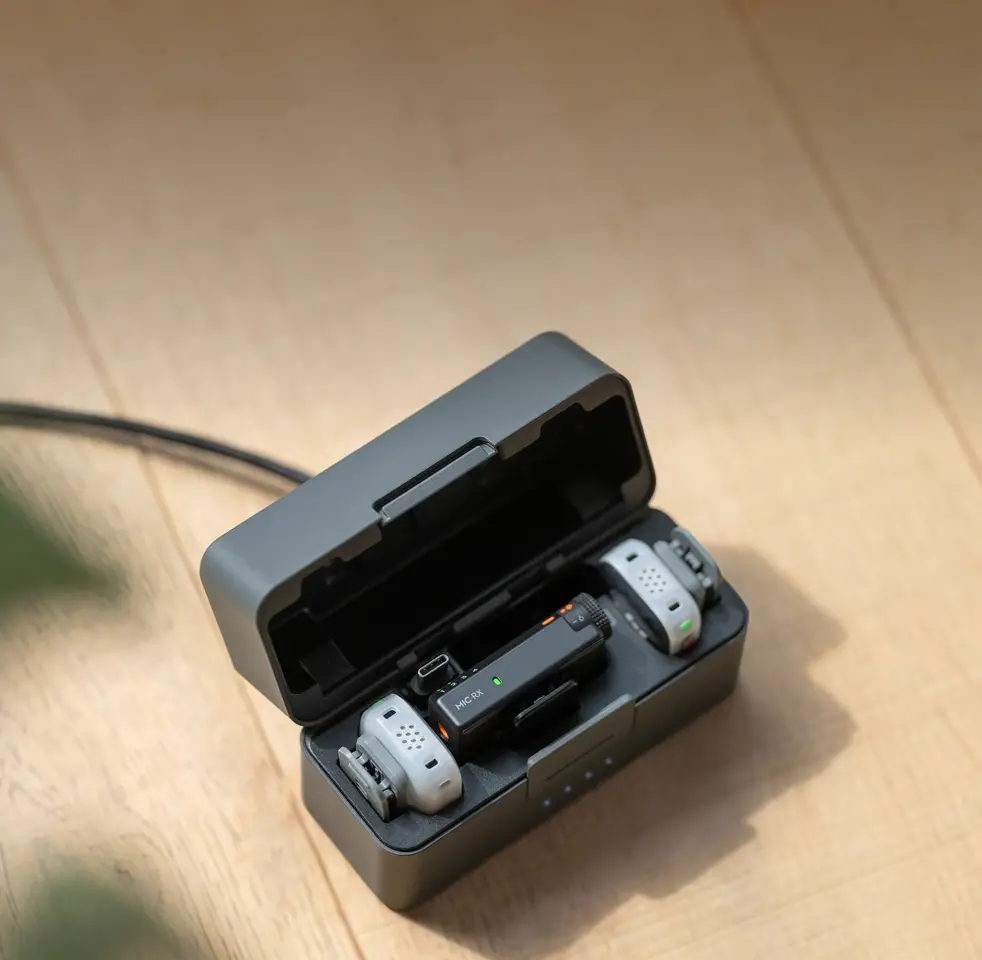
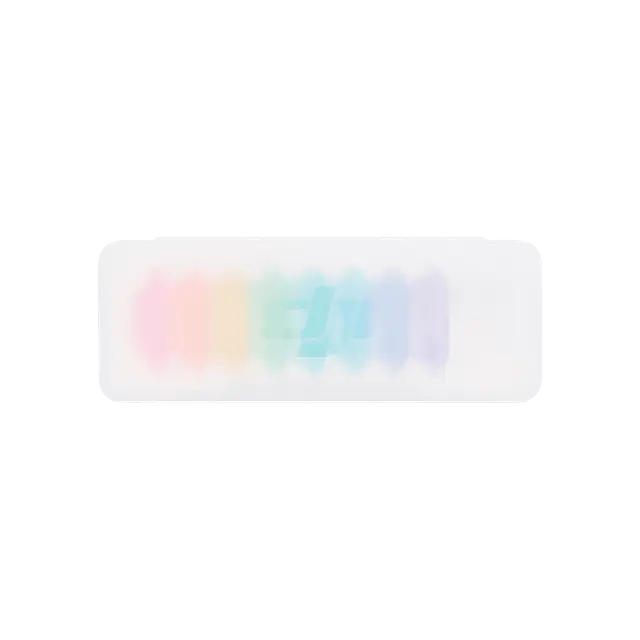
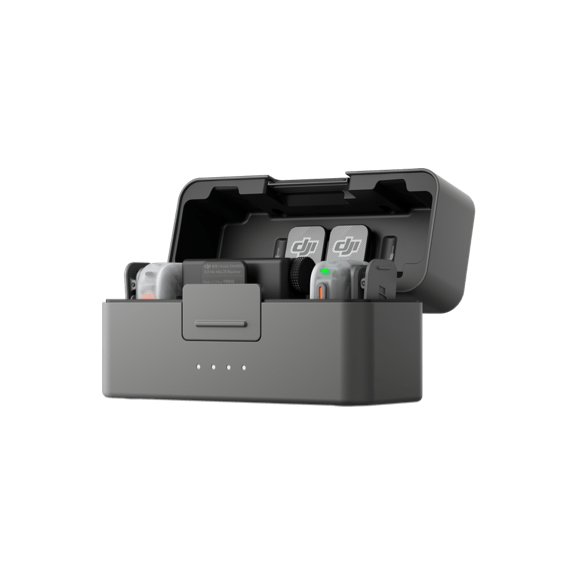
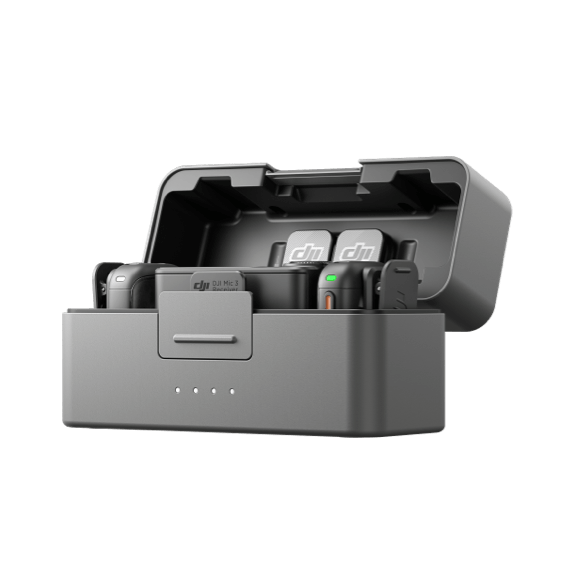
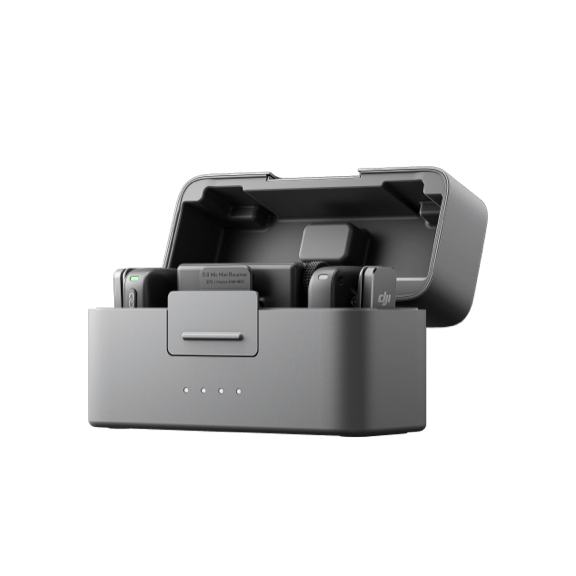
Weighing just about 12 g, the transmitter easily mounts to your clothing, while multi-color magnetic front covers [9] help you match different styles. The optimized charging case comfortably houses two transmitters, a Mini 2S receiver, a mobile receiver, and core accessories [8] together.
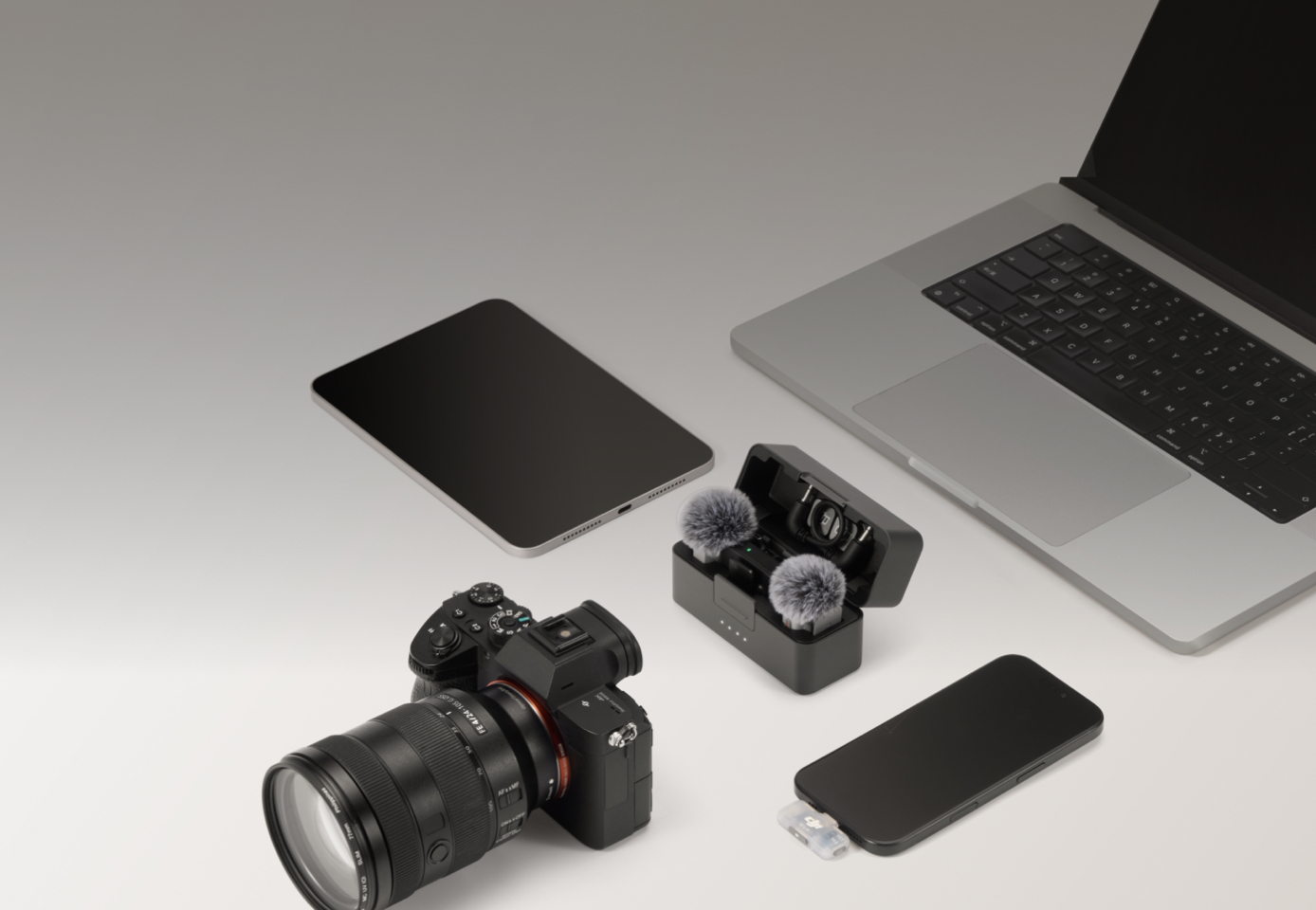
Wide Compatibility for Diverse Scenarios
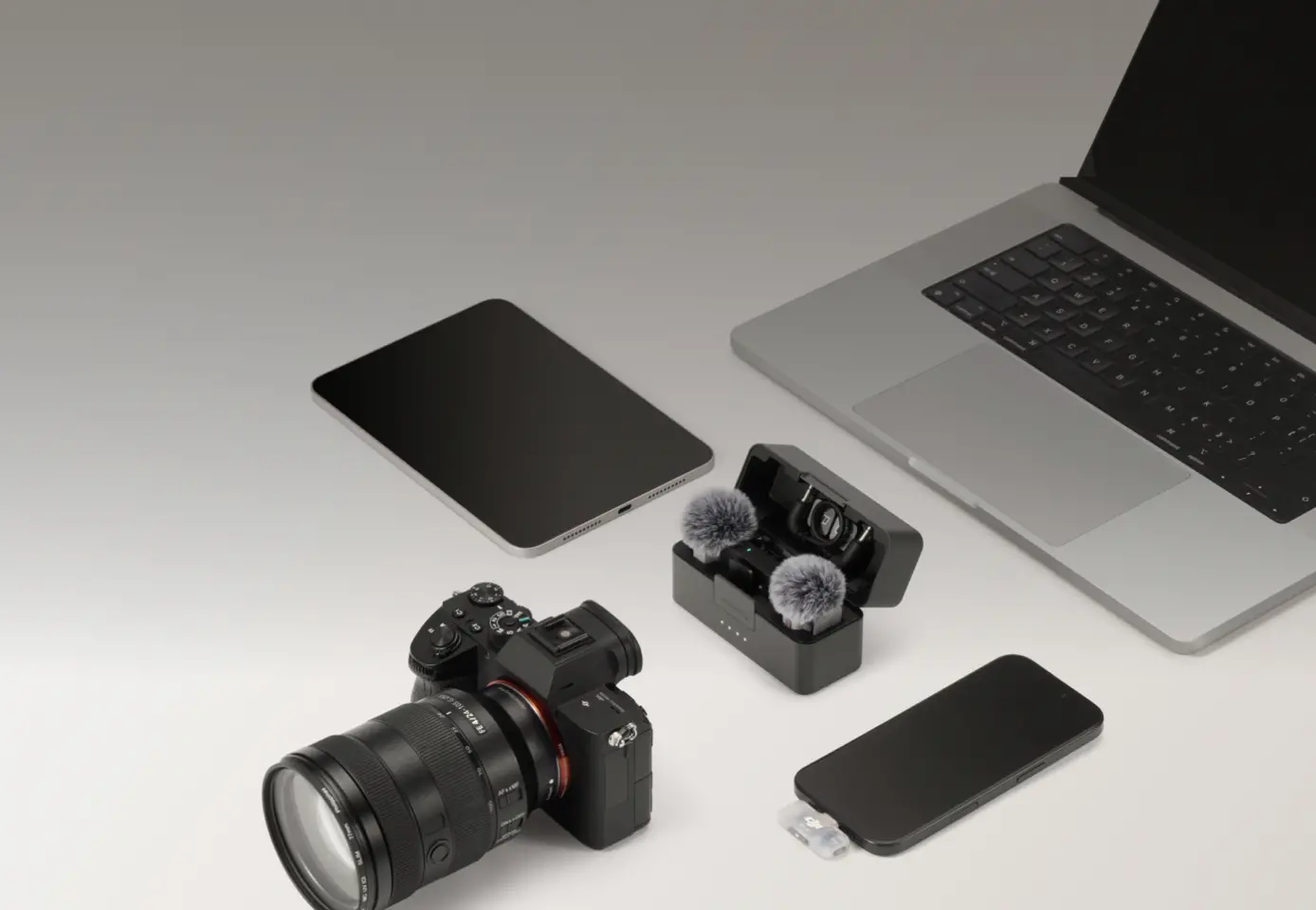
Connect the Mic Mini 2S Receiver to cameras, phones, computers, and tablets [13], or enjoy plug-and-play ease with the Mobile Receiver. The transmitter links directly to your smartphone via Bluetooth [14] for seamless use with third-party apps [15]. It even stores pairing history for automatic reconnection.
![Adaptive Gain Control for Balanced Volume [7]](//se-cdn.djiits.com/tpc/uploads/core_selling_point/image/69691cd9726728d7ff8f9c0808415686@origin.jpg?format=webp)
Adaptive Gain Control for Balanced Volume [7]
This professional wireless mic system offers two modes. Clipping Control attenuates sudden spikes, protecting audio in volatile environments like racetracks. Loudness Balance dynamically adjusts gain, stabilizing volume for interviews and live streams.
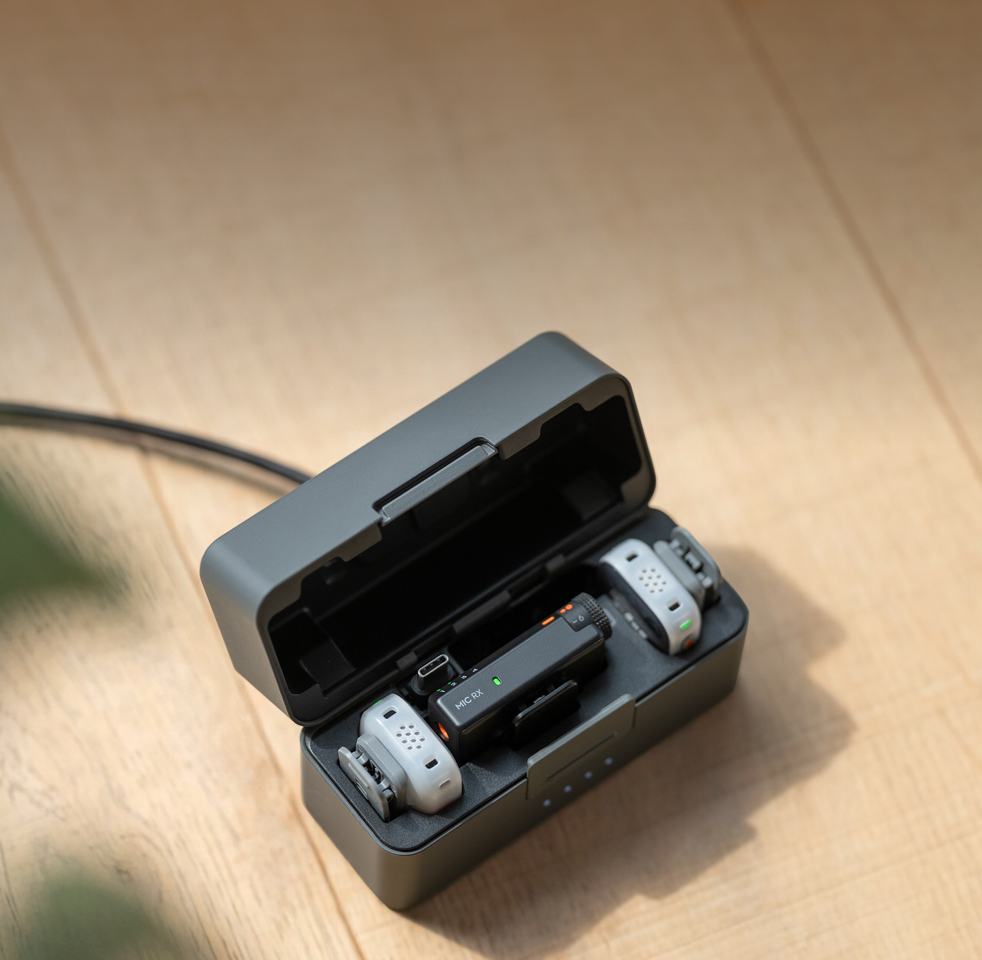
Lasting Battery, Reliable Backup
Enjoy up to 40 hours of battery life [10] with the charging case. Fast charging [11] and power-saving features keep you focused on recording, not waiting. If the receiver battery runs low, the transmitter auto-triggers internal recording, providing a safety net for your audio.
![DJI OsmoAudio Direct Connection [4]](//se-cdn.djiits.com/tpc/uploads/core_selling_point/image/dab7c935637f315c3e73bec5fe616496@origin.jpg?format=webp)
DJI OsmoAudio Direct Connection [4]
The transmitter supports direct connection to select DJI products without a receiver [4], simplifying your gear and workflow.
![4TX + 1RX Cross-Gen Connectivity [3]](https://se-cdn.djiits.com/tpc/uploads/core_selling_point/image/82132015073231db95af72f9a85da18e.webp)
![Four-Channel Output [12], Effortless Editing](https://se-cdn.djiits.com/tpc/uploads/core_selling_point/image/b8a76540b97f5cbf8d335d53da5db2f4.webp)
![Lightweight & Versatile, Compact Storage [8]](https://se-cdn.djiits.com/tpc/uploads/core_selling_point/image/89ea511cb9c0d5defa568ffb3e4d757b.webp)
![Adaptive Gain Control for Balanced Volume [7]](https://se-cdn.djiits.com/tpc/uploads/core_selling_point/image/69691cd9726728d7ff8f9c0808415686.webp)
![DJI OsmoAudio Direct Connection [4]](https://se-cdn.djiits.com/tpc/uploads/core_selling_point/image/dab7c935637f315c3e73bec5fe616496.webp)
In the Box
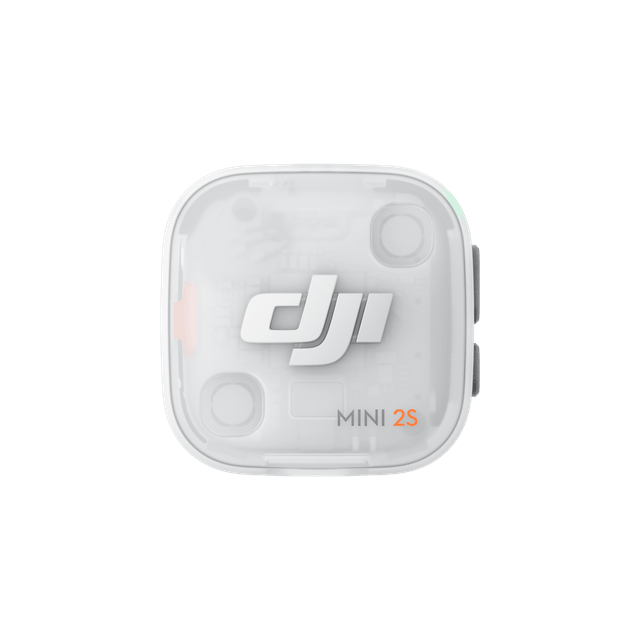
DJI Mic Mini 2S Transmitter
× 2
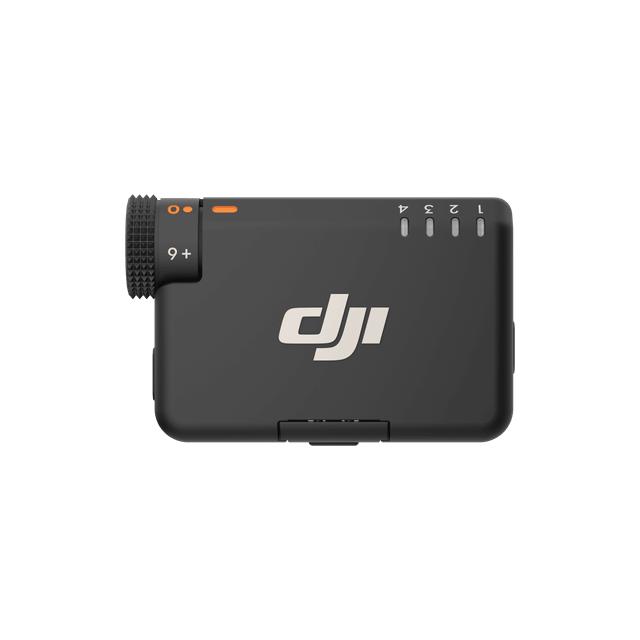
DJI Mic Mini 2S Receiver
× 1
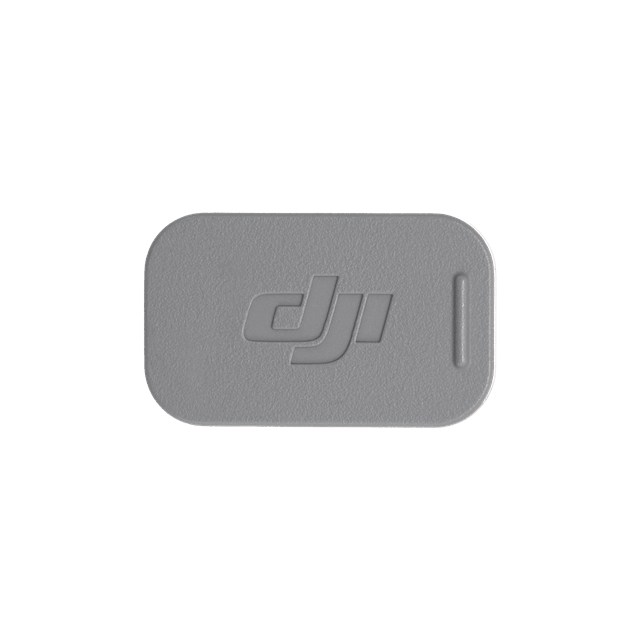
DJI Mic Mini 2S Magnetic Clip
× 2
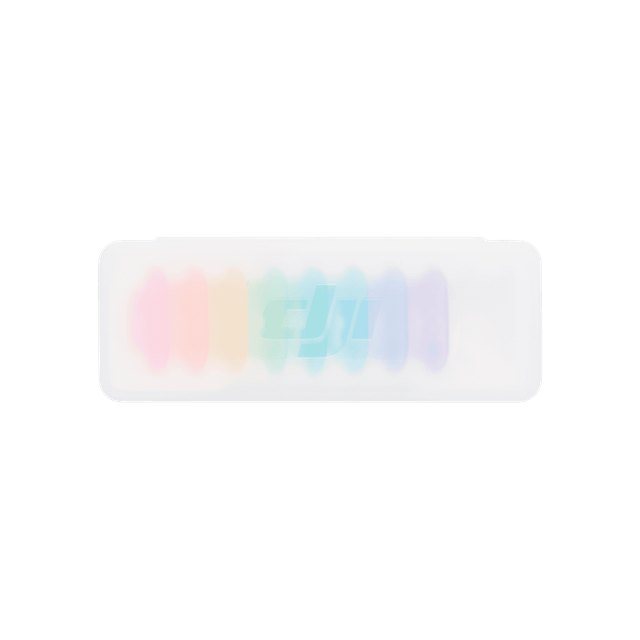
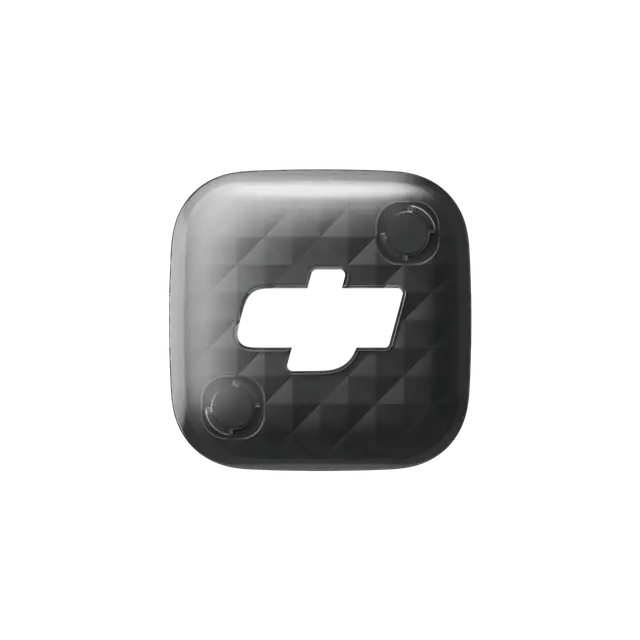
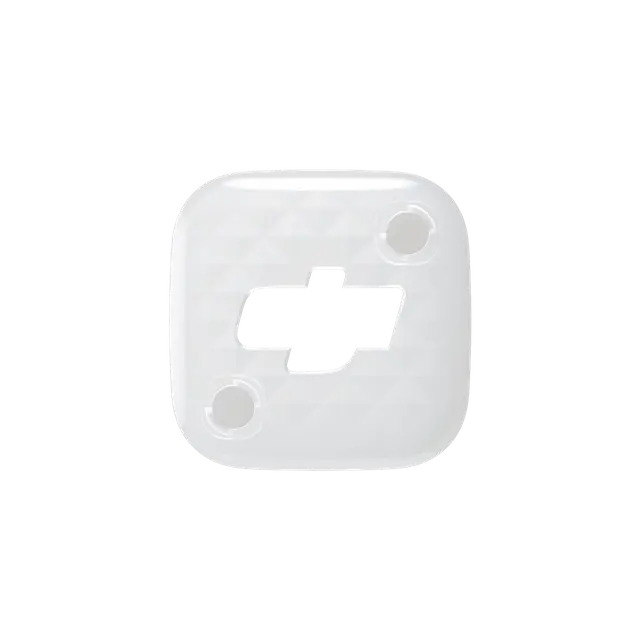
DJI Mic Mini 2S Multi-Color Magnetic Front Cover Set
× 1
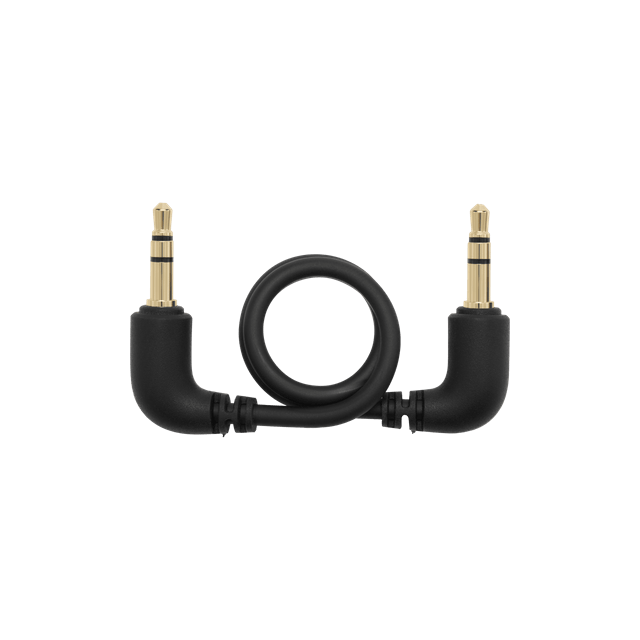
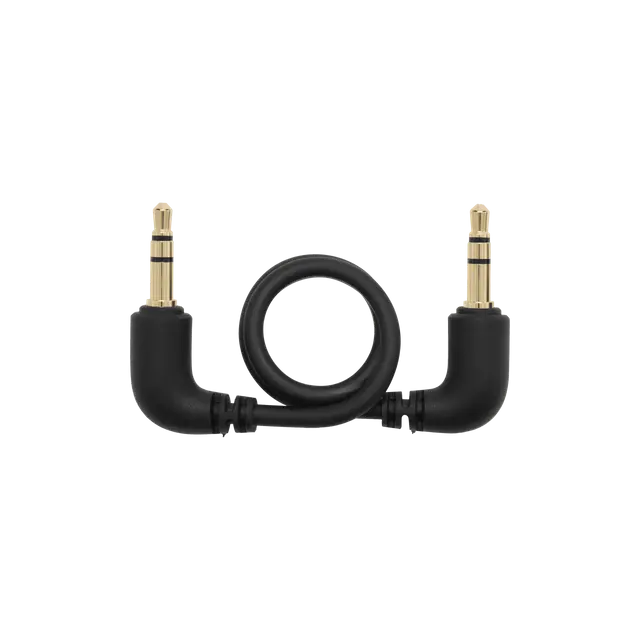
DJI Mic Mini 2S Camera Audio Cable (3.5mm TRS)
× 1

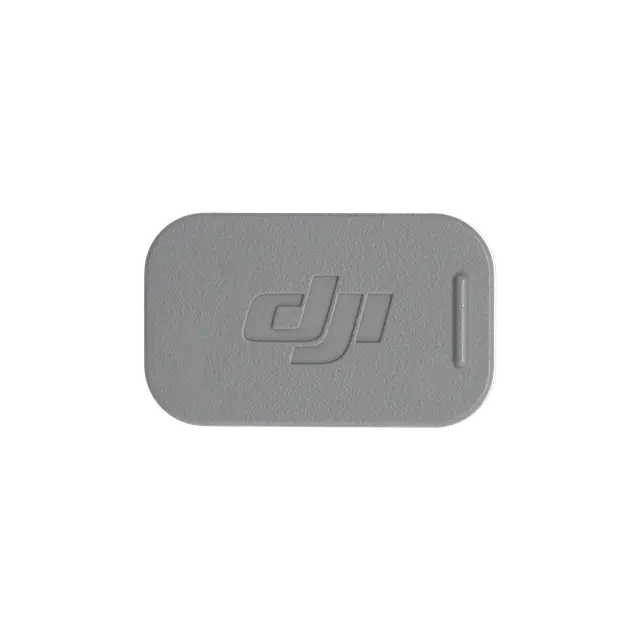
DJI Mic Mini 2S Magnetic Front Cover (Obsidian Black)
× 2

DJI Mic Mini 2S Magnetic Front Cover (Glaze White)
× 2

DJI Mic Mini 2 Windscreen (Black/Gray)
× 2
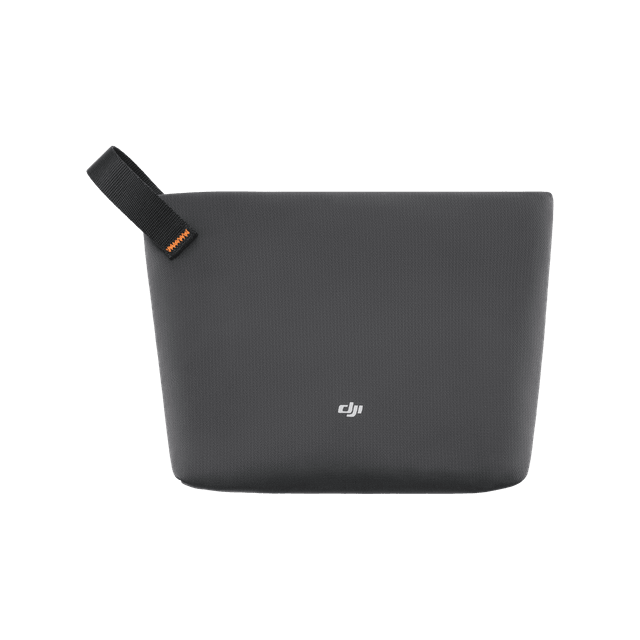
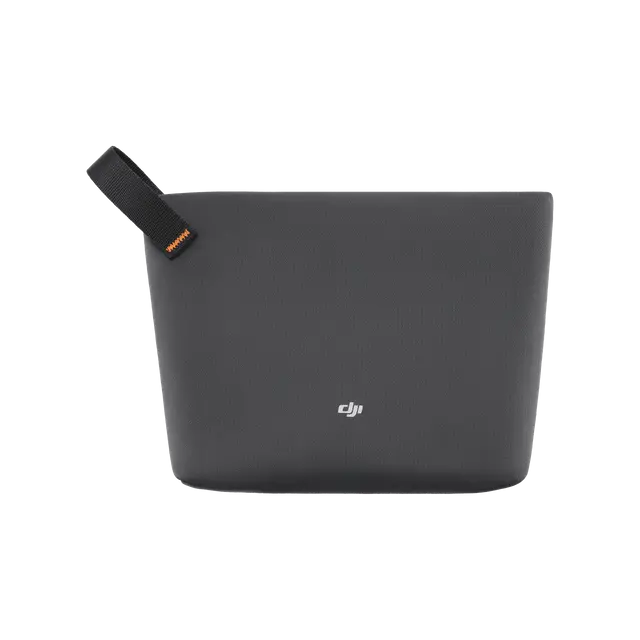
DJI Mic Mini Carrying Pouch
× 1
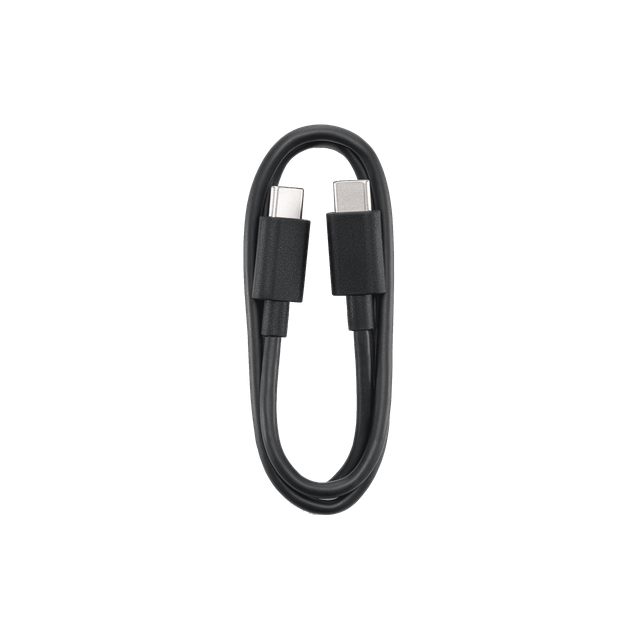
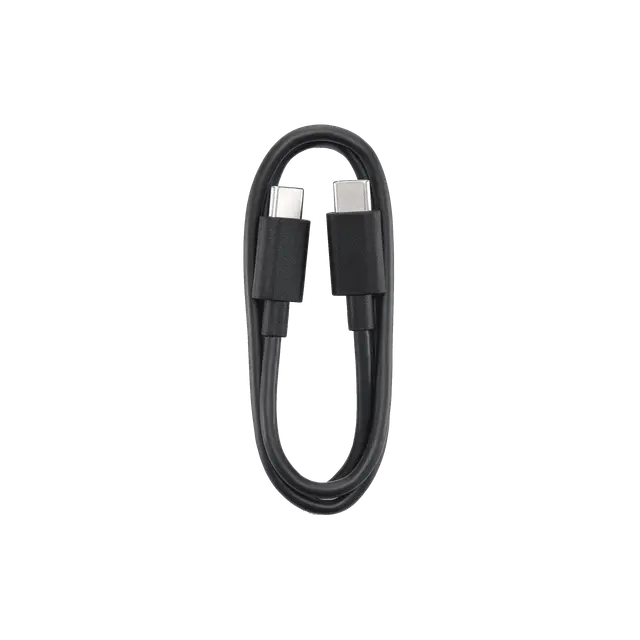
DJI Mic USB-C Charging Cable
× 1
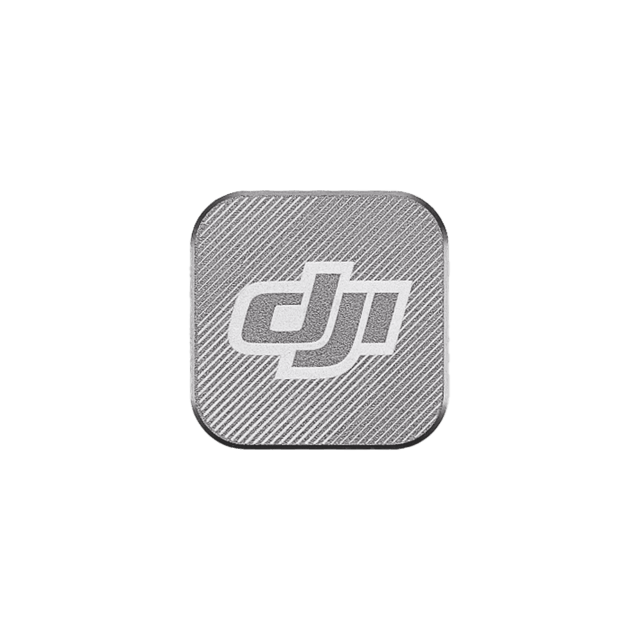
DJI Mic 3 Magnet
× 2
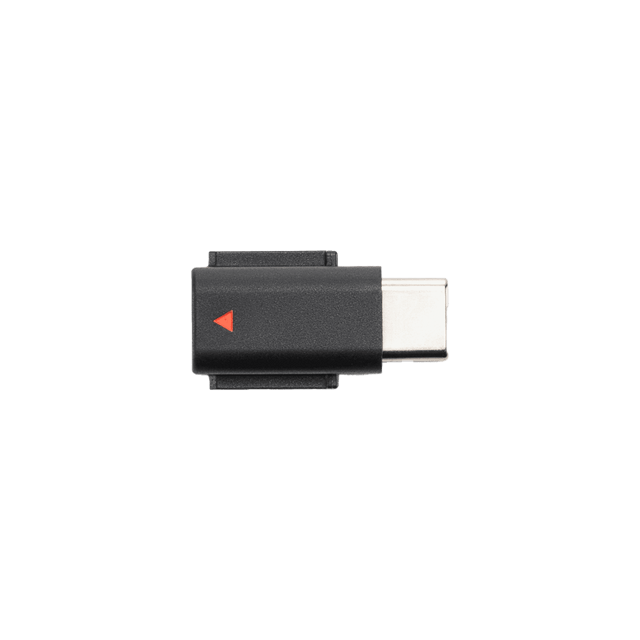
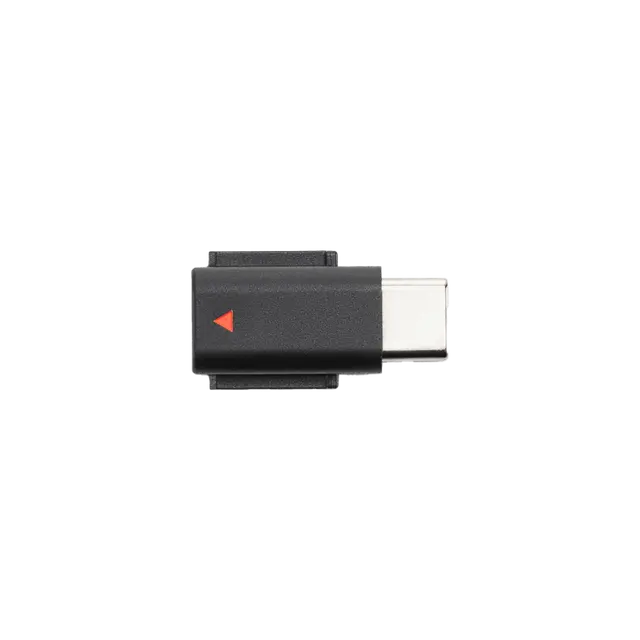
DJI Mic Mini Mobile Phone Adapter (USB-C)
× 1
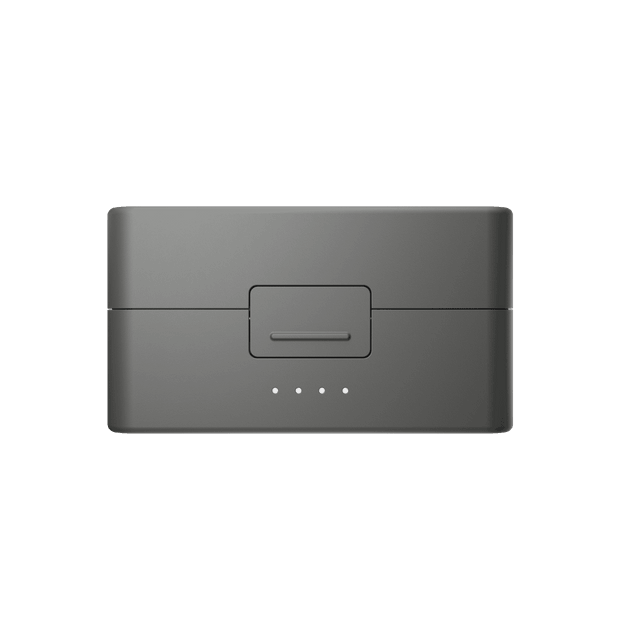
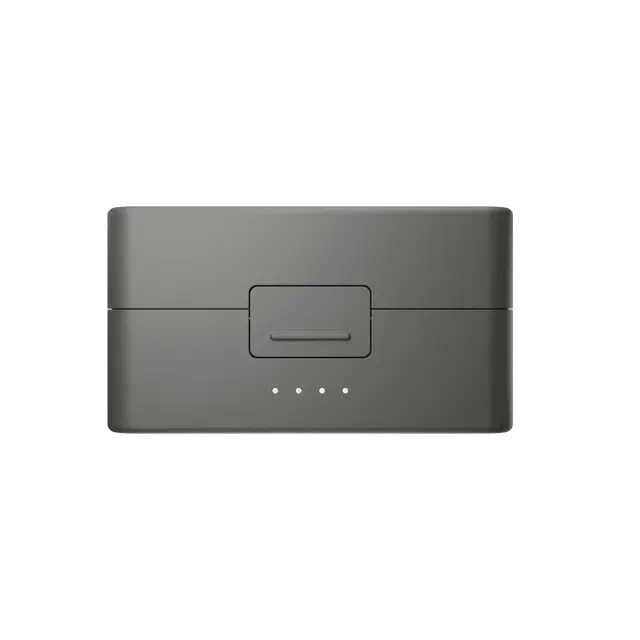
DJI Mic Mini 2S Charging Case
× 1
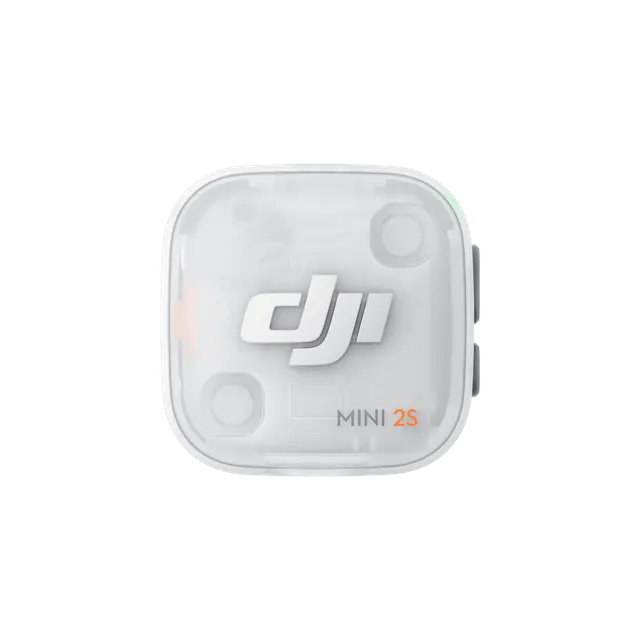
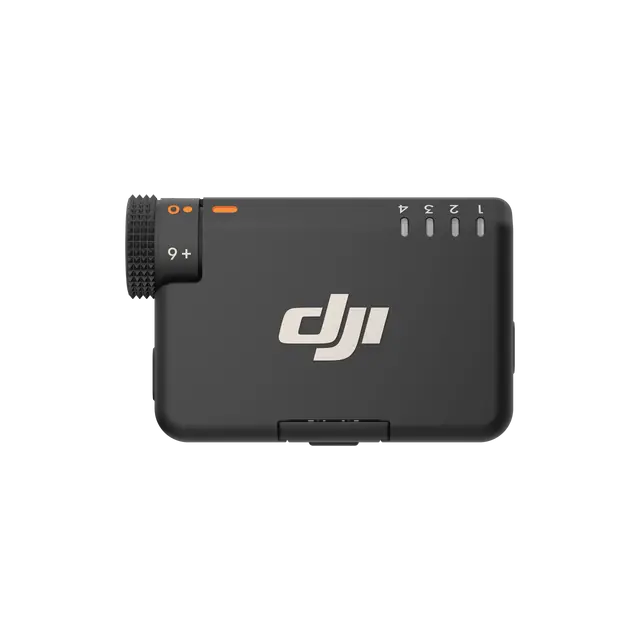

Which is the Best for You?

From HKD $739
From HKD $389
From HKD $1,199
From HKD $269
 Dial + ButtonsDial + Buttons
 1.1-inch touchscreen + dial
 Dial + buttons
Dynamic (Loudness Balance)
 Approx. 14.5 GB, 24-bit/32-bit float internal recording
Single-file internal recording
 Approx. 27.9 GB, 24-bit/32-bit float
Dual-file internal recording
Receiver: 10 Hours
Charging case: 40 Hours
Receiver: 10.5 hours
Charging case: 48 hours
Receiver: 10 hours
Charging case: 28 hours
Receiver: 10.5 hours
Charging Case: 48 hours
 Timecode
Let’s Answer Your Questions
What can I use DJI Mic Mini 2S with?
What are the differences between different DJI Mic Mini 2S combos? How should I choose?
Do I need to activate DJI Mic Mini 2S?
What functions do the DJI Mic Mini 2S Charging Case and DJI Mic Mini 2 Charging Case (1 TX + 1 functionsMobile RX) provide?
Are the DJI Mic Mini 2S Transmitter and Receiver compatible with DJI Mic, Mic 2, Mic 3, Mic Mini, and Mic Mini 2?
What is the maximum transmission distance between the DJI Mic Mini 2S Transmitter and Receiver?
How long does it take to fully charge the transmitter and receiver using the DJI Mic Mini 2S Charging Case? How long does it take to fully charge the charging case separately?
What devices can the DJI Mic Mini 2S Transmitter connect to wirelessly? How many transmitters can these devices connect to simultaneously?
What is the internal storage of the DJI Mic Mini 2S Transmitter? Does the transmitter support external SD cards for storage?
Can DJI Mic Mini 2S charge both the phone and the receiver simultaneously?
Does the mobile receiver support charging the phone while in use?
Still have questions? Get help from a DJI expert.
* The transmitter images on the DJI Mic Mini 2S packaging may vary slightly from the actual product. Please refer to the physical item received. This cosmetic difference does not affect the product's functionality or performance.
1. 32-bit Float Internal Recording is disabled by default and can be enabled via the DJI Mimo app. While 32-bit float recording significantly improves dynamic range, the effective range depends on the microphone's physical characteristics. For detailed specifications, refer to the Specs page on the official DJI Mic Mini 2S website.
2. The DJI Mic Mini 2S Transmitter features approximately 14.5GB built-in storage and can record up to 28 hours of audio in the default 24-bit internal recording mode. In the 32-bit internal recording mode, it can record up to 22 hours of audio.
3. For the 4TX + 1RX setup, transmitters not included in the combo are sold separately. DJI Mic Mini 2S supports mixed connection with DJI Mic Mini and Mic Mini 2. The DJI Mic Mini 2S Receiver can connect to Mic Mini, Mic Mini 2, and Mic Mini 2S transmitters (supporting up to four transmitters). The DJI Mic Mini 2S Transmitter can connect to Mic Mini and Mic Mini 2S receivers, or the DJI Mic Series Mobile Receiver. For details, visit the Downloads page of the DJI Mic Mini 2S website for the DJI Mic Series Mobile Receiver Cross-Model Compatibility List.
4. The DJI Mic Mini 2S Transmitters can directly connect to select DJI products. For details, please visit the Downloads page of the DJI Mic Mini 2S website for the OsmoAudio Compatibility List.
5. The Noise Canceling feature is disabled by default. It can be enabled via the transmitter button or DJI Mimo app, while the noise canceling level (Strong or Basic) can be set via the app. When using the receiver with multiple transmitters, noise canceling can be enabled/disabled for all transmitters simultaneously. When the transmitter is connected to a DJI OsmoAudio ecosystem device, the Noise Canceling feature can be set directly on the device's interface. The noise cancelation switch on the DJI Mic Series Mobile Receiver allows quick adjustment of noise cancelation levels (Off = O, Low = L, High = H). Note that if the internal recording file type is set to Original File, noise canceling will not apply to the internally recorded file but will still affect the audio signal transmitted to the receiver.
6. The Voice Tone Preset modes can be selected via the DJI Mimo app, with the default set to Regular. Note that if the internal recording file type is set to Original File, voice tone presets will not apply to the internally recorded file but will still affect the audio signal transmitted to the receiver.
7. The Adaptive Gain Control feature can be configured via the DJI Mimo app, and it is turned off by default.
8. The DJI Mic Mini 2S Charging Case can store up to: 2 transmitters, 2 magnetic clips, 2 magnetic front covers, 2 magnets, 2 windscreens, 1 DJI Mic Mini 2S Receiver, 1 DJI Mic Series Mobile Receiver, 1 Mic Mini 2S Camera Audio Cable (3.5mm TRS), and 1 Mic Mini Mobile Phone Adapter. To prevent product damage, avoid stacking items in the charging case. Note: The DJI Mic Series Mobile Receiver is not included in the DJI Mic Mini 2S (2 TX + 1 RX + Charging Case) combo and is sold separately.
9. The DJI Mic Mini 2S Multi-Color Magnetic Front Cover Set is not included in certain combos and is sold separately. Obsidian Black and Glaze White magnetic front covers are standard accessories included with the DJI Mic Mini 2S (2 TX + 1 RX + Charging Case) combo, so users do not need to purchase them separately. Please note that all aforementioned magnetic front covers are compatible only with the DJI Mic Mini 2S Transmitter.
10. The approx. 40-hour operating time was measured using DJI Mic Mini 2S (2 TX + 1 RX + Charging Case) paired with a fully charged charging case, with features such as noise cancelation and internal recording off, during close-range audio recording under interference-free conditions, with both transmitters connected to the receiver and the receiver connected to a camera via the 3.5mm audio cable.
11. Both the transmitter and receiver can provide up to 1 hour of operating time with just a 5-minute charge. This 5-minute charge was measured with the transmitters and receiver battery levels below 25%, using a charger of 5V output. The operating time was measured with noise cancelation off, during close-range audio recording under interference-free conditions, with both transmitters connected to the receiver, and the receiver connected to a camera via the 3.5mm audio cable. Data was collected in a controlled environment and should be taken as reference only.
12. To enable four-channel output, additional accessories must be purchased separately. The four-channel output feature is only supported by certain Sony camera models (requiring the DJI Mic Series Camera Adapter) and certain computer software (via USB output). For details, refer to the compatibility list on the Downloads page of the official DJI Mic Mini 2S website.
13. For a list of compatible devices, refer to the Downloads page on the official DJI Mic Mini 2S website.
14. Only one transmitter can be directly connected and used as the audio input source at a time.
15. When connected directly to a smartphone via Bluetooth, the transmitter does not support audio recording with the phone's native camera app; it only works with third-party apps. For a list of compatible apps, refer to the Downloads page on the DJI Mic Mini 2S official website.
16. Internal recordings can be saved as either Original File or an algorithm-enhanced Edited File. The default setting is the Edited File. To change this format: when the transmitter is directly connected to a compatible smartphone or a DJI OsmoAudio ecosystem device, make the selection via the phone or device interface; when the receiver is connected to a smartphone, configure it via the DJI Mimo app. Algorithm-based enhancements include voice tone presets, low cut, noise cancellation, and adaptive gain control.