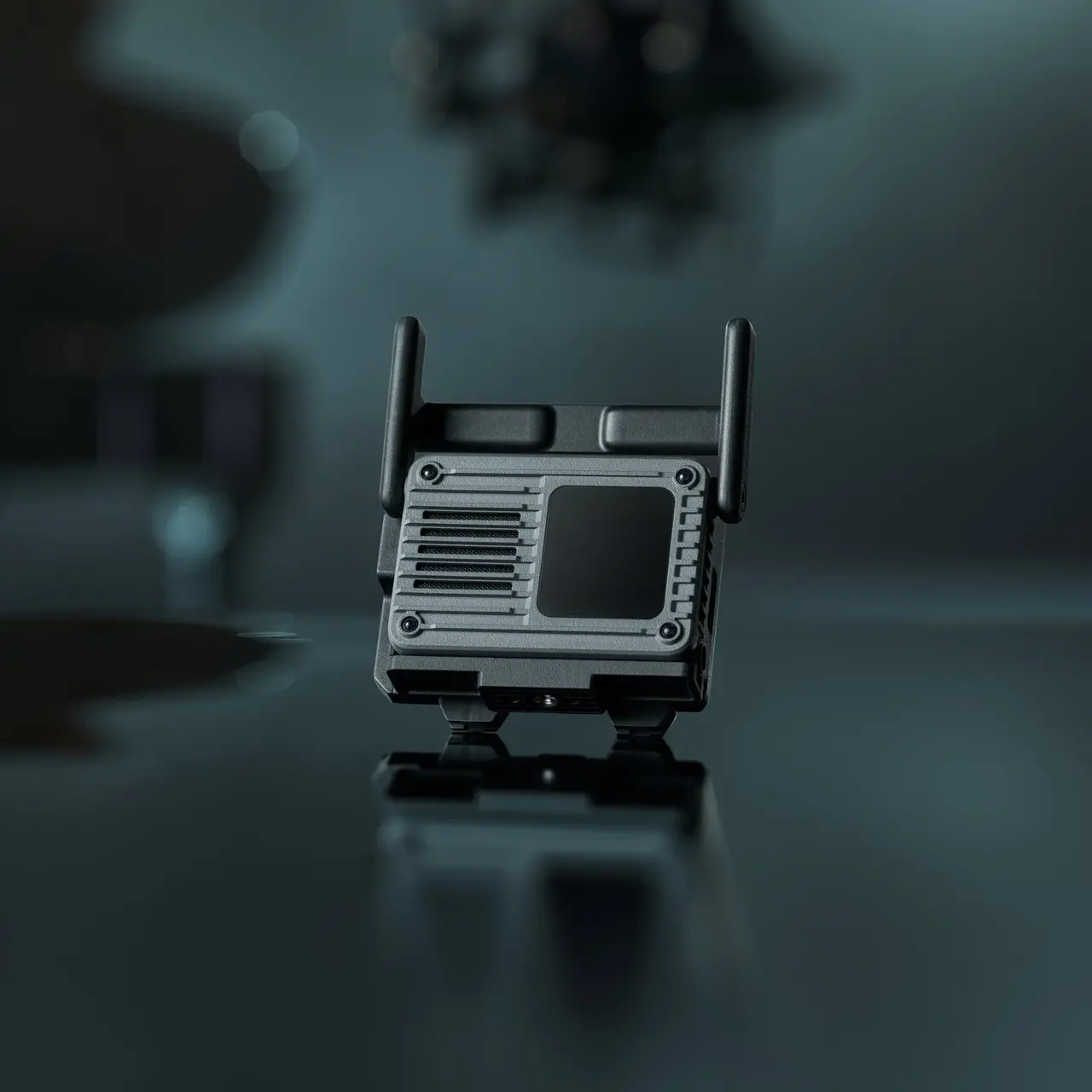


DJI SDR Transmission 2
Select Option
Take a Closer Look
1 TX to 8 RX With Control, Multi-Group Transmission [1]
A single transmitter feeds up to eight receivers, each with remote control. Up to five transmitters and 40 receivers can operate simultaneously. Even in complex on-set environments, the wireless camera feed stays stable without sacrificing 4K image quality [3].
![Auto Channel 2.0 [2] for Seamless, Stable Feed](//se-cdn.djiits.com/tpc/uploads/core_selling_point/image/3ccf08722c0c3dd72ff3cfc5684d6838@origin.png?format=webp)
Auto Channel 2.0 [2] for Seamless, Stable Feed
With Auto Mode enabled, transceivers recognize one another and intelligently coordinate frequencies. More accurate spectrum scanning and conflict diagnostics allow each unit to hop frequencies seamlessly [9] as conditions change, maintaining a stable connection despite interference, even with multiple systems running side by side.
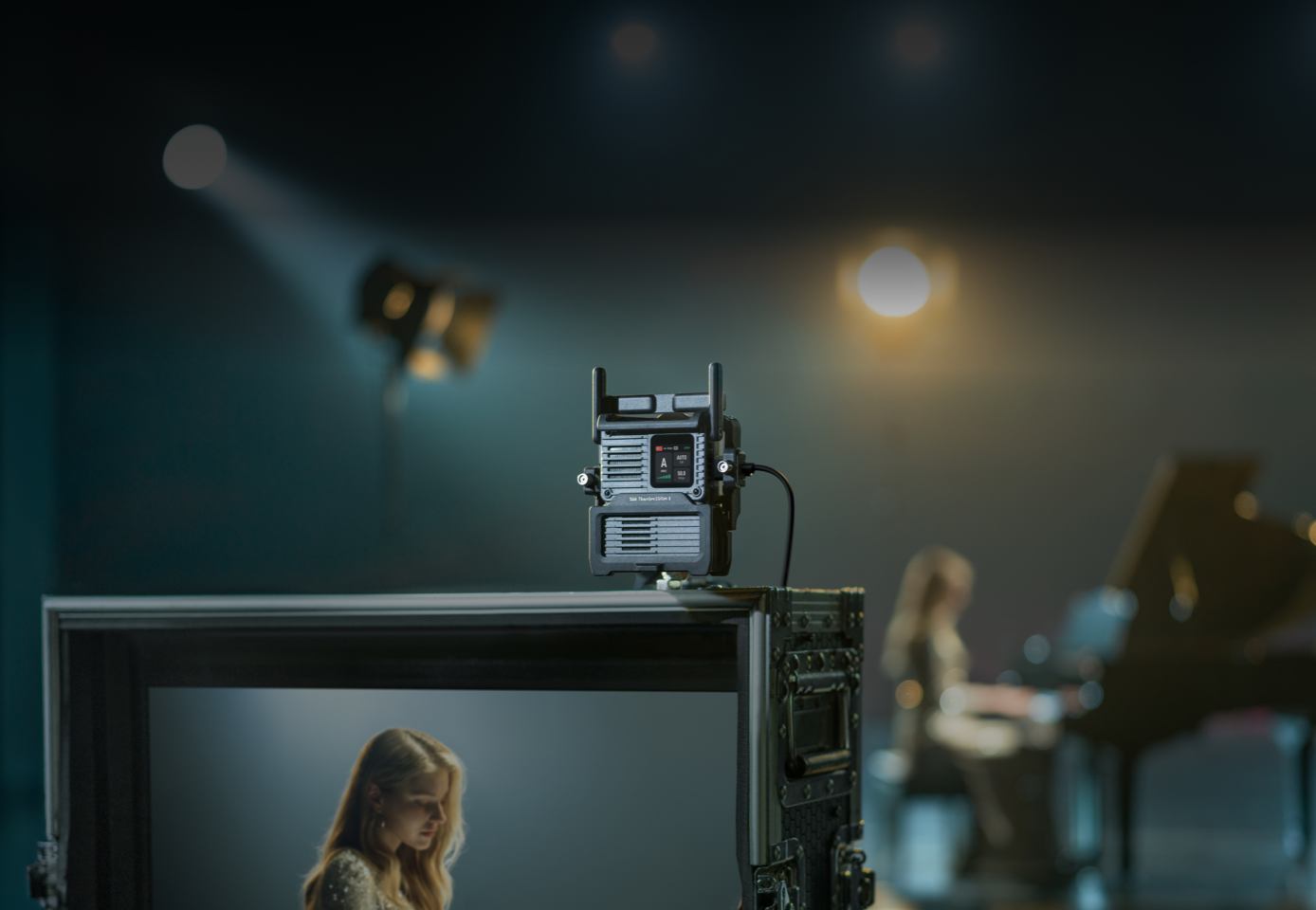
SDR, Evolved
It transmits DCI 4K/60fps, 10-bit HDR [3], and H.265 video at bitrates up to 50 Mbps [10] for ultra-high-definition monitoring. The transmission range reaches up to 4 km [4], easily handling everything from stadiums to dynamic car shoots. With latency as low as 35 ms [5], the video feed is near-instant, making remote commands like focus pulls and gimbal moves highly responsive.
TX/RX Switchable
The transceiver design lets you switch between TX and RX on the fly. There is no need to decide your TX-to-RX ratio in advance, so every unit adapts to whatever the shoot calls for. Weighing only about 136 g, the unit reduces the load on handheld gimbals and mounts easily across a wide range of camera setups. It also provides 1 HDMI and 2 USB-C ports.
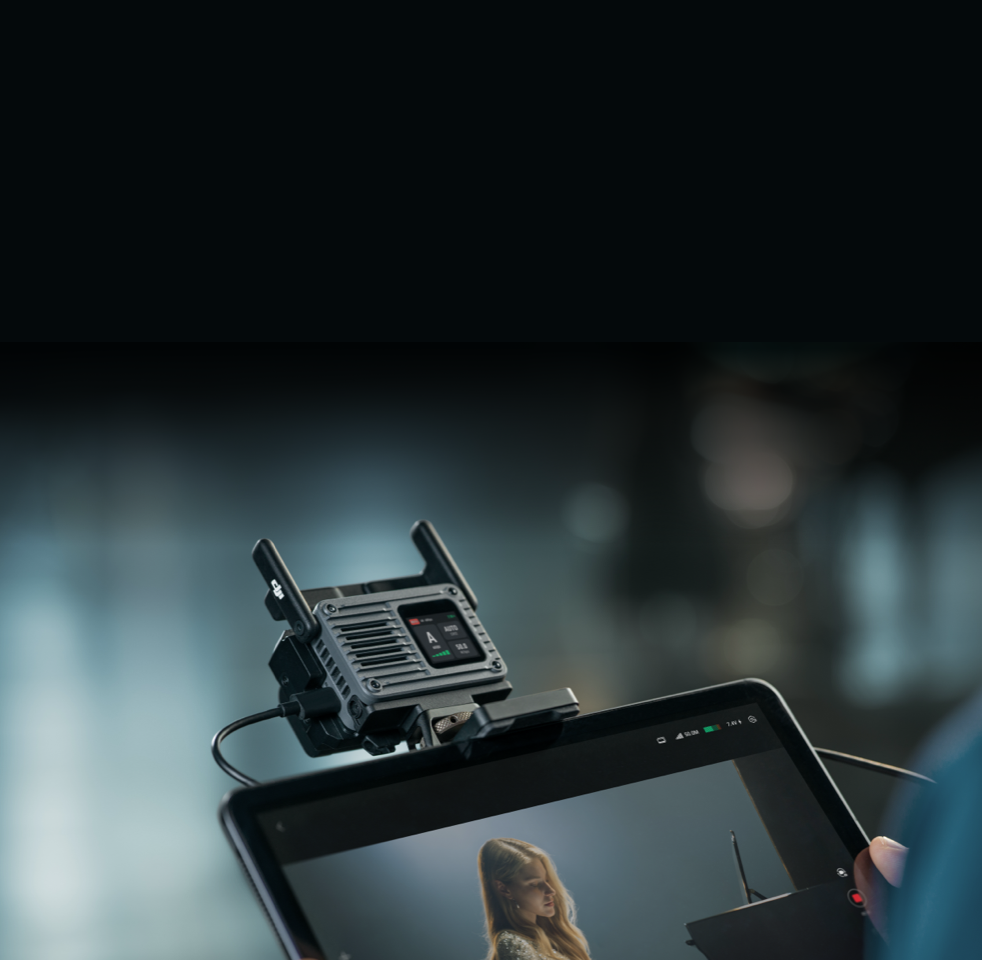
Pro Monitoring, Flexible Output
Quickly switch between camera feeds directly from the transceiver or the DJI Ronin app. Output the ultra-high-definition, low-latency video feed to pro monitors via SDI [11], HDMI, or DP ports. You can also connect a smartphone or tablet to the receiver [12] via USB-C for a stable, high-bitrate wired monitoring feed.
![Ronin Ecosystem [6] and Beyond](//se-cdn.djiits.com/tpc/uploads/core_selling_point/image/5d221d1aa279abd39c3d7ee7fa6f8c1a@origin.png?format=webp)
Ronin Ecosystem [6] and Beyond
When paired with DJI RS series gimbals [6], you can wirelessly control gimbal movements and trigger recording with your smartphone. Connect to DJI Ronin 2 and Master Wheels [6] to precisely control heavy cinema cameras on car mounts or crane rigs. Or, link an Osmo Action or Pocket series device [7] for a lightweight setup to capture sports and other unique angles.
![Auto Channel 2.0 [2] for Seamless, Stable Feed](https://se-cdn.djiits.com/tpc/uploads/core_selling_point/image/3ccf08722c0c3dd72ff3cfc5684d6838.webp)


![Ronin Ecosystem [6] and Beyond](https://se-cdn.djiits.com/tpc/uploads/core_selling_point/image/5d221d1aa279abd39c3d7ee7fa6f8c1a.webp)
In the Box
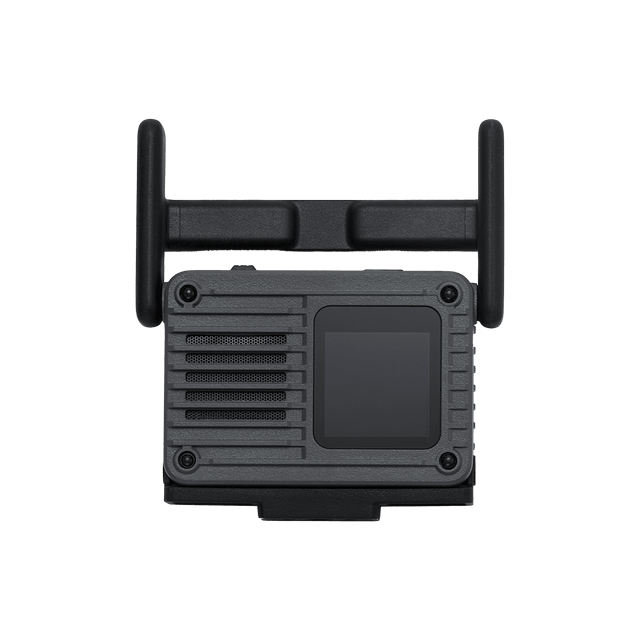
DJI SDR Transmission 2 Transceiver
× 1
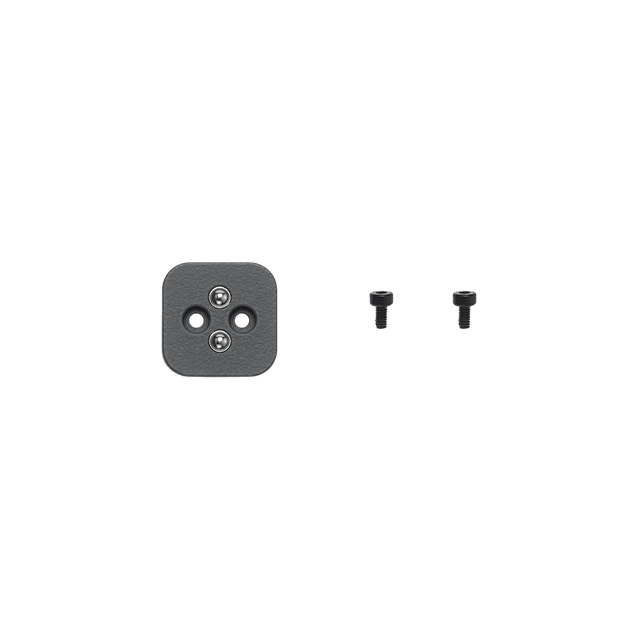
DJI SDR Transmission 2 Camera Cold Shoe Adapter
× 1
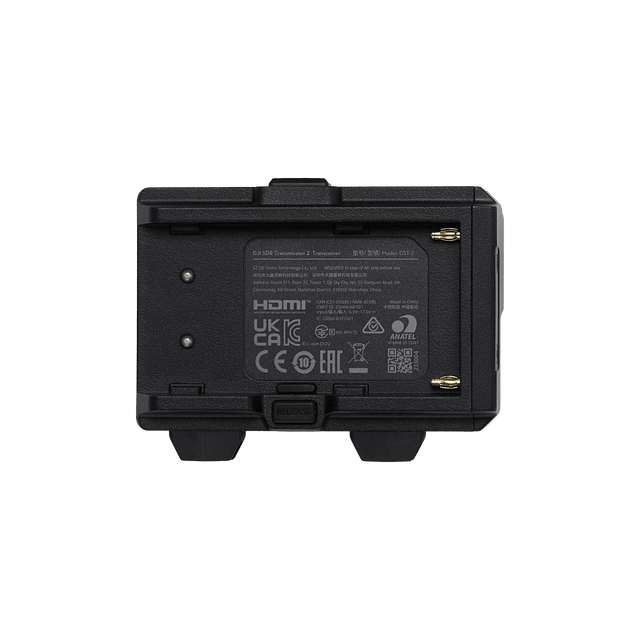
DJI SDR Transmission 2 NP-F Battery Adapter
× 1
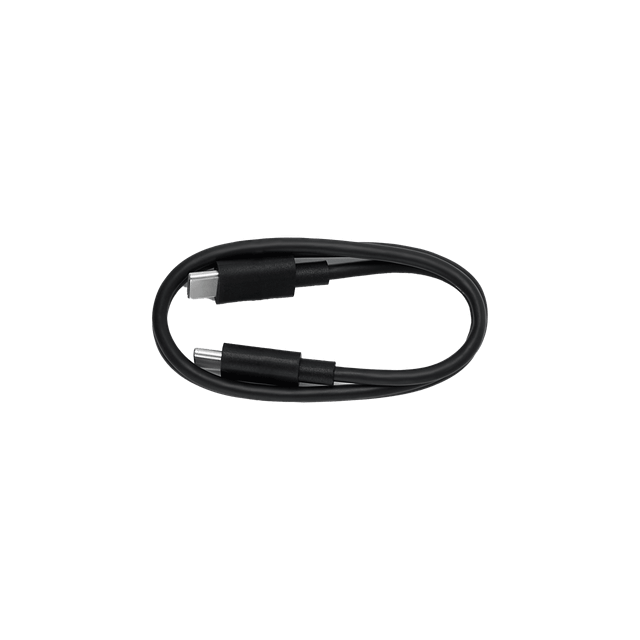
Firmware Update Cable (USB-C to USB-C, 50 cm)
× 1


Which is the Best for You?


 1 TX to 8 RX With Control; TX/RX Switchable for Flexible Deployment
 Broadcast: unlimited RX; Fixed TX/RX
 Max Video Format
 Max Video Format
Let’s Answer Your Questions
Does DJI SDR Transmission 2 support channel quality monitoring?
Does DJI SDR Transmission 2 support monitoring using a smartphone or tablet?
Can DJI SDR Transmission 2 be used simultaneously with other wireless devices, such as wireless microphones?
What batteries does DJI SDR Transmission 2 support?
Which Ronin ecosystem products are compatible with DJI SDR Transmission 2?
What cable is needed to connect DJI SDR Transmission 2 to DJI RS 5?
Does DJI SDR Transmission 2 support connection with DJI Focus Pro?
What camera functions can DJI SDR Transmission 2 control?
Are there any distance requirements between multiple transceivers?
How do I set the channel on DJI SDR Transmission 2?
Can the SDI, DP, and HDMI ports be used simultaneously?
Can the transceiver (RX) output video from multiple ports simultaneously?
Can the transceiver charge a smartphone or tablet when connected via a cable?
Can I import LUTs?
What cables are available for DJI SDR Transmission 2?
Still have questions? Get help from a DJI expert.
* Actual experience may vary depending on the environment, usage, and firmware version. For details, visit the product page on the official DJI Store.
1. For the optimal transmission experience, it is recommended to operate no more than five transmitters simultaneously in the same area. DJI SDR Transmission 2 cannot be cross-connected with other DJI video transmission products.
2. Auto Channel 2.0 activates when Channel Mode is set to Auto.
3. DCI 4K/60fps HDR requires connection via the HDMI or DP port (bottom USB-C port) on the transceiver main unit.
4. Measured under CE compliance using one TX and one RX in open, unobstructed, and interference-free controlled conditions.
5. Camera and screen display latency are not included. Measured when shooting 1080p/60fps and 4K/60fps video.
6. Supported models include DJI RS 5, RS 4 Pro, RS 4, RS 3 Pro, Ronin 2, and Master Wheels. Please note: When using with Ronin 2 or Master Wheels, the DJI SDR Transmission 2 Gimbal Control Cable (USB-C to 4-pin) is required (sold separately). When using with RS 4, RS 4 Pro, or RS 3 Pro, the DJI SDR Transmission 2 Gimbal Control Cable (USB-C to CAN) is required (sold separately).
7. Supports Osmo Action 6 and Osmo Pocket series (Osmo Pocket 4 and later) via USB-C for monitoring and power supply.
8. Compared to DJI SDR Transmission, this product features the upgraded Auto Channel 2.0, delivering better transmission performance when multiple groups of transmitters and receivers operate simultaneously. It supports video quality up to DCI 4K/60fps with a maximum encoding bitrate of 50 Mbps, and a transmission range of up to 4 km.
9. The 5.8 GHz and DFS frequency bands are prohibited in certain countries/regions. Check local laws and regulations for more information. 5.600-5.650 GHz is not used.
10. The maximum encoding bitrate is 50 Mbps, measured under controlled conditions. Actual encoding and transmission bitrates may vary depending on the environment and transmission distance.
11. The SDI port is available on the DJI SDR Transmission 2 Expansion Plate, which is sold separately.
12. Connect the transceiver (RX) to a smartphone or tablet via a USB-C to USB-C or USB-C to Lightning cable. Cable is not included.