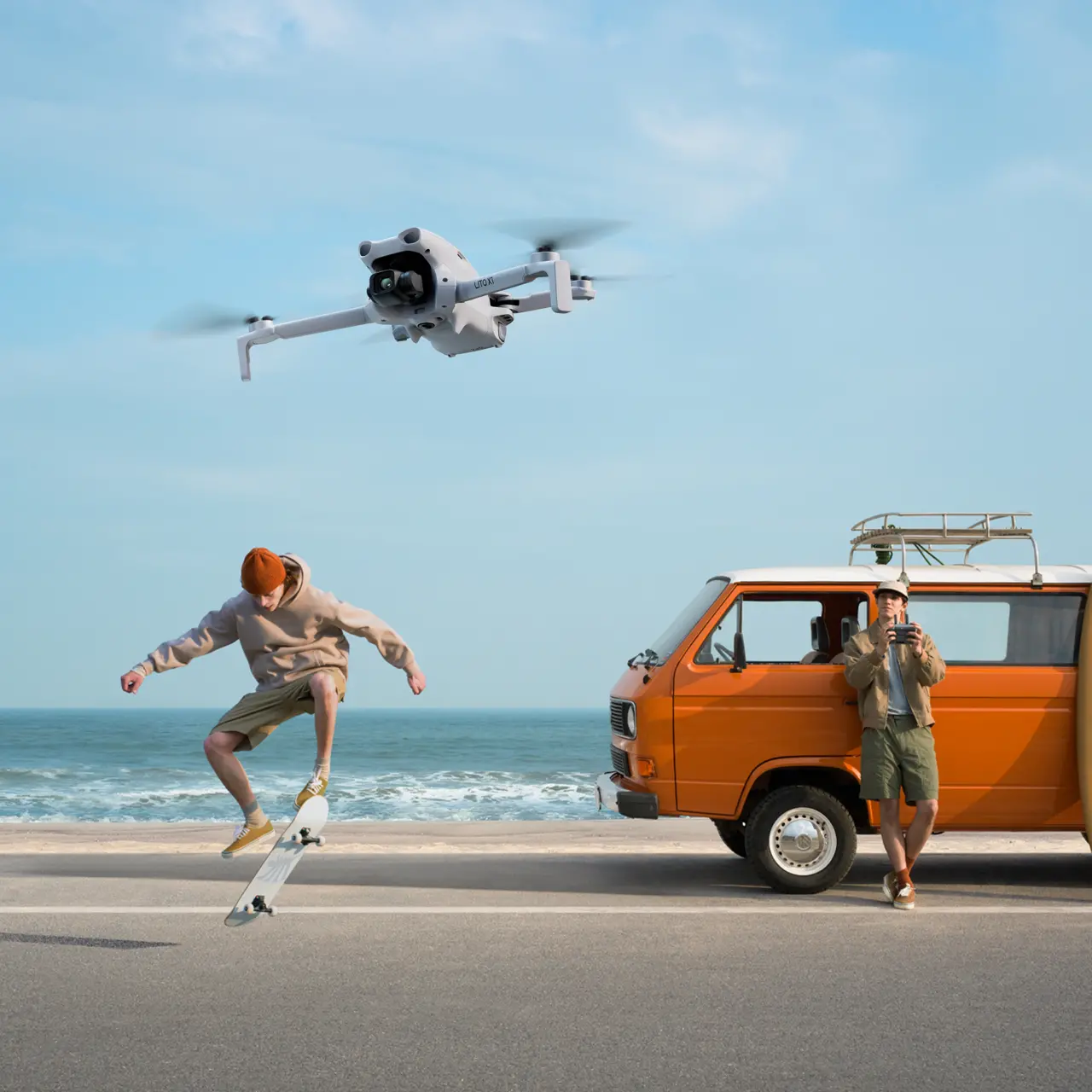


DJI Lito X1
Select Option
Take a Closer Look
Stunning Visuals in Every Frame
With a 1/1.3-inch CMOS sensor and f/1.7 aperture, Lito X1 captures rich daytime details and clean nightscapes.
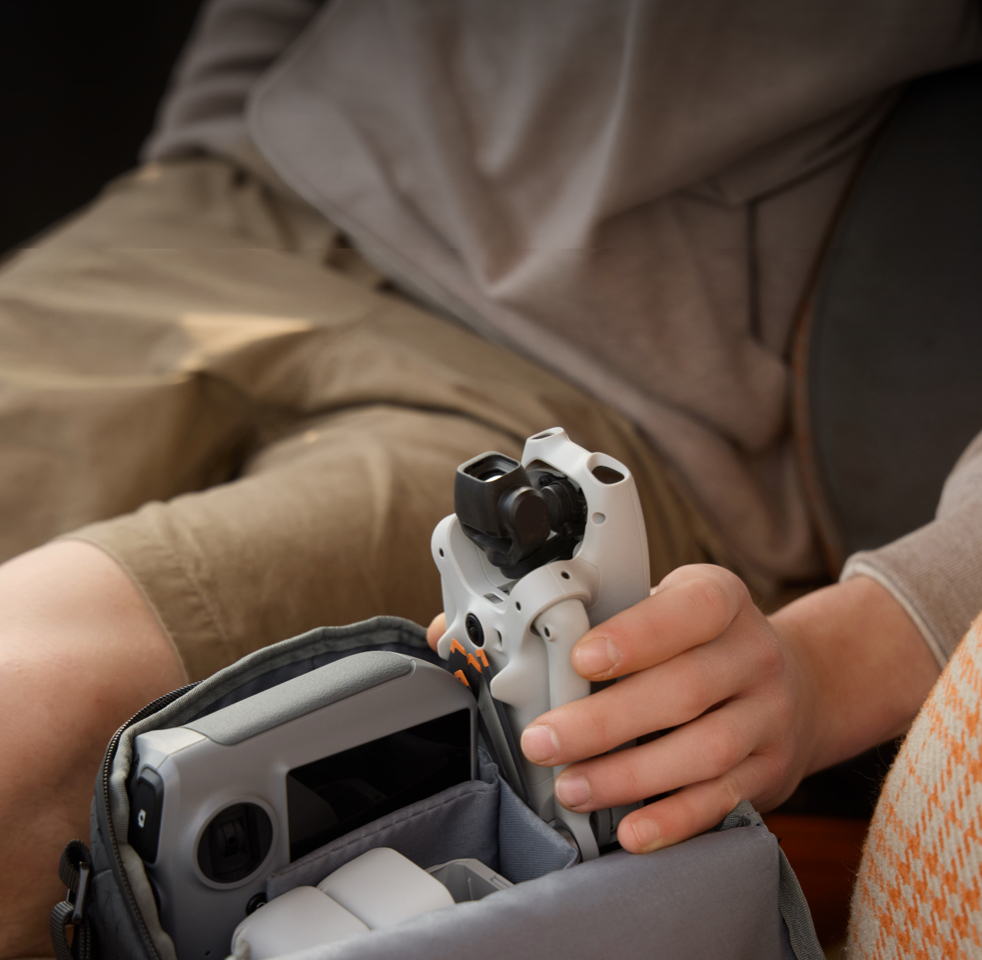
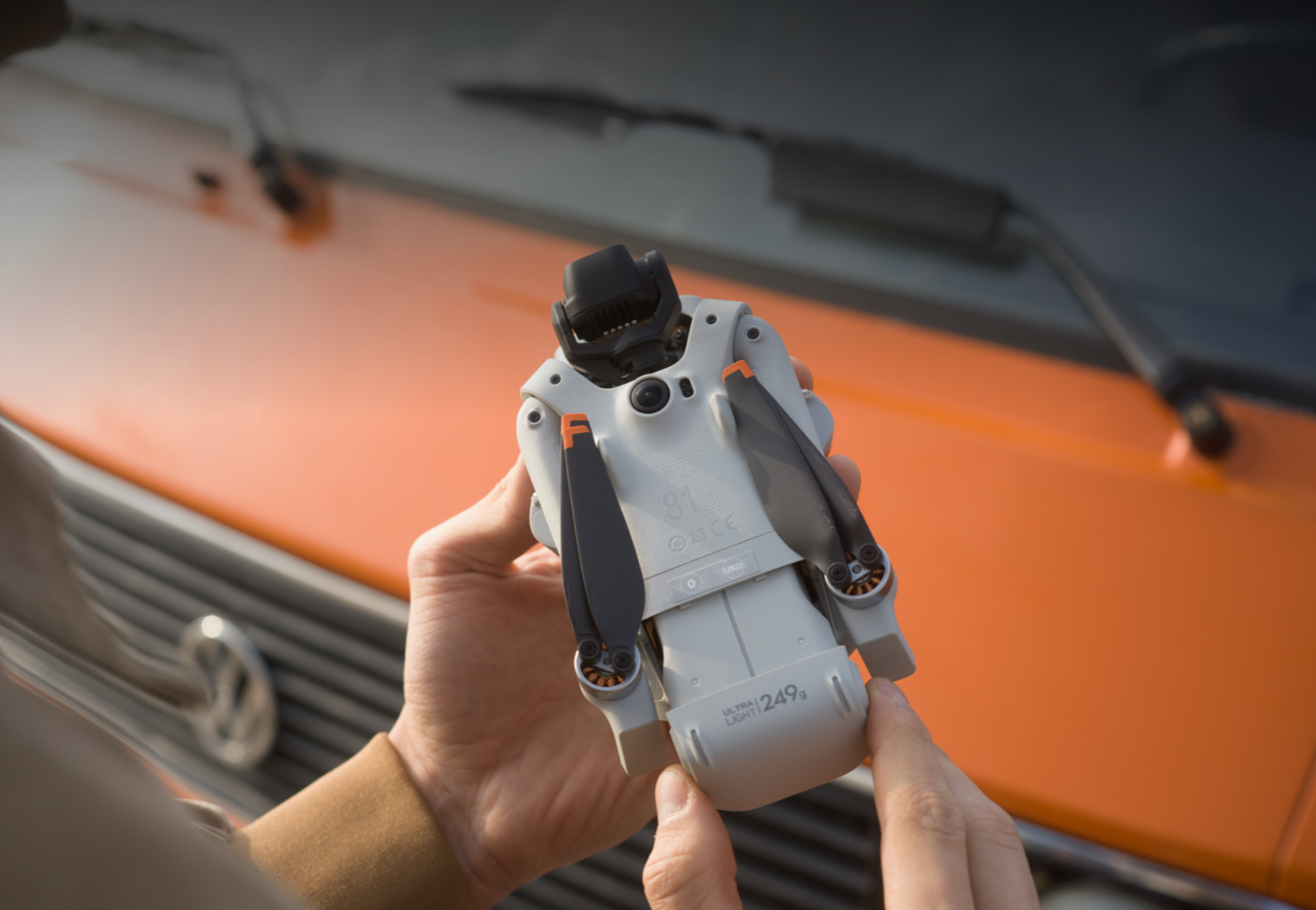
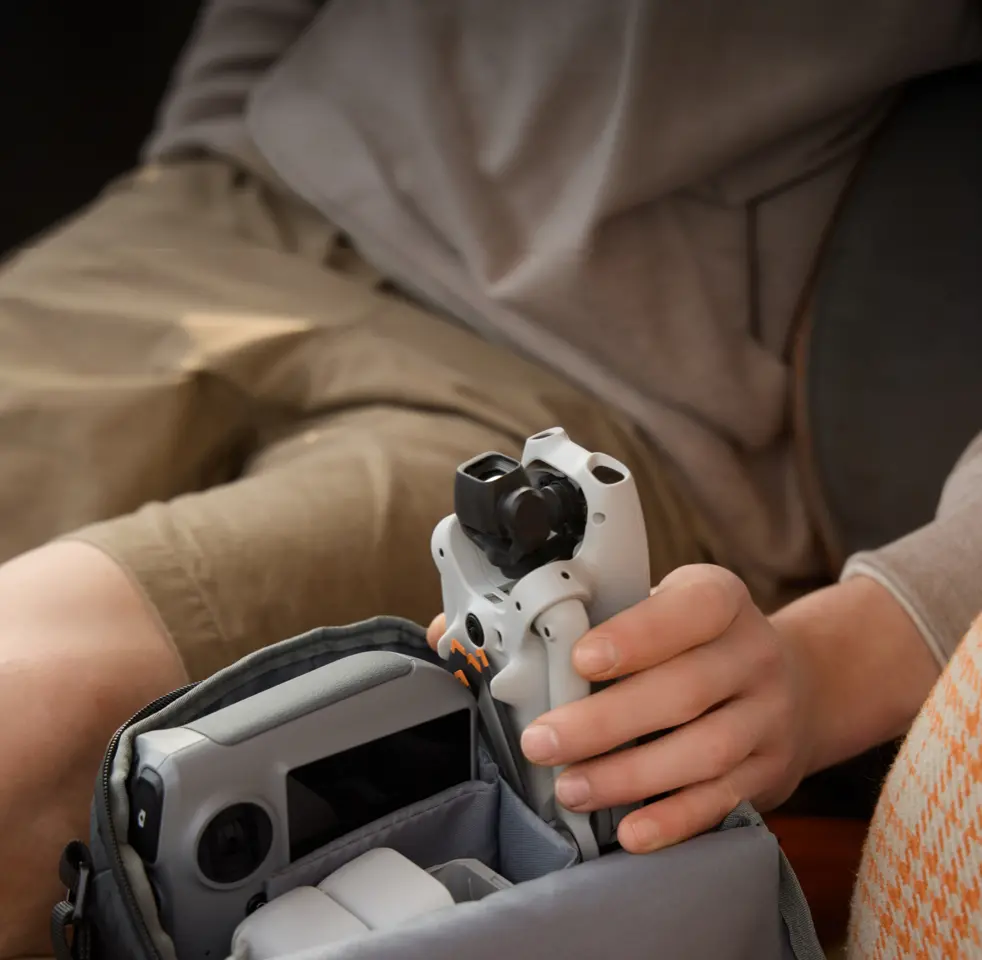
Pack Light and Fly With Ease
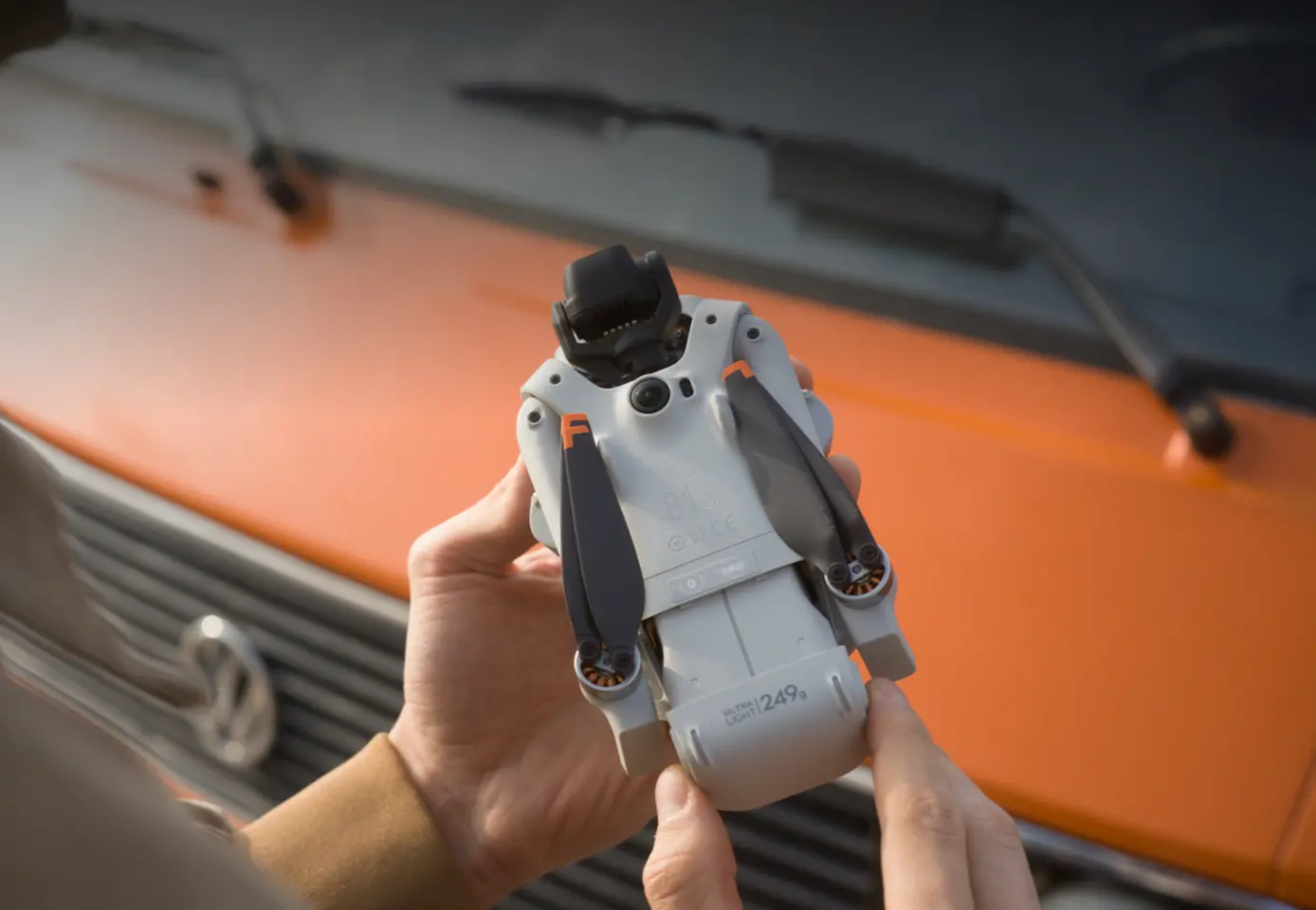
Folding to palm size, Lito X1 easily fits in your backpack. At under 249 g, it requires no training or exams in most countries and regions [3].
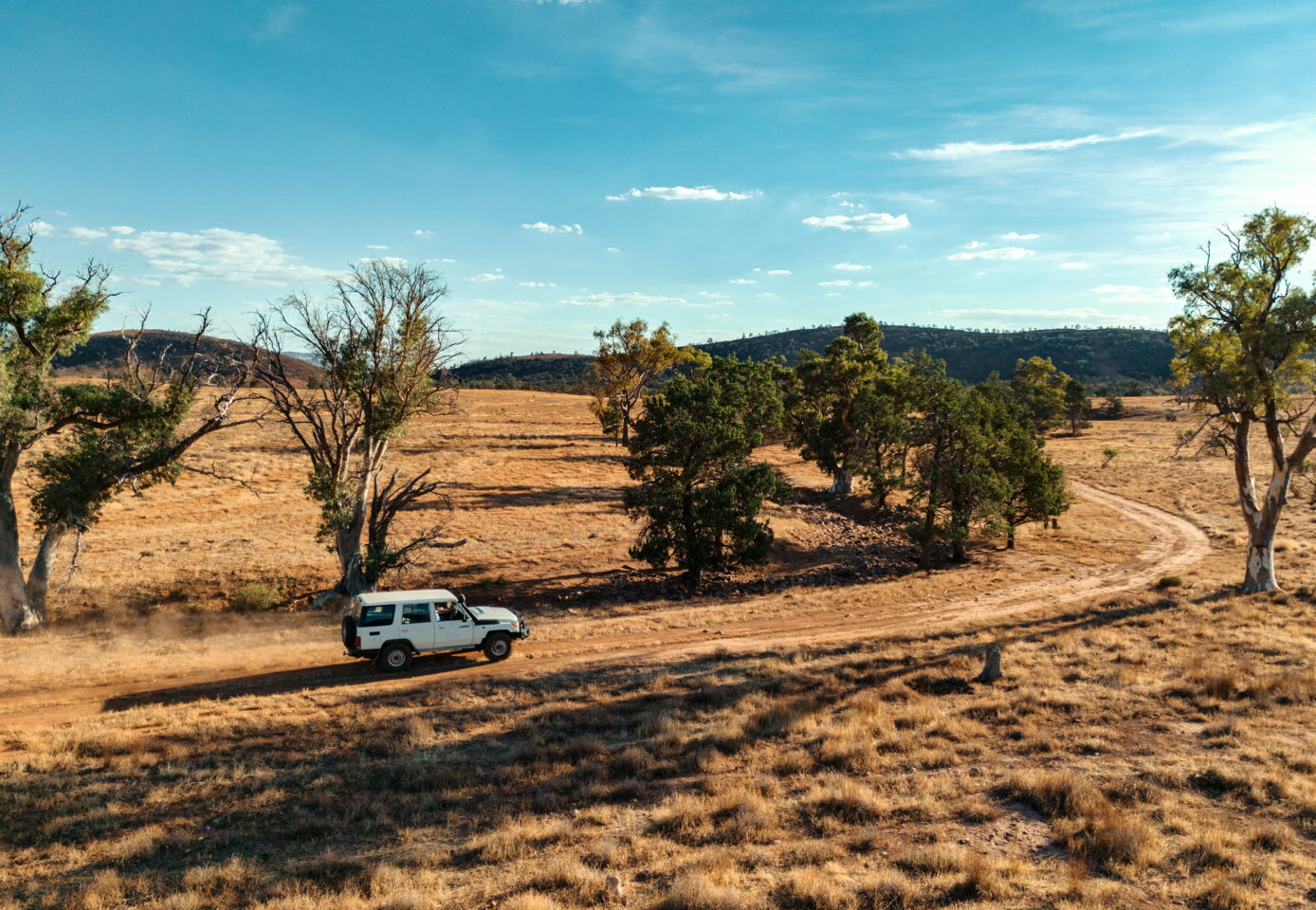
High-Quality Videos for Big Moments
Records 4K/60fps HDR videos [6] with 14 stops of dynamic range [7] and 4K/100fps slow-motion videos [6]. 10-bit D-Log M facilitates post-editing.
![Obstacle Sensing [1], Confident Flying](//se-cdn.djiits.com/tpc/uploads/core_selling_point/image/389df6cbe922d4ba5fcacf4c667c1b46@origin.jpg?format=webp)
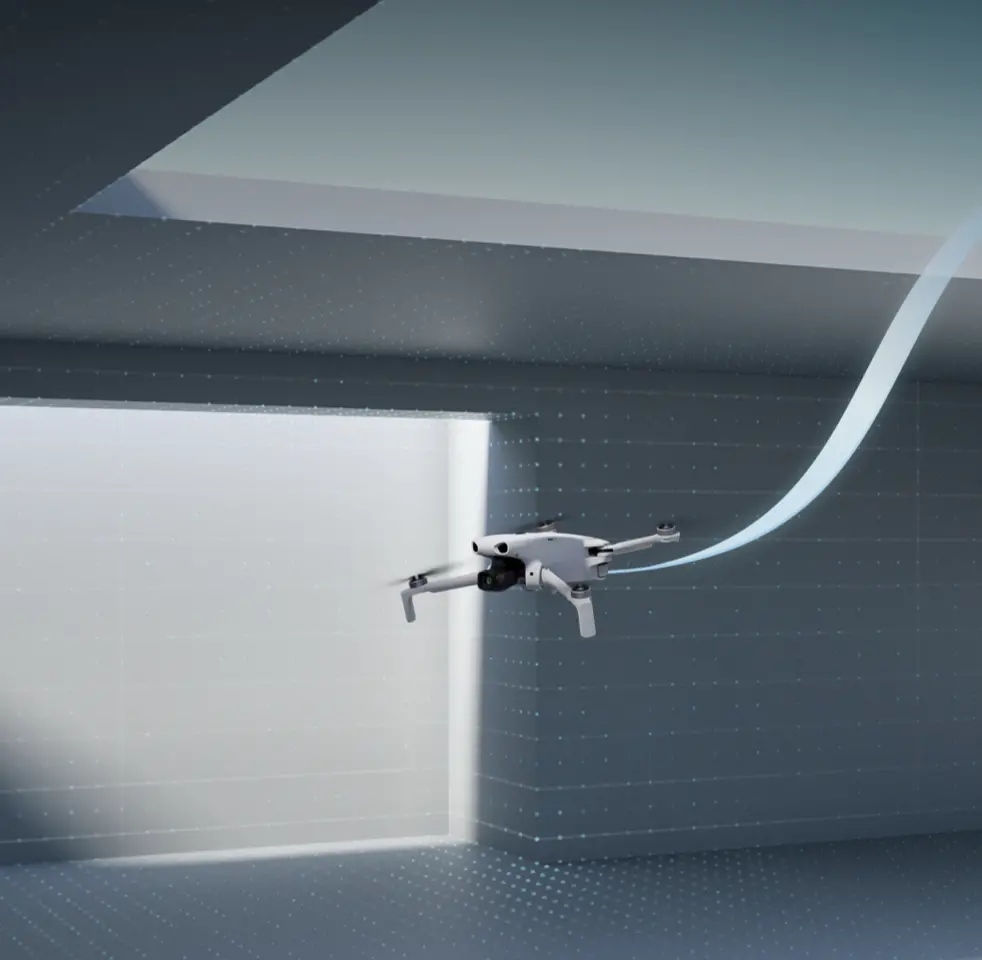
Obstacle Sensing [1], Confident Flying
The omnidirectional vision system and forward-facing LiDAR avoid obstacles like cliffs and trees [1], empowering beginners to fly confidently.
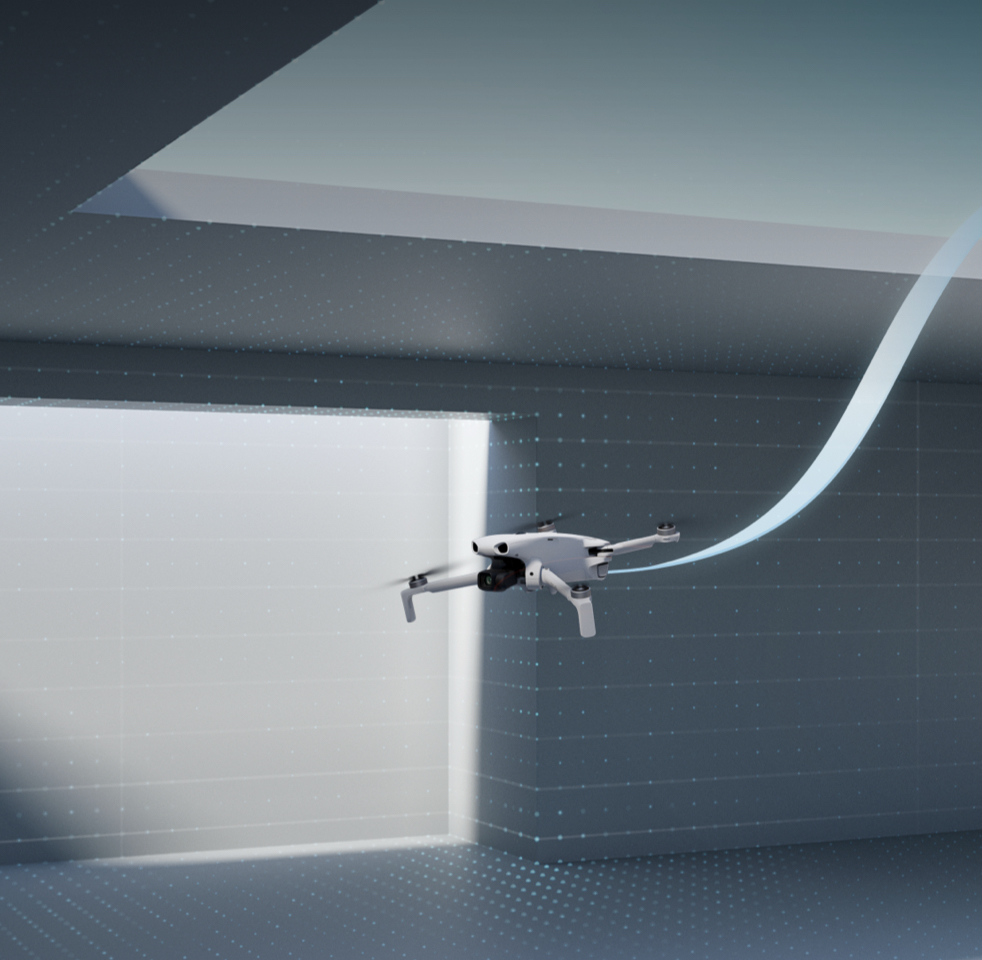
Quick Takeoff and Smart RTH Feature
Supports quick takeoff. By memorizing flight routes in well-lit environments [8], it ensures a safe RTH even without satellite signals.
Easy Creation Through Smart Modes
Provides multiple smart video modes that automatically handle complex camera moves, making creation effortless and your work impressive.
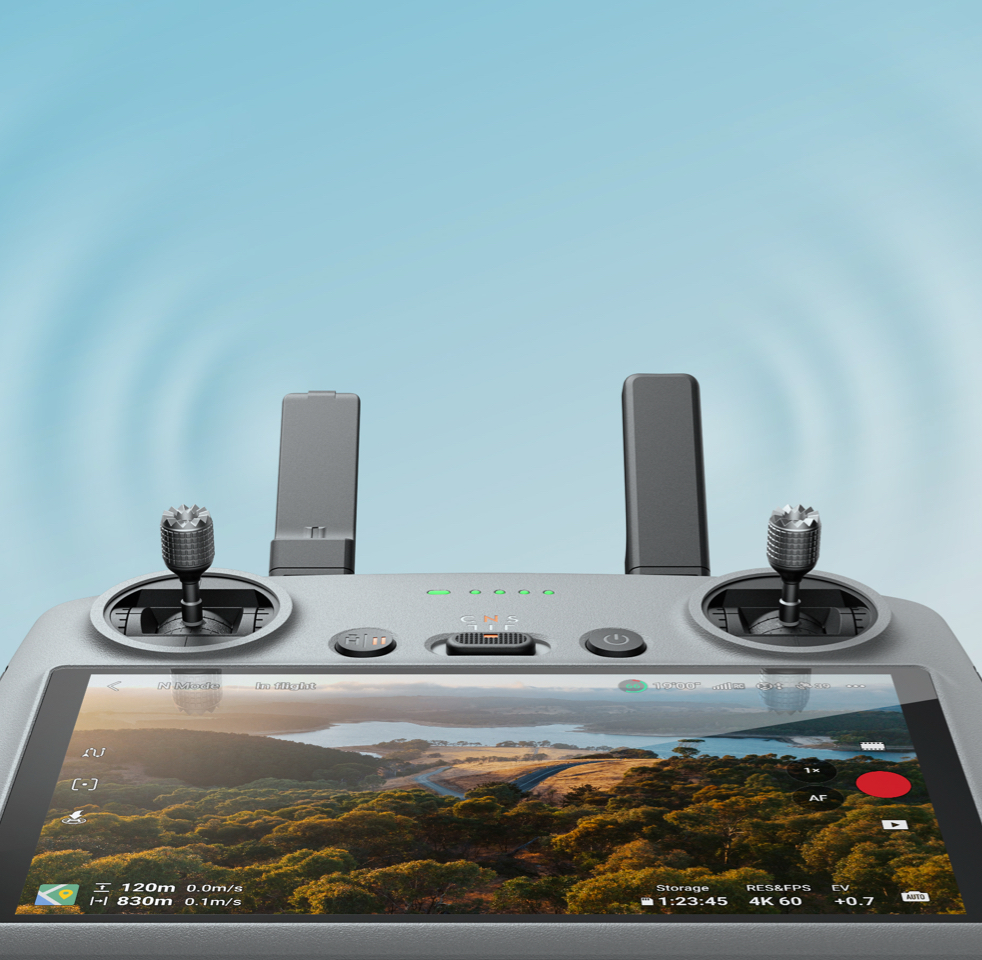
O4 Transmission, Clear Views
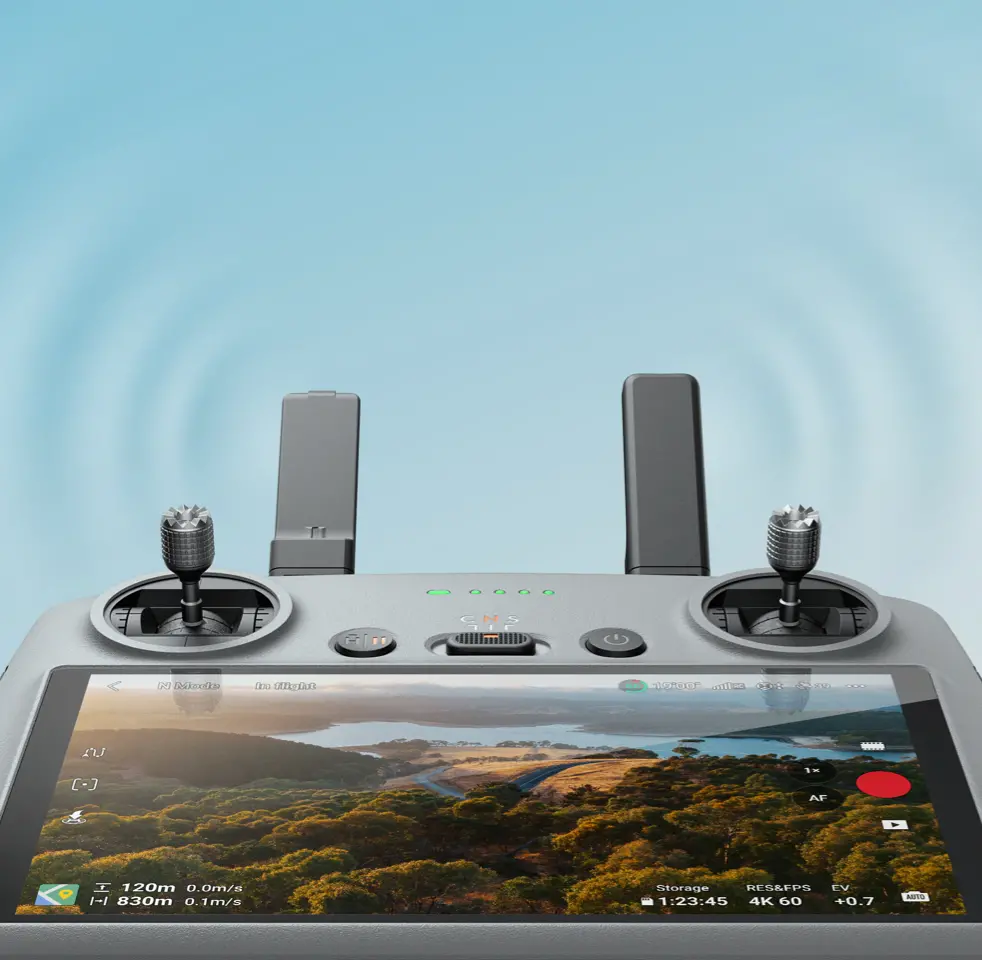
Powered by DJI O4 video transmission, the drone delivers 1080p/60fps videos at a maximum range of 15 km [5], transmitting clear views.
More Power for Longer Flight
Flies up to 36 mins with Intelligent Flight Battery [4], or 52 mins [4] with Intelligent Flight Battery Plus. More time. More to capture.
![Obstacle Sensing [1], Confident Flying](https://se-cdn.djiits.com/tpc/uploads/core_selling_point/image/389df6cbe922d4ba5fcacf4c667c1b46.webp)
In the Box
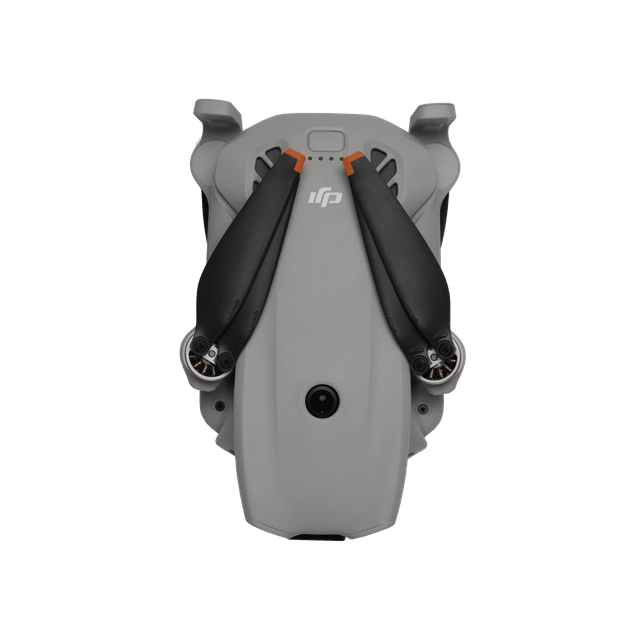
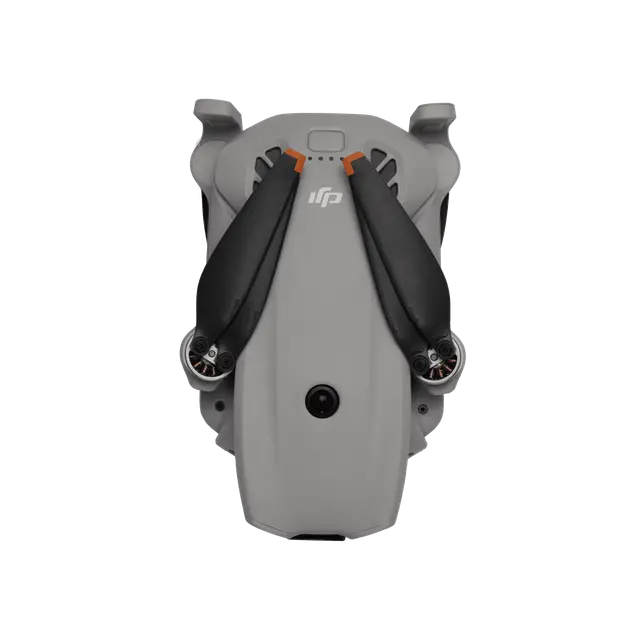
DJI Lito X1
× 1
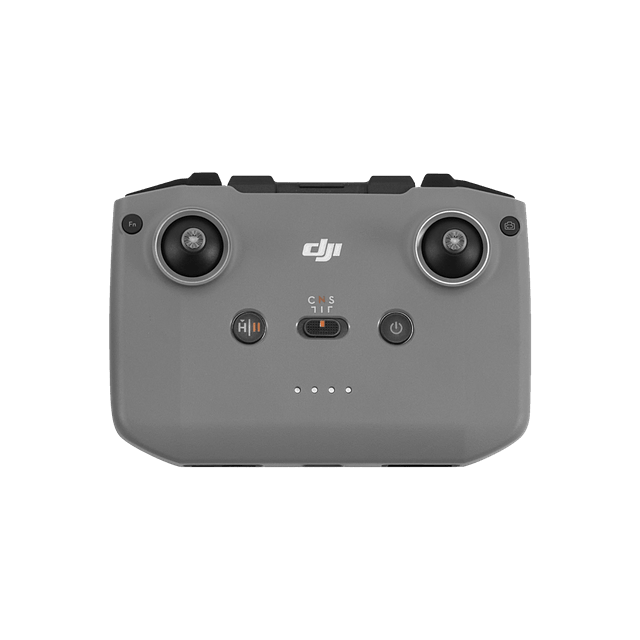
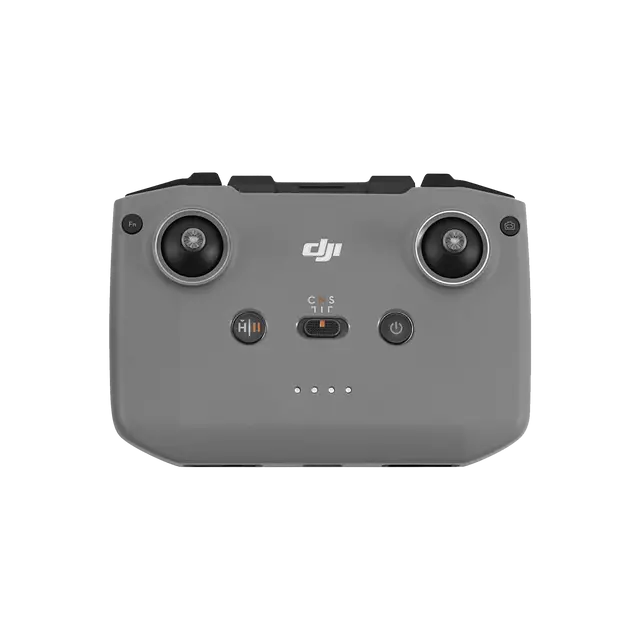
DJI RC-N3 Remote Controller
× 1
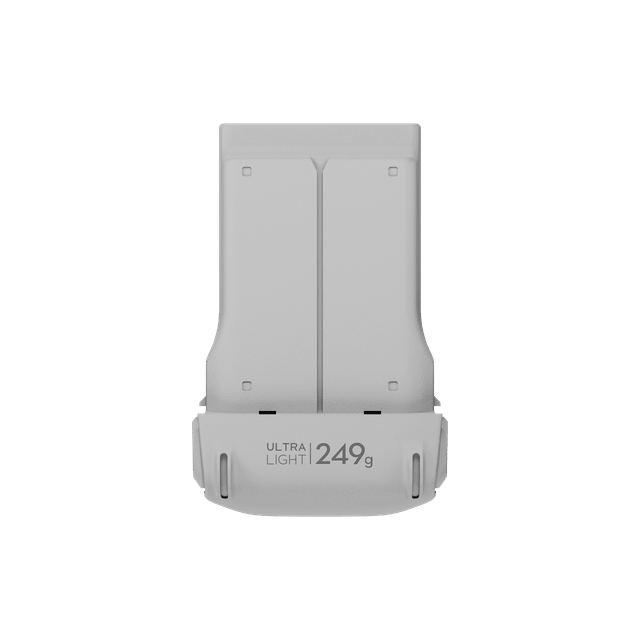
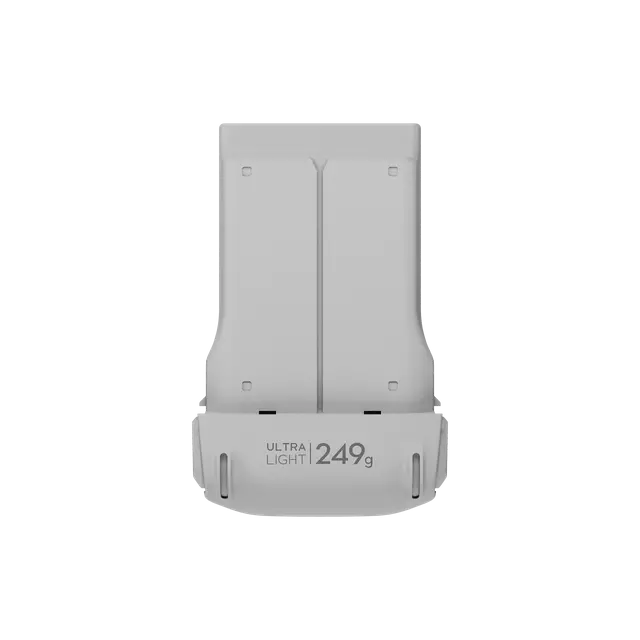
DJI Lito X1 Intelligent Flight Battery
× 1
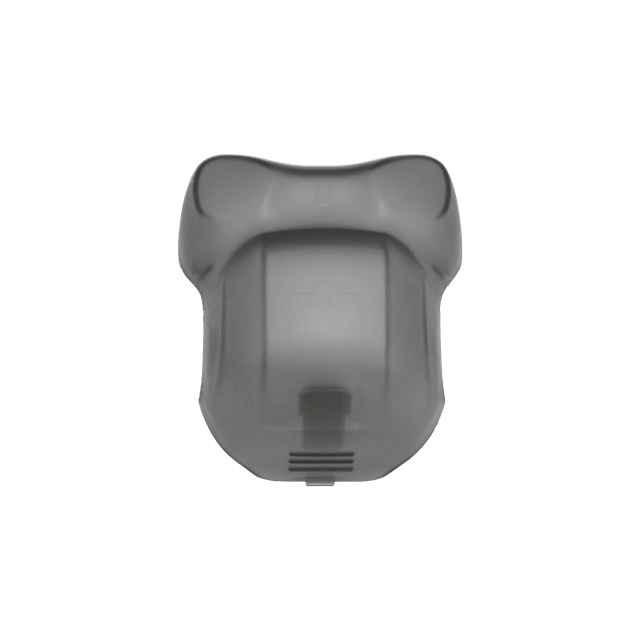
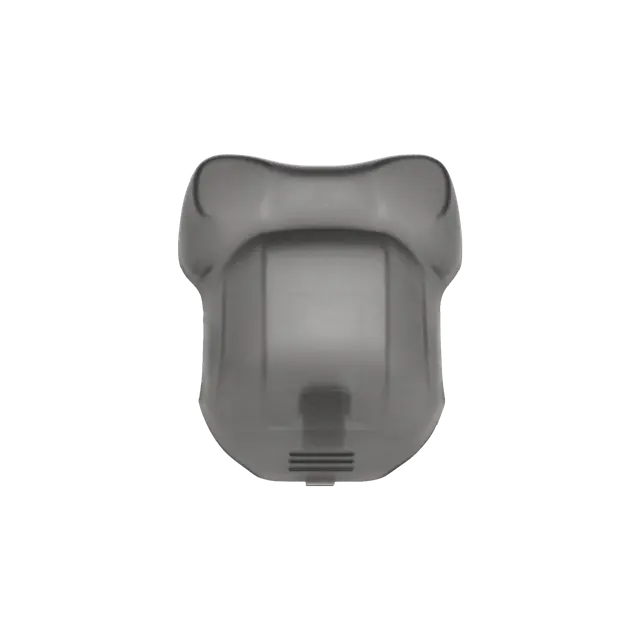
DJI Lito X1 Gimbal Protector
× 1
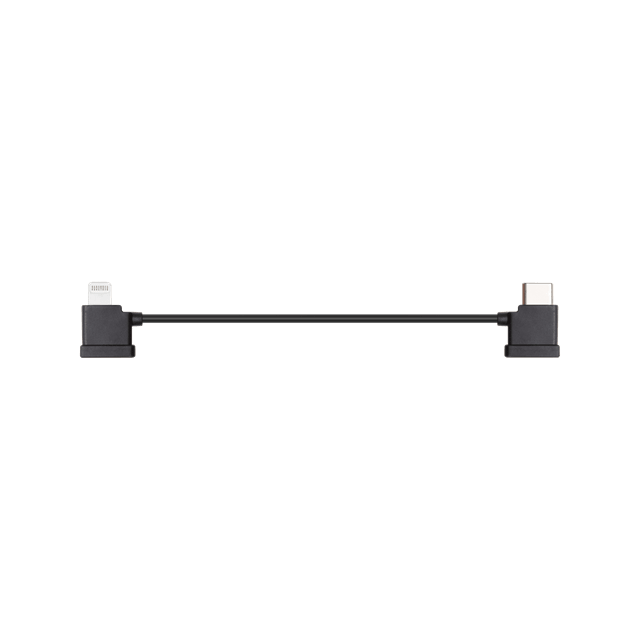
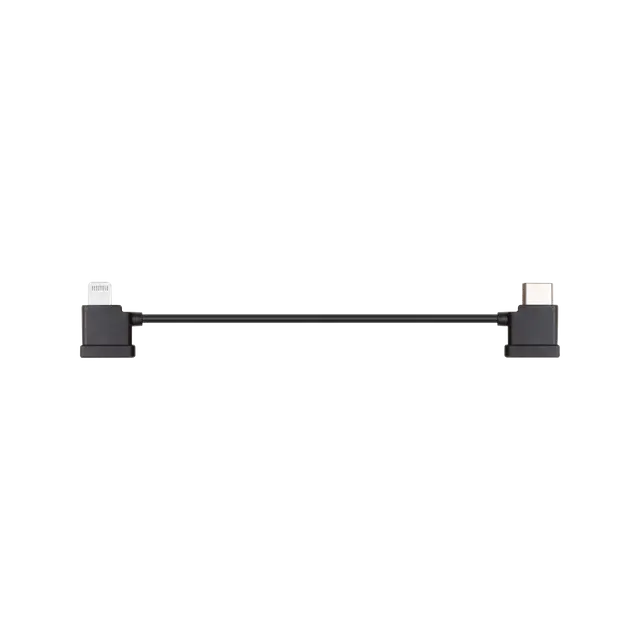
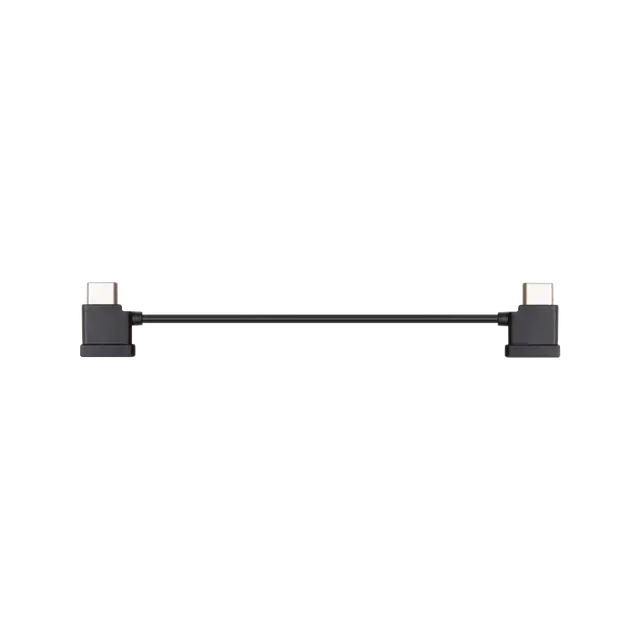
DJI RC-N Series RC Cable (Lightning Connector)
× 1
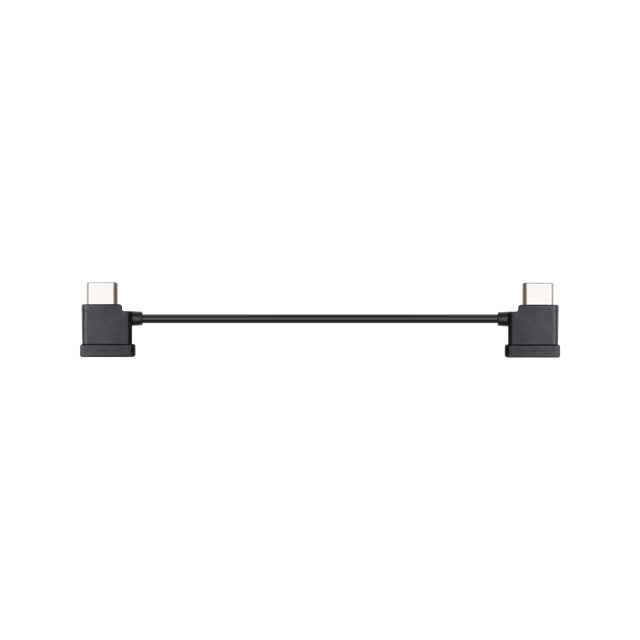
DJI RC-N Series RC Cable (USB-C Connector)
× 1
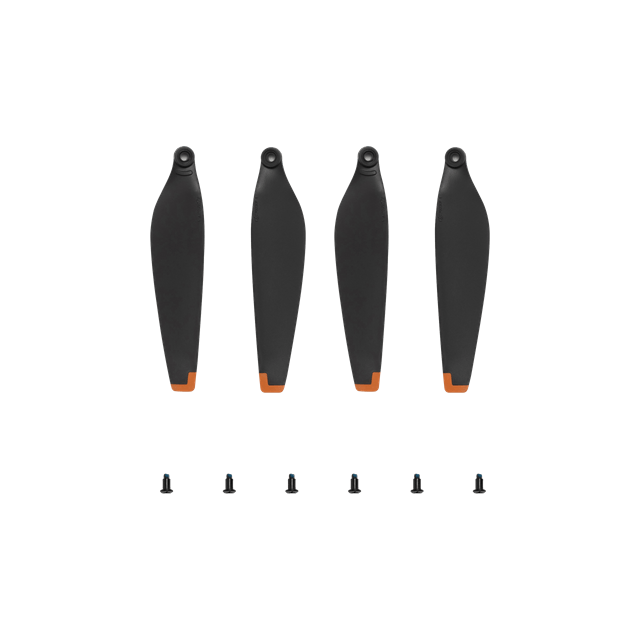
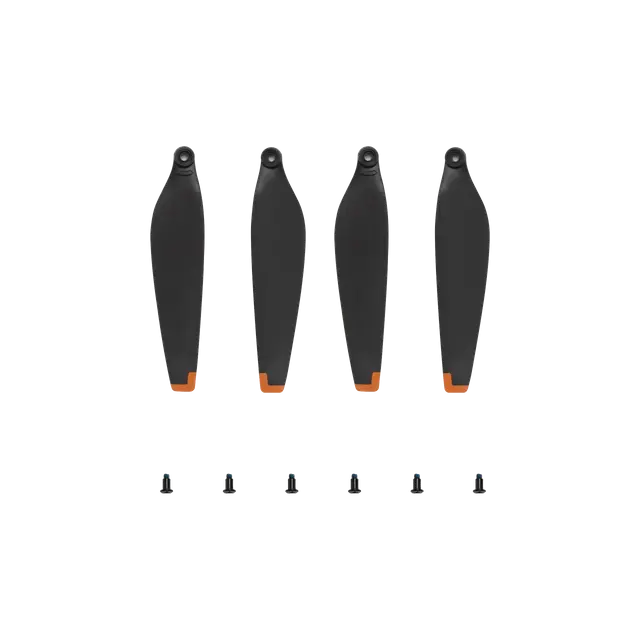
DJI Mini 3/Lito Series Spare Propellers (Pair)
× 1
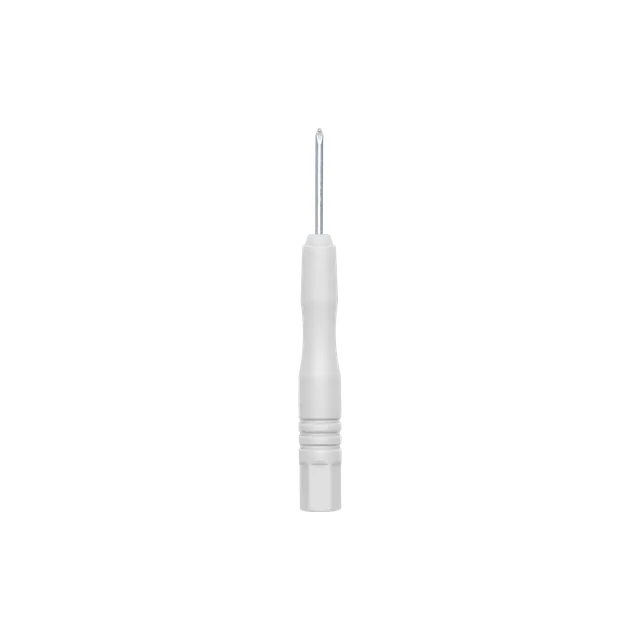
Screwdriver
× 1
Which is the Best for You?


From USD $369
From USD $255
From USD $248
From USD $599
 1/1.3″ CMOS
 1/2″ CMOS1/1.3″ CMOS
 1/1.3″ CMOS
4K/100fps
4K/100fps
4K/100fps
4K/100fps Slow Motion
 Foldable Full-Coverage Propeller Guard
 Omnidirectional:
Up/Down/Left/Right
Forward/Backward
Equipped With
Forward-Facing LiDAR
Omnidirectional: Up/Down/Left/Right
Forward/Backward
Forward/Downward Omnidirectional Obstacle Sensing
 15 km (IC)
8 km (CE/SRRC/MIC)
 15 km (IC)
8 km (CE/SRRC/MIC)
 13 km (FCC)
 8 km (CE/SRRC/MIC)
 Max Video Transmission Range: 20 km (FCC)
10 km (CE/SRRC/MIC)
Let’s Answer Your Questions
Compared with DJI Mini 3, what are the main improvements of DJI Lito X1?
What is the certification class of DJI Lito X1 in Europe? Are there any accessory restrictions based on the certification class?
How do I activate DJI Lito X1?
Is DJI Lito X1 waterproof?
What app do I need to install before using DJI Lito X1?
What remote controllers are compatible with DJI Lito X1?
How do I adjust the antennas of the remote controller?
How do I update the firmware of DJI Lito X1?
What factors can lead to an update failure?
Still have questions? Get help from a DJI expert.
* All videos and images on this page were shot using DJI Lito X1 by professionals in strict compliance with local laws and regulations and have been variously edited in post-production. All videos and images are for reference only. Actual results may vary. Always observe local laws and regulations and ensure the drone has obtained relevant certifications and airspace authorizations before flying.
** All data was tested using a production model DJI Lito X1 in a controlled environment. Actual experience may vary depending on the environment, usage, and firmware version.
*** All images, videos, and screen display contents about the product itself on this page are for reference only. Actual product effects (including but not limited to appearance, color, size) and screen display contents (including but not limited to backgrounds, UI, and illustrations) may vary.
1. The omnidirectional vision system only assists flight safety under certain conditions and is not a substitute for your own judgment and control. During a flight, always pay attention to the surrounding environment and the warnings on the DJI Fly app, and be responsible for and maintain control of the drone at all times. When GNSS signals are unavailable, the optimal positioning altitude range for using the vision positioning system is 0.5 to 30 m. The vision positioning performance may decrease when flying beyond this range. Fly with caution. The vision system may not function properly when the drone is flying over water, which may prevent it from actively avoiding water surfaces below when landing. Operators should maintain control of the drone at all times, make operational decisions based on an assessment of the surrounding environment, and avoid relying solely on the vision system. The vision system cannot detect certain objects or surfaces, including large structures with frames and cables (e.g., tower cranes, high-voltage transmission towers, high-voltage transmission lines, cable-stayed bridges); surfaces with no texture or sparse texture; surfaces with repetitive identical patterns or textures (e.g., small tiles of the same color); solid-colored surfaces (e.g., pure black, pure white, pure red, pure green); strongly reflective or mirrored surfaces (e.g., ice, road signs); water or transparent surfaces; surfaces of moving objects (e.g., above moving crowds, above waving shrubs or grass); moving obstacles (e.g., walking people, moving vehicles); scenes with drastic lighting changes; surfaces that are extremely dark (e.g., less than 1 lux) or extremely bright (e.g., more than 100,000 lux); materials with strong infrared absorption or reflection properties (e.g., mirrors, glass, road signs, asphalt); small obstacles (e.g., fences, branches, power lines); and thin poles or small vertical objects (e.g., utility poles, street lamps). Do not obstruct or interfere with the sensing system under any circumstances. Ensure that all lenses remain clear, free from dirt, smudges, or other contaminants, and are not scratched. Vision system cameras may need to be calibrated after being stored for an extended period. A prompt will appear in the DJI Fly app and calibration will be performed automatically. Do not fly when it is rainy, smoggy, or the visibility is lower than 100 m. Before takeoff, inspect the sensing system's glass surfaces. Remove any protective film, stickers, or other obstructions. If water droplets, fingerprints, or smudges are present, clean the glass using a lint-free cloth. Do not use alcohol or other organic solvents. If the glass surface is loose, broken, scratched, or worn, send the drone to an authorized service center for repair. Refer to the product's user manual for more details.
2. ActiveTrack can work properly only when certain flight conditions are met. See Footnote 1 to ensure the omnidirectional vision system is normal and avoid flying in the following environments or conditions: DO NOT fly in severe weather conditions, such as in strong winds (wind speed of more than 10.7 m/s), snow, rain, lightning, or fog. DO NOT fly the drone 4500 m or higher above sea level. DO NOT fly the drone in environments where the temperature is below -10° C (14° F) or above 40° C (104° F). DO NOT take off from moving objects, such as cars or boats. DO NOT fly close to reflective surfaces such as water or snow. Otherwise, the vision system may not work correctly. The vision system may not work properly in dim environments. Always fly with caution and prevent the drone from entering Attitude mode. DO NOT fly near areas with magnetic or radio interference. Common magnetic or radio interference sources include Wi-Fi hotspots, routers, Bluetooth devices, high-voltage lines, large-scale power transmission stations, radar stations, mobile base stations, and broadcasting towers. Avoid sand entering the drone when taking off in desert or beach areas. Fly the drone in open areas away from crowds. Buildings, mountains, and trees may block the GNSS signal and affect the onboard compass.
3. The actual product weight may vary due to differences in batch materials and external factors. Training or examination is not required for flying this product in most countries and regions. With the Intelligent Flight Battery Plus, the aircraft will weigh more than 249 g. Regulatory requirements vary by country or region. In the EU and UK, this Plus battery is only compliant for use with the aircraft from the DJI Lito X1 Fly More Combo Plus (DJI RC 2). Always check local laws and regulations before use.
4. Using the Intelligent Flight Battery, the maximum flight time is 36 minutes. This is measured in a controlled wind tunnel environment under conditions equivalent to windless operation and sea-level altitude, with the drone flying forward at a constant speed of 21.6 kph, the Obstacle Avoidance Action set to Brake and the camera set to record at 1080p/24fps (but no active video recording), until forced landing due to battery depletion. The Intelligent Flight Battery Plus extends the flight time to 52 minutes when flying forward at a constant speed of 21.6 kph. This battery is sold separately and is also included in the DJI Lito X1 Fly More Combo Plus (DJI RC 2). In the EU or the UK, an extended flight time of 52 minutes is only compliantly available for the DJI Lito X1 Fly More Combo Plus (DJI RC 2) when flying forward at a constant speed of 21.6 kph. Always check local laws and regulations before use.
5. Measured in an open outdoor environment without interference and with IC compliance. The above data shows the farthest communication range for one-way, non-return flights. Always pay attention to RTH reminders in the DJI Fly app during your flight.
6. Standard video recording supports up to 4K/60fps HDR, and slow-motion video recording supports up to 4K/100fps.
7. 14 stops of dynamic range are achievable for video on Auto mode, but not for slow-motion videos or 2.7K@48/50/60fps vertical videos.
8. Conditions for memorizing flight paths: The drone's front, back, left, right, and top sides are near textured surfaces with illuminance exceeding 10 lux. Similarly, the ground below is textured and diffusely reflective with a reflectivity above 20% (such as walls, trees, or people), also in lighting conditions with illuminance higher than 10 lux. For balcony takeoff, ensure at least 2 × 2 meters of space and a height below 30 meters above ground for safe return to home. If the drone reaches its altitude limit while ascending around obstacles, it will hover at that height.