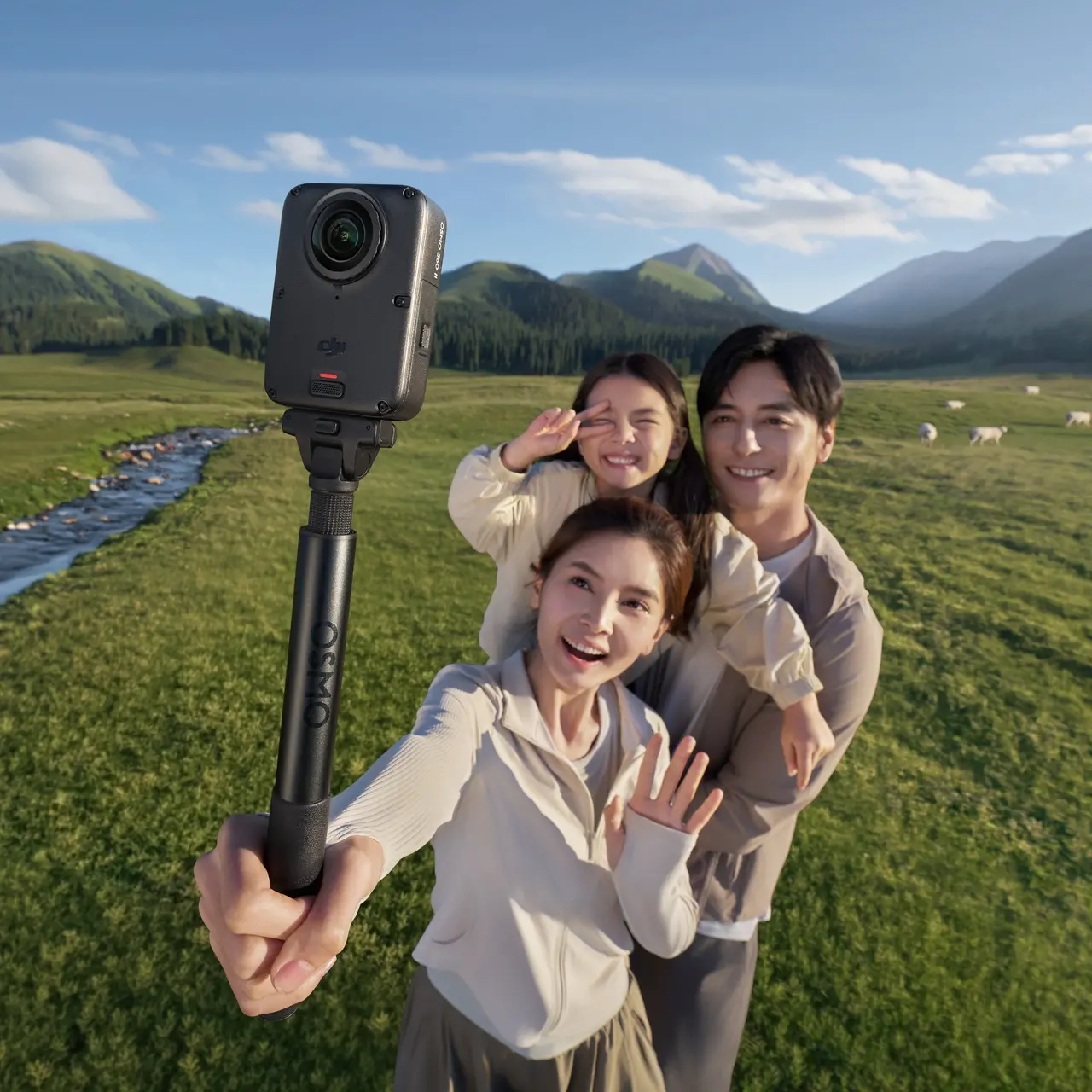


Osmo 360 II Standard Combo
Select Option
Take a Closer Look
8K/60fps 360° Video for Epic Shots
With 1″ 360° imaging [2] and a high-performance chip, it delivers native 8K/60fps video with stunning clarity. Capture the whole scene at once in professional quality, preserving every detail and spatial depth for a truly immersive experience.
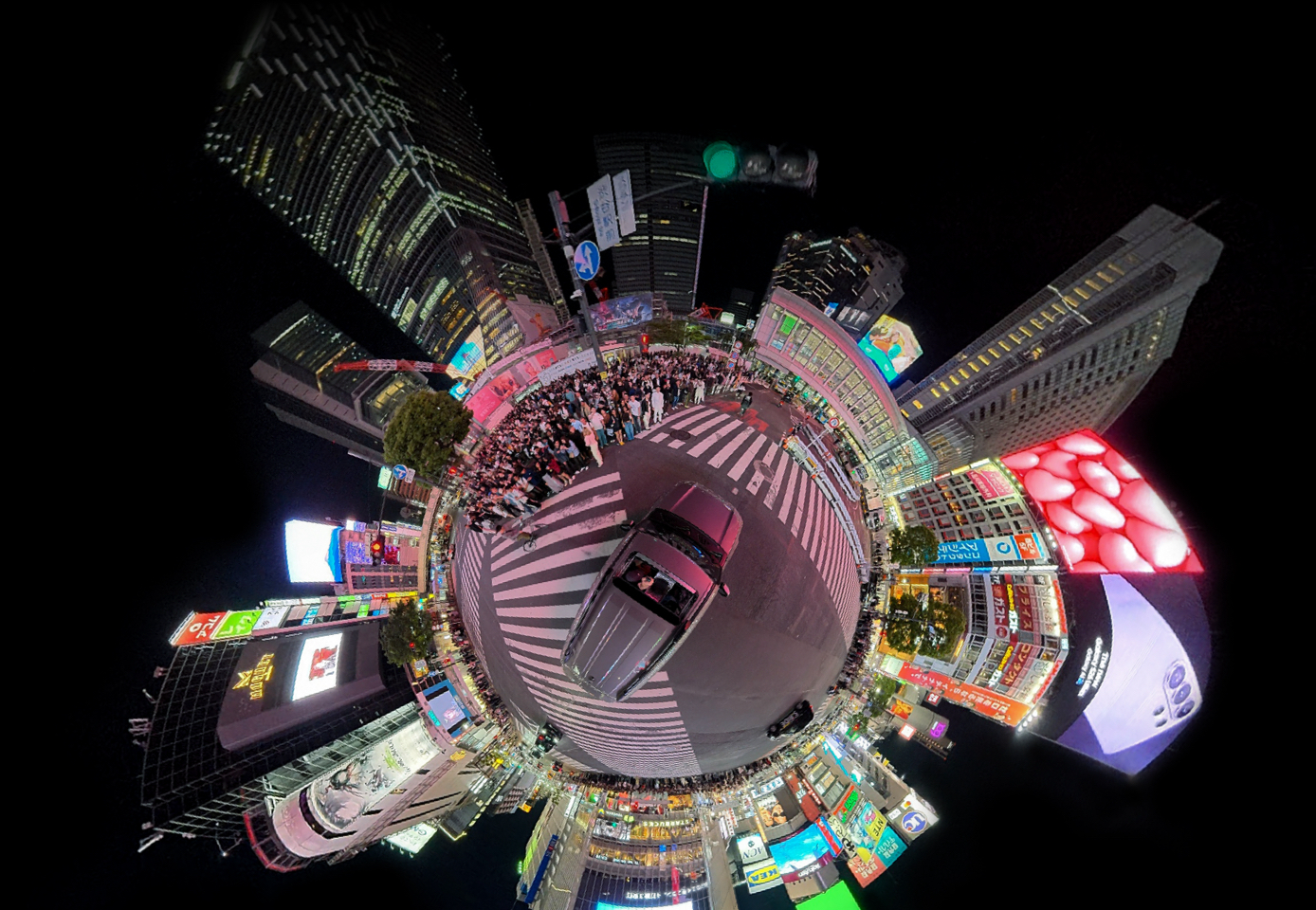
AI SuperNight 2.0: Striking Details in Light and Shadow
With an f/1.9 aperture and an all-new AI image noise reduction algorithm, it captures exceptionally clean and bright low-light shots. Even as you speed through high-contrast environments, the new 14.5-stop dynamic range [4] accurately preserves highlight and shadow details.
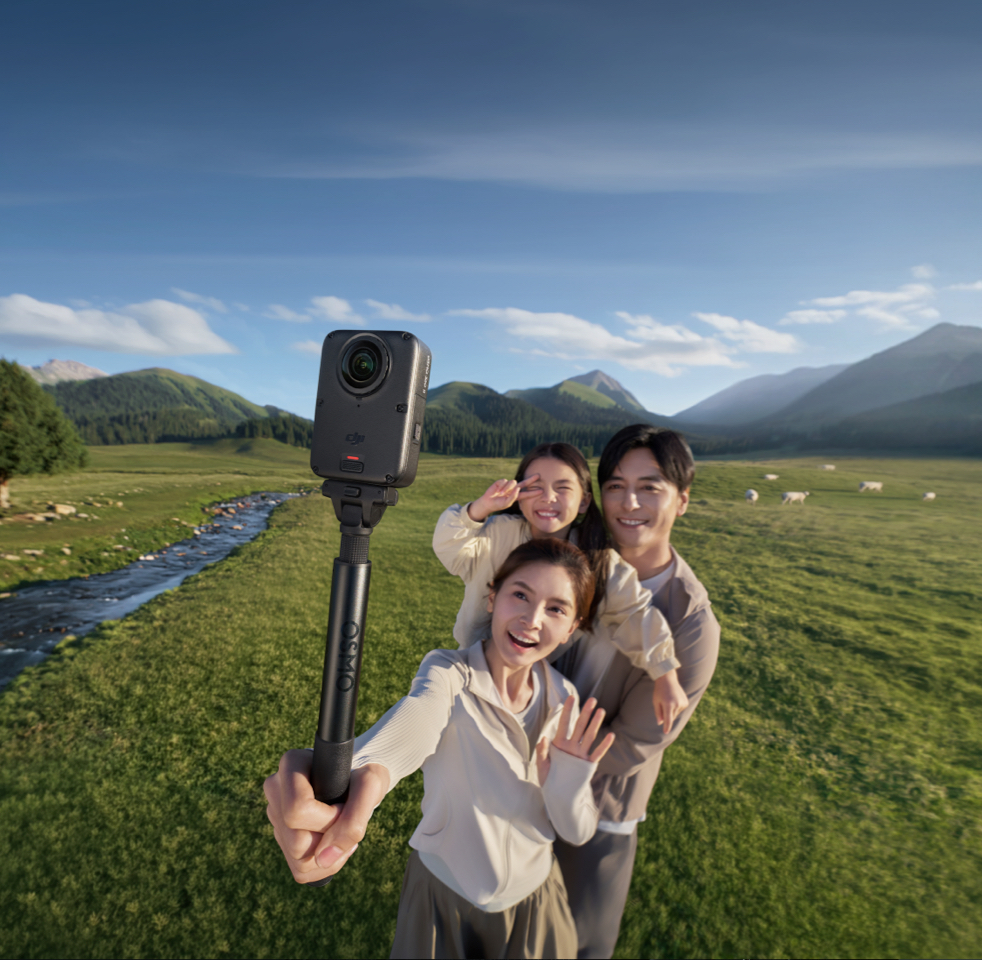
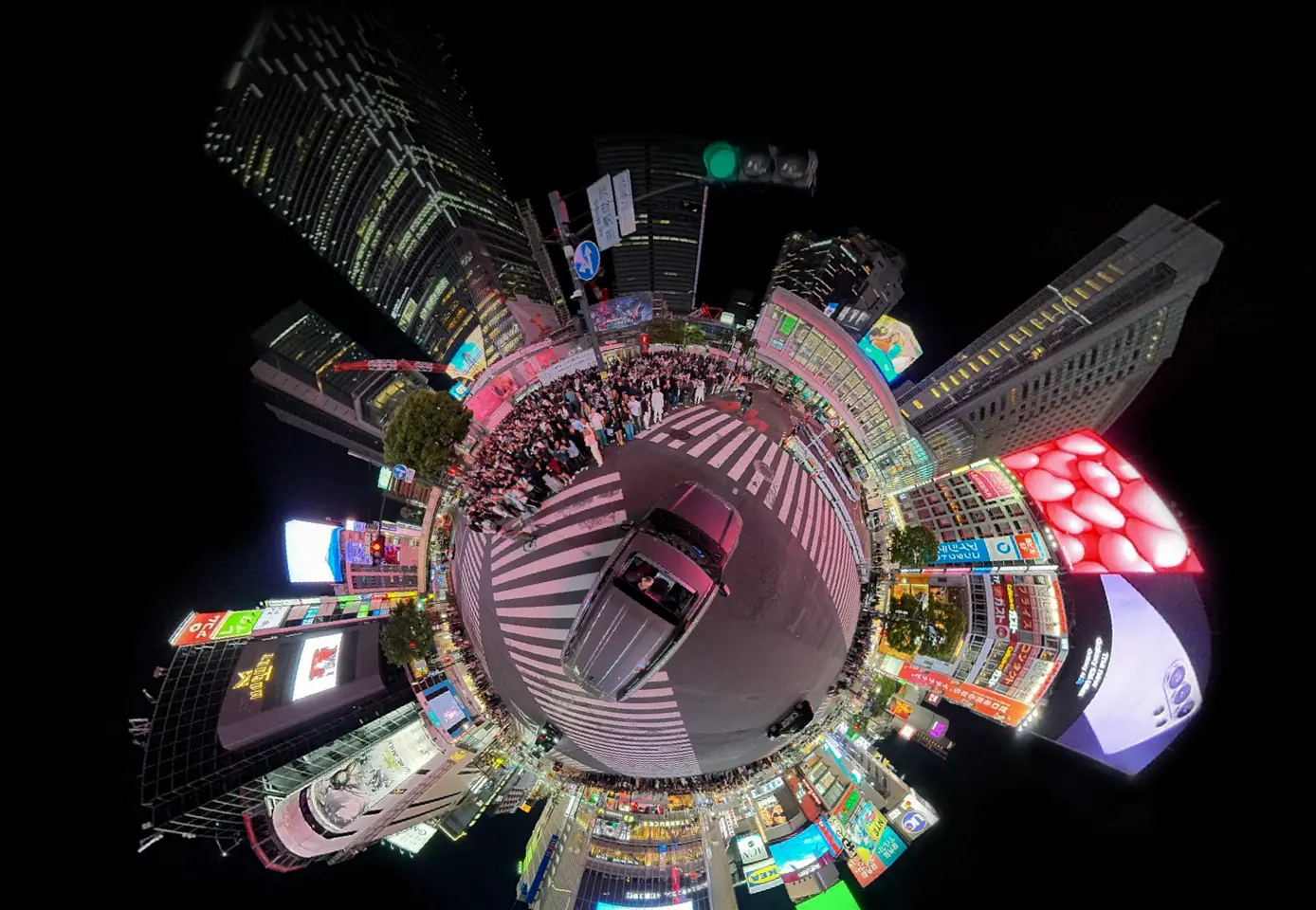
4-in-1 Powerhouse: Shoot, Track, and Create
Shoot more than just 360° footage. Capture action POVs or simulate gimbal camera and drone-like shots [1] to fuel your creativity.
Your Pocket Camera Crew: Share-Ready in 3 Steps
Enable Spotlight Follow [5] to start recording effortlessly. Tap to connect with NFC [6] for quick transfers, and use One-Tap Edit to generate polished videos instantly for easy sharing.
![Scratch-Resistant [7], Replaceable Lenses for Worry-Free Shooting](//se-cdn.djiits.com/tpc/uploads/core_selling_point/image/506a485f46e36ae8551b0fe61c80c698@origin.jpg?format=webp)
Scratch-Resistant [7], Replaceable Lenses for Worry-Free Shooting
Both lenses feature an ultra-hard optical film [7] for improved scratch and wear resistance. With the new replaceable lens design, you can swap out a damaged lens quickly and keep shooting.
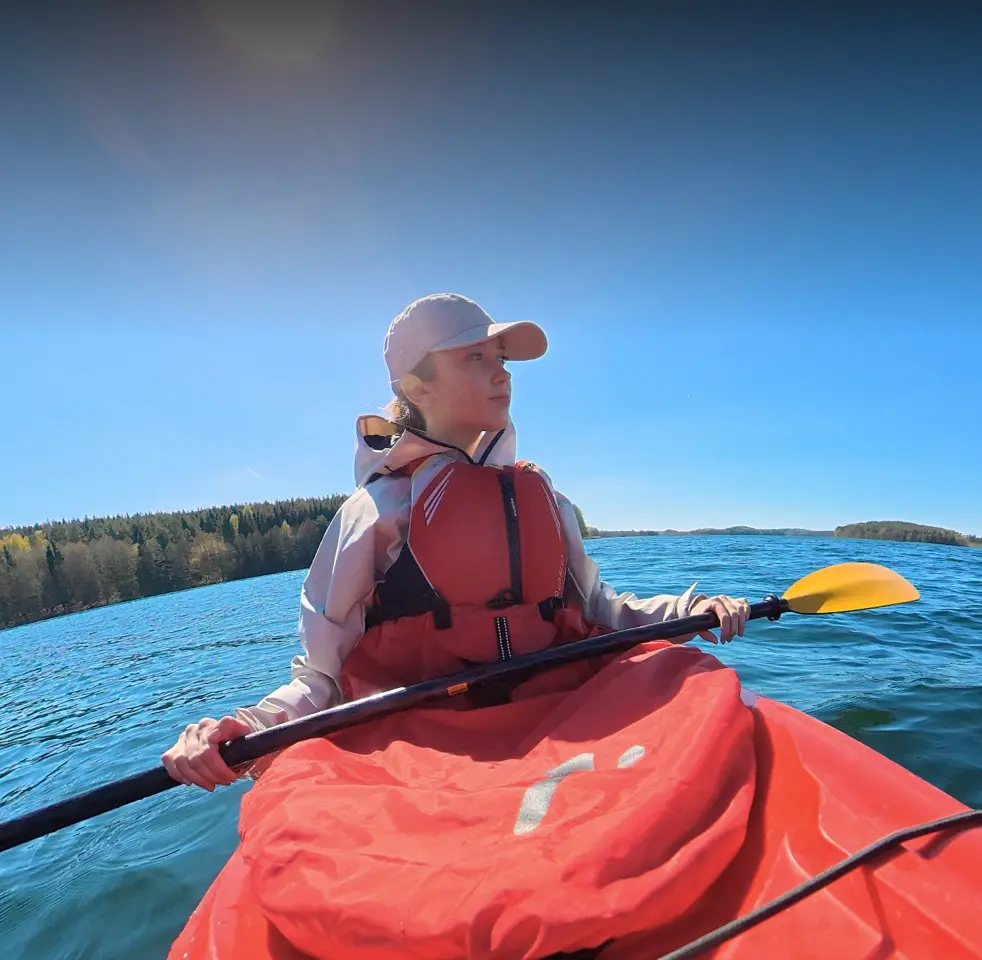
![105GB Built-in Storage & 100-Min 8K Recording [9]](//se-cdn.djiits.com/tpc/uploads/core_selling_point/image/b5a3173838c9ada84167c8966cc49bdd@origin.jpg?format=webp)
105GB Built-in Storage & 100-Min 8K Recording [9]
With 105GB of built-in storage, you can shoot right out of the box. Powered by the Extreme Battery Plus, record up to 100 minutes of continuous 8K/30fps video [9].
![Osmo All-Scenario Ecosystem [8]](//se-cdn.djiits.com/tpc/uploads/core_selling_point/image/aa42607add34fa18f08f108a26982edf@origin.jpg?format=webp)
Osmo All-Scenario Ecosystem [8]
The Osmo dual-direction quick-release design enables magnetic attachment on both sides. Featuring a 1/4″ thread, it easily connects to DJI Osmo ecosystem accessories and traditional camera gear, unlocking unique angles for any scene.

Professional Color for Cinematic Quality
Every video format supports 10-bit color depth, capturing over a billion colors. D-Log M [3] seamlessly matches DJI's color science for effortless cinematic grading. Capture the entire 360° scene at once and reframe freely in post-production.
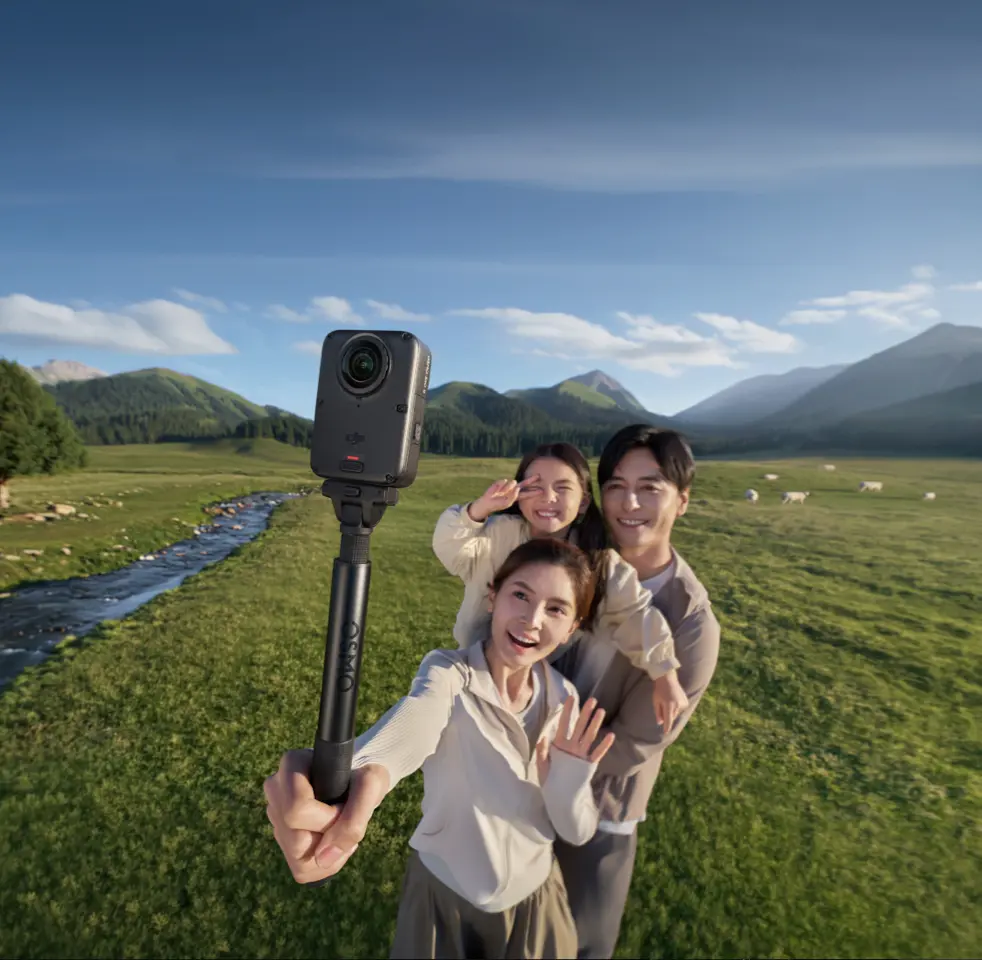
![Scratch-Resistant [7], Replaceable Lenses for Worry-Free Shooting](https://se-cdn.djiits.com/tpc/uploads/core_selling_point/image/506a485f46e36ae8551b0fe61c80c698.webp)
![105GB Built-in Storage & 100-Min 8K Recording [9]](https://se-cdn.djiits.com/tpc/uploads/core_selling_point/image/b5a3173838c9ada84167c8966cc49bdd.webp)
![Osmo All-Scenario Ecosystem [8]](https://se-cdn.djiits.com/tpc/uploads/core_selling_point/image/aa42607add34fa18f08f108a26982edf.webp)
In the Box
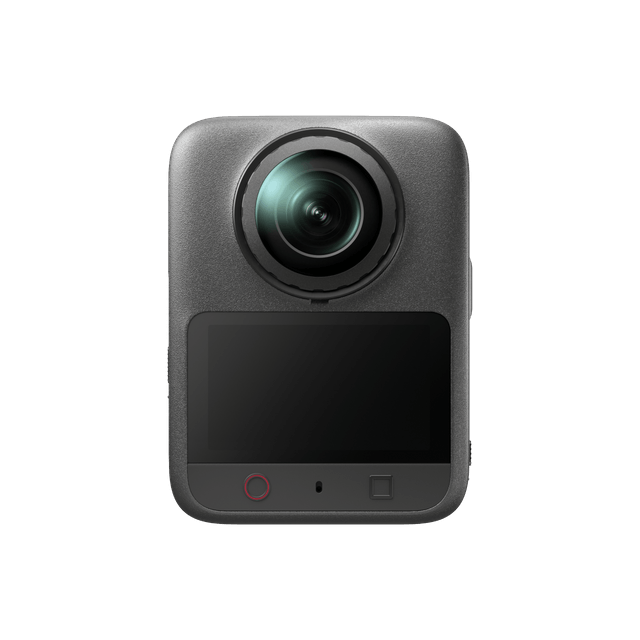
Osmo 360 II
× 1
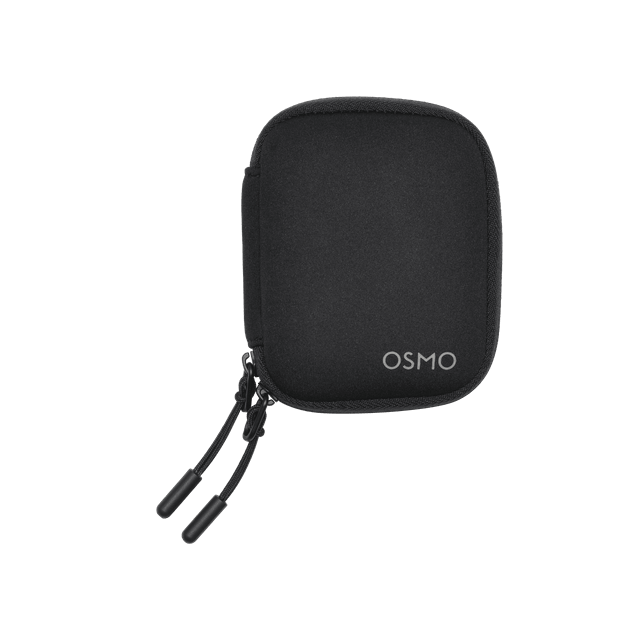
Osmo 360 Camera Protective Pouch
× 1

Osmo Lens Cleaning Cloth
× 1
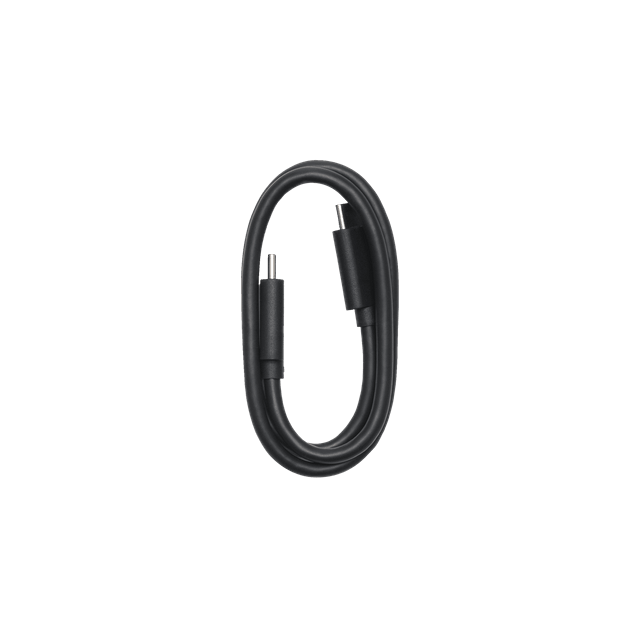
USB-C to USB-C PD Cable (USB 3.1)
× 1
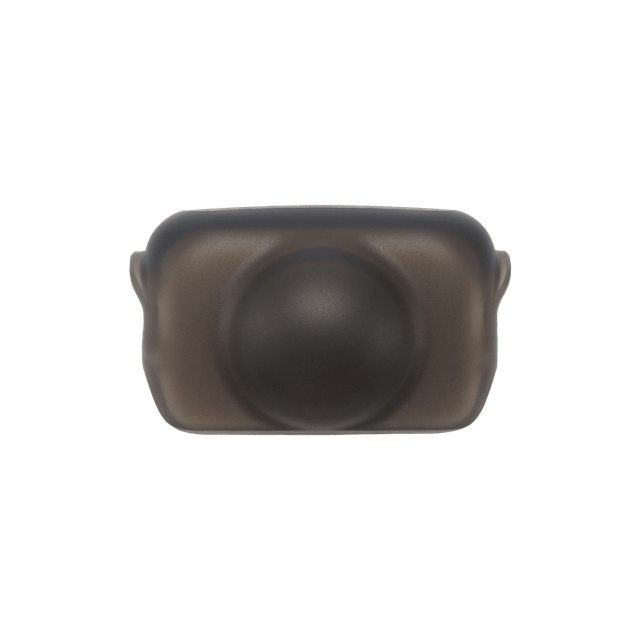
Osmo 360 Silicone Lens Cap 2
× 1
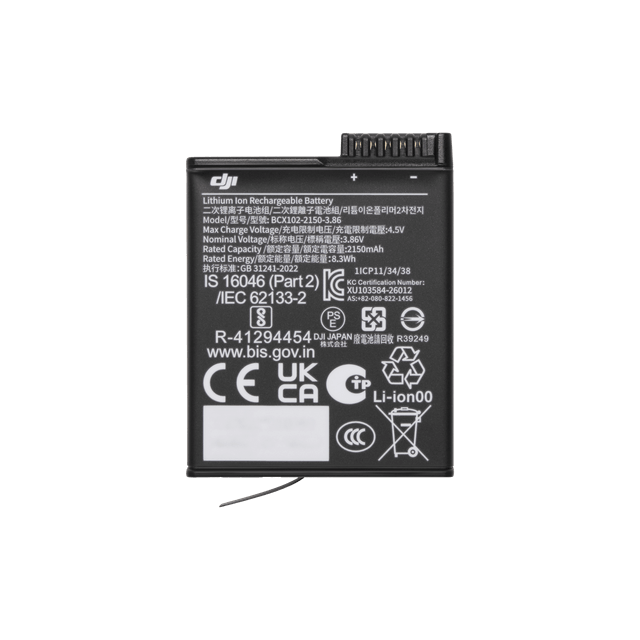
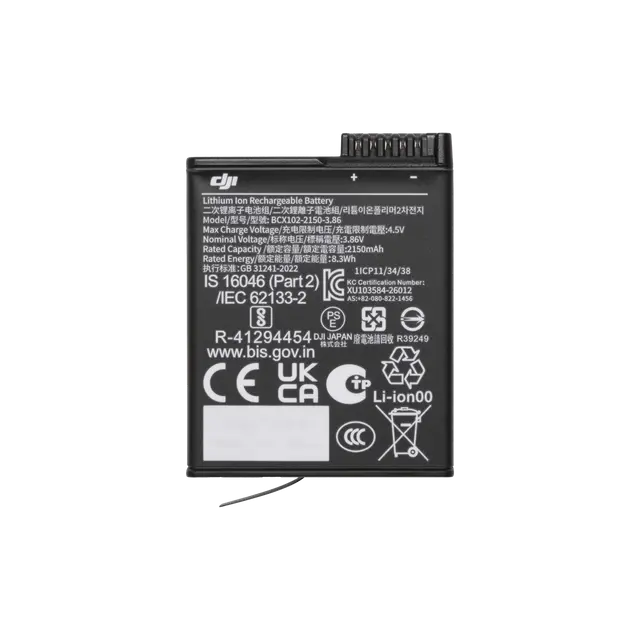
Osmo Extreme Battery Plus (2150 mAh)
× 1
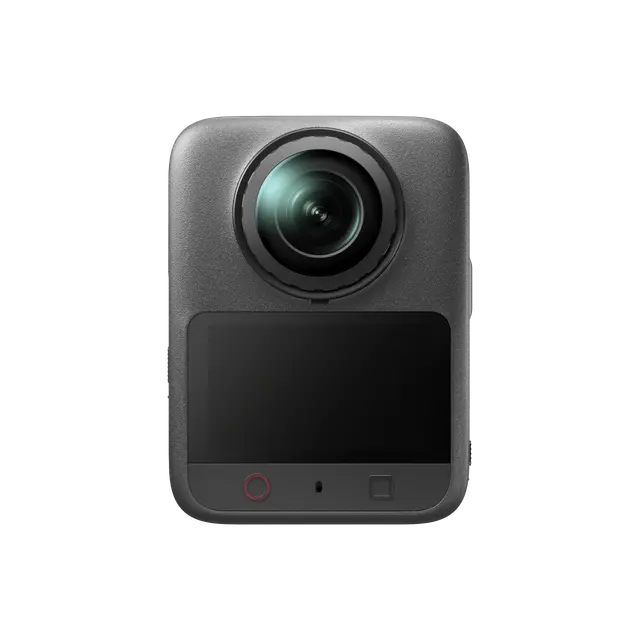
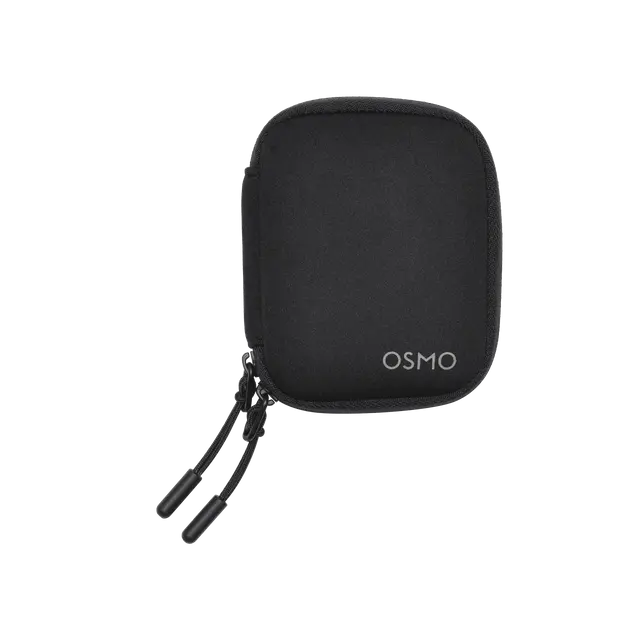
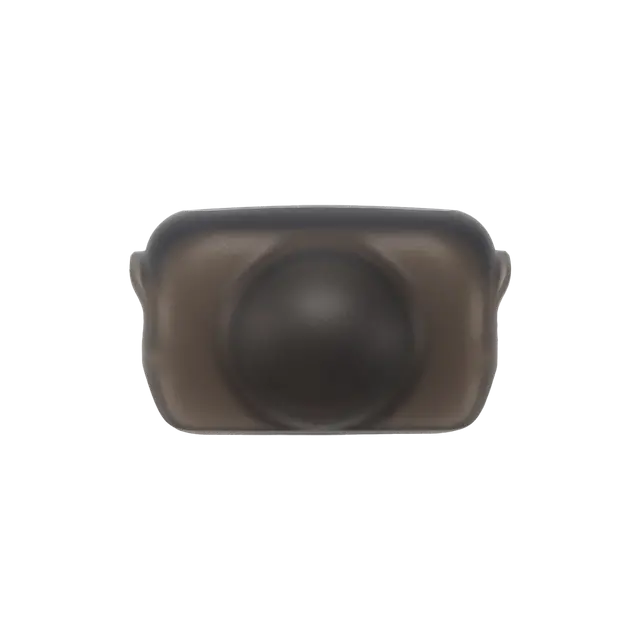
One Camera, Every Scenario
Which is the Best for You?
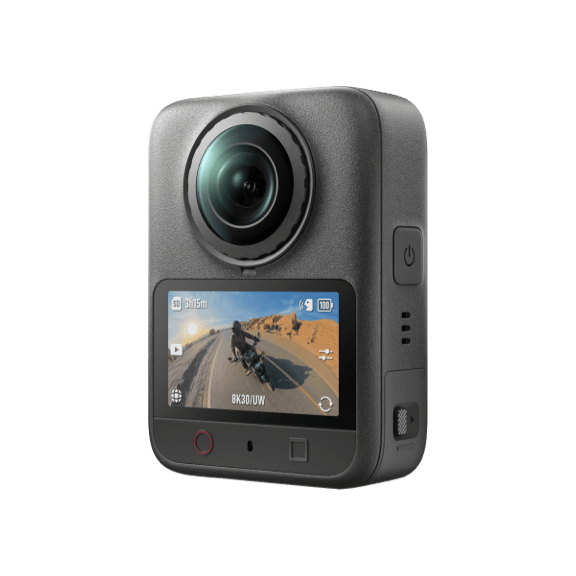
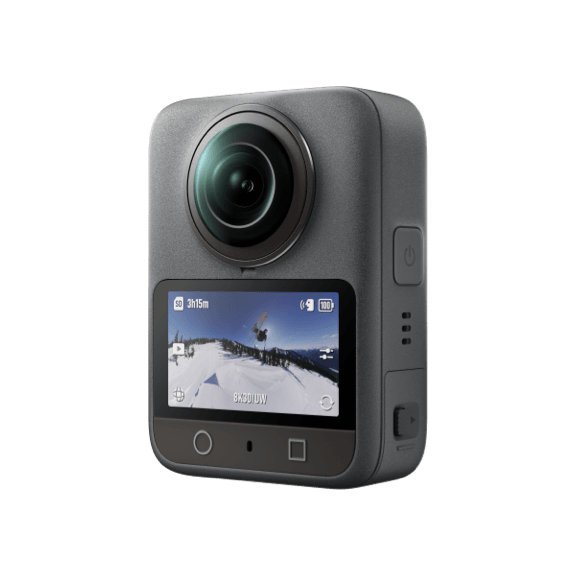
 Dual 1/1.1-Inch Square CMOS
 Dual 1/1.1-Inch Square CMOS
 AI SuperNight 2.0AI SuperNight 1.0
 NFC Quick ConnectSearch and Connect via Mimo app
Let’s Answer Your Questions
What updates does Osmo 360 II have compared to Osmo 360?
What are the advantages of Osmo 360 II's native 8K/60fps 360° video?
What resolution settings does Osmo 360 II support?
What video formats does Osmo 360 II support?
Does Osmo 360 II support switching lenses during Single-Lens Video recording?
Can Osmo 360 II shoot slow-motion videos?
How do I export my photos and videos?
Where is the footage saved in Osmo 360 II?
Does Osmo 360 II support Voice Control?
How do I enable Livestream on Osmo 360 II?
How long is the operating time of Osmo 360 II?
Can I use Osmo Action series batteries with my Osmo 360 II?
Still have questions? Get help from a DJI expert.
* Results may vary depending on the environment, actual use, and firmware version. For details, refer to the product page on the official DJI Store website.
1. Requires the Osmo 2.5m Extended Carbon Fiber Selfie Stick (sold separately).
2. When capturing 360° content, each of Osmo 360 II's two CMOS sensors features an imaging area equivalent to that of a 1-inch CMOS sensor with a 4:3 aspect ratio.
3. D-Log M is not supported in Photo, Timelapse, or Endurance Mode. When D-Log M is enabled, Adaptive Tone and Film Tone are unavailable.
4. Dynamic range data was measured in a controlled laboratory environment in Panoramic Video mode (8K/30fps), with Normal color mode selected, Auto exposure enabled, and Metering Mode set to Front and Back Metering.
5. Spotlight Follow mode supports exporting flat video at up to 4K/30fps.
6. Before using this feature, ensure your smartphone has NFC enabled and the DJI Mimo app installed.
7. An upgraded ion sputtering coating process is applied to the surfaces of both lenses. After enduring 2,000 rubs with steel wool, the Osmo 360 II lens coating remains smooth and flat without affecting optical imaging. Data was collected in a controlled environment and should be taken as reference only.
8. Related accessories are sold separately.
9. Measured under laboratory conditions at 25° C (77° F), while recording 8K/30fps 360° video, with Wi-Fi off, Gesture Control off, Voice Control off, Editing Assistant off, and the screen off. Data was collected in a controlled environment and should be taken as reference only. When activating and using Osmo 360 II in the EU and the UK, actual battery life may vary due to local regulations on product operating temperatures. Refer to the actual user experience.
10. For best results, use Voice Control within 1 meter in a quiet environment, and Gesture Control within 2 meters. The actual effective range may vary with firmware updates.
11. Before use, please ensure the battery compartment cover and USB-C Port Cover are securely closed. It is not recommended to use the camera without the Waterproof Case for long-term underwater shooting or in environments with high water impact pressure. Do not use the camera in hot springs or extreme underwater environments, or let it come into contact with corrosive or unknown liquids. The camera alone is waterproof to a depth of 10 meters, but due to the convex fisheye lens design, underwater light refraction may cause image distortion and stitching errors. Therefore, it is not recommended to use the camera without the Waterproof Case for underwater shooting.
12. Motion Blur is currently only supported on Mac computers with Apple silicon (DJI Studio), and on iPhone 14 and later models (DJI Mimo app).
13. Osmo 360 Invisible Waterproof Case is sold separately. When using the Osmo 360 Invisible Waterproof Case underwater, the safe stitching distance is 1 m. Data was collected in a controlled water pressure environment in a DJI laboratory and should be taken as reference only. Actual performance may vary due to the specific diving environment and product condition.