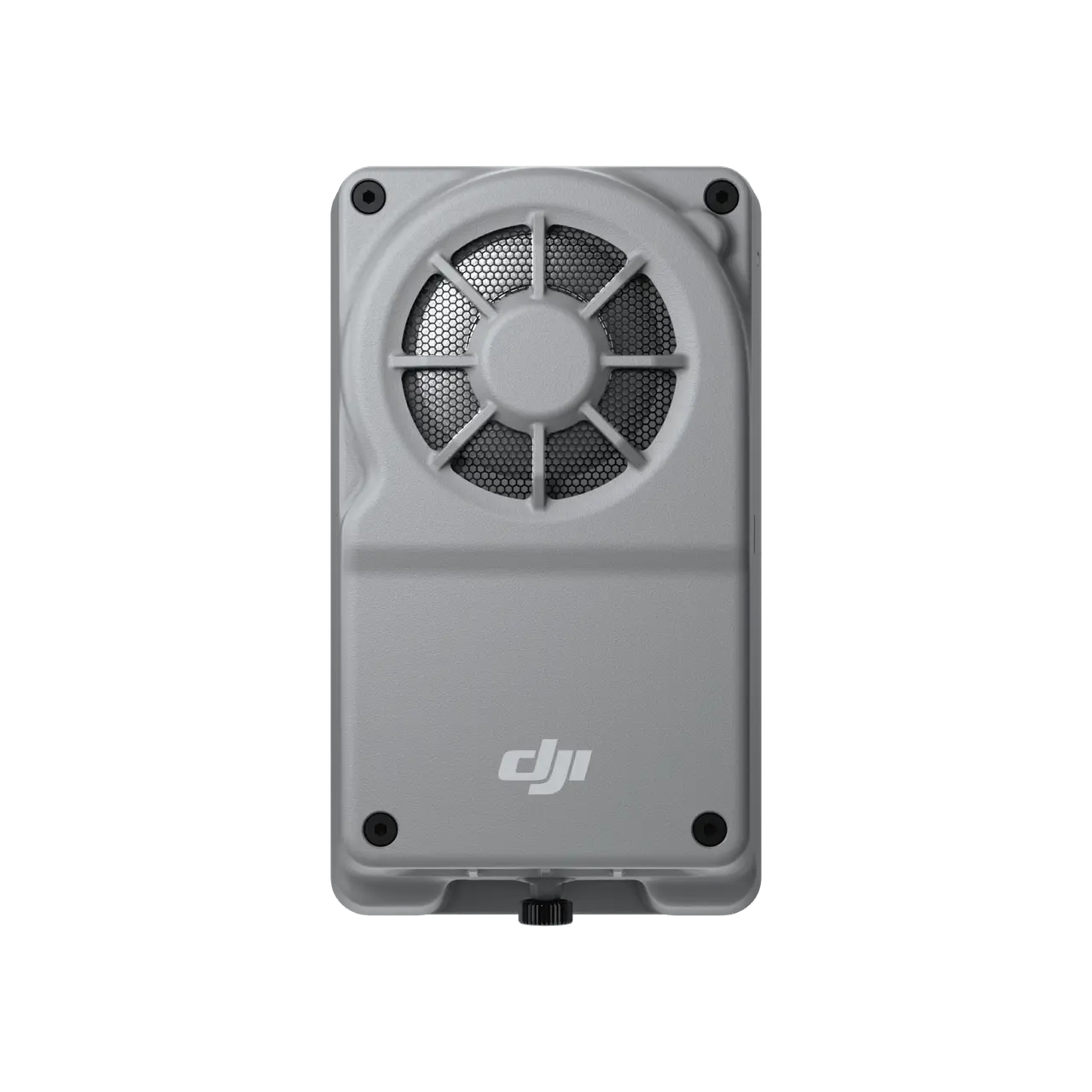
Manifold 3
Select Option
Take a Closer Look

High Performance, Compact Design
It utilizes components like GPU and DLA to perform and accelerate algorithm models, and its compact design ensures minimal impact on flight time.

Strong Environmental Adaptability
Manifold 3 runs reliably from -20°C to 50°C (-4°F to 122°F) with IP55 protection[1], and maintains 25W operation even in 40°C (104°F) environments.

Powerful Ecosystem
Compatible with PSDK V3, Manifold 3 can seamlessly acquire a wide range of sensor data from the drone platform.

Expandability
The USB 3.0 Type-C port on Manifold 3 supports Power Delivery (PD) and allows connection to external devices and sensors [2].

Computing Power Open Platform
Third-party developers can leverage the computing power of Manifold 3 along with the PSDK toolkit to create high-performance, automated solutions.

Smarter Operation for Multiple Scenarios
With its powerful computing performance, Manifold 3 can be used in public safety, water conservation, and forestry to enable smarter operations.
In the Box

Manifold 3
× 1
Let’s Answer Your Questions
Which drone platforms is Manifold 3 compatible with?
Manifold 3 is compatible with DJI Matrice 400 drone platform.
What can I do with Manifold 3?
You can install application packages from the third-party ecosystem, such as software for power grid, river, and pipeline inspections, to enhance efficiency in specific scenarios.
If you are a developer, you can use the PSDK open interface and CUDA computing components provided by Manifold 3 to develop AI applications for drones. You can then apply for mass production review and listing in DJI's Ecosystem Products Catalogue to promote your application.
What is the difference between Manifold 3 and Manifold 2?
Compared to Manifold 2, Manifold 3 boasts a significant increase in computing power (up to 100 TOPS), accompanied by an impressive weight reduction to just about 120 g. It also offers more convenient installation brackets and connectivity options. The system software supports Jetpack 5.1.3 and Ubuntu 20.04, and offers a new version of the PSDK with package management capabilities, allowing users to install and update third-party applications via DJI Pilot for a more user-friendly experience.
How to export the data files from Manifold 3?
You can export data files via the following three options:
1. Install and connect Manifold 3 to the drone platform. Connect an external USB flash drive or portable SSD to Manifold 3 via its USB-C interface, and then use the DJI Pilot app to choose the relevant application and export your data.
2. Install and connect Manifold 3 to the drone platform. Connect the drone platform and your computer with a USB-C cable. Open DJI Assistant 2 to automatically mount Manifold 3's system file directory, then use Windows Explorer to select and copy the data you want to export.
3. Install and connect Manifold 3 to the drone platform. Use third-party applications to export data, such as downloading playback from the Pilot media library or transferring data to a specified cloud platform. Follow the third-party application's instructions for detailed export methods.
If you are a developer, in addition to the three aforementioned means, you can also transfer data during the development and debugging phase through SSH or SFTP protocol channels.
What is the Manifold PSDK Application?
The Manifold PSDK Application is software developed for Manifold 3 based on the DJI PSDK interface. It is also known as the Manifold Application, and its installation packages are suffixed with ".dpk".
Still have questions? Get help from a DJI expert.
* All videos and images on this page were shot by professionals in strict compliance with local laws and regulations and have been variously edited in post-production.
** All data on this page was collected with a production model of Manifold 3 in a controlled test environment. Actual experience may vary depending on the environment, usage, and firmware version.
1. Measured in a controlled environment. The IP rating is not permanently effective and may decrease due to product wear and tear. Always follow the requirements stated in the IP55 protection rating instructions.
2. When connecting external devices to Manifold 3 via the USB-C port during flight, interface cables and mounting brackets need to be custom-designed by the user, and IPX5 water resistance and reliable connections must be ensured.