DJI O4 Air Unit Pro
Select Option
Take a Closer Look
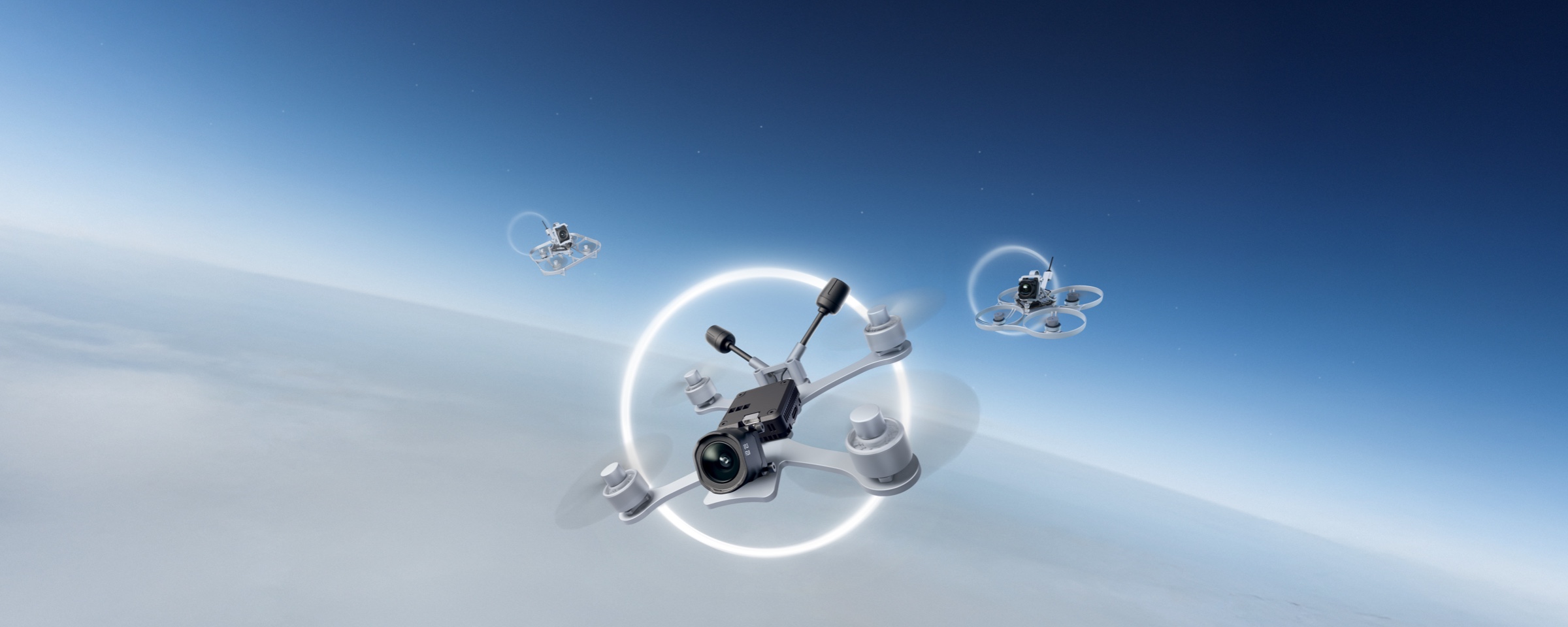
New Heights in Transmission, More Freedom in Flight
The O4 Air Unit Series features O4 transmission with ultra-low latency [1]. 15km transmission and auto frequency selection with the Pro model.

Crisp and Fluid, Visually Striking
The O4 Air Unit Series records 4K/60fps video. H.265 encoding delivers 1080p/100fps transmission for clear, smooth, real-time imagery.

New Racing Mode: Unleashed Speed, Unlimited Fun
The DJI O4 Air Unit Series features a new Racing Mode [2] with 15ms low latency [3] and support for up to 8 aircraft racing at once [4].

Ultra-Wide FOV, Capture It All
Building on its lightweight design and high-quality video transmission, the DJI O4 Wide Air Unit expands the FOV to 159°, delivering a more expansive and immersive flight perspective[6].

Upgraded Imaging: Cinematic Masterpieces at Your Fingertips
DJI O4 Wide Air Unit and O4 Air Unit: 1/2" CMOS for 4K/60fps video. O4 Air Unit Pro: 1/1.3" CMOS for 4K/120fps video. No action cam needed for stunning ultra-wide footage.

Even in Intense Light, Create With Confidence
The O4 Air Unit Pro works with the DJI Avata 2 ND Filter Set[5] for flexible light intake and shutter speed control, achieving natural motion blur.

Compatible With Canvas Mode: Your Flights, Your Way
The O4 Air Unit Series supports Canvas Mode and Betaflight OSD settings, allowing customization of real-time data and layout.
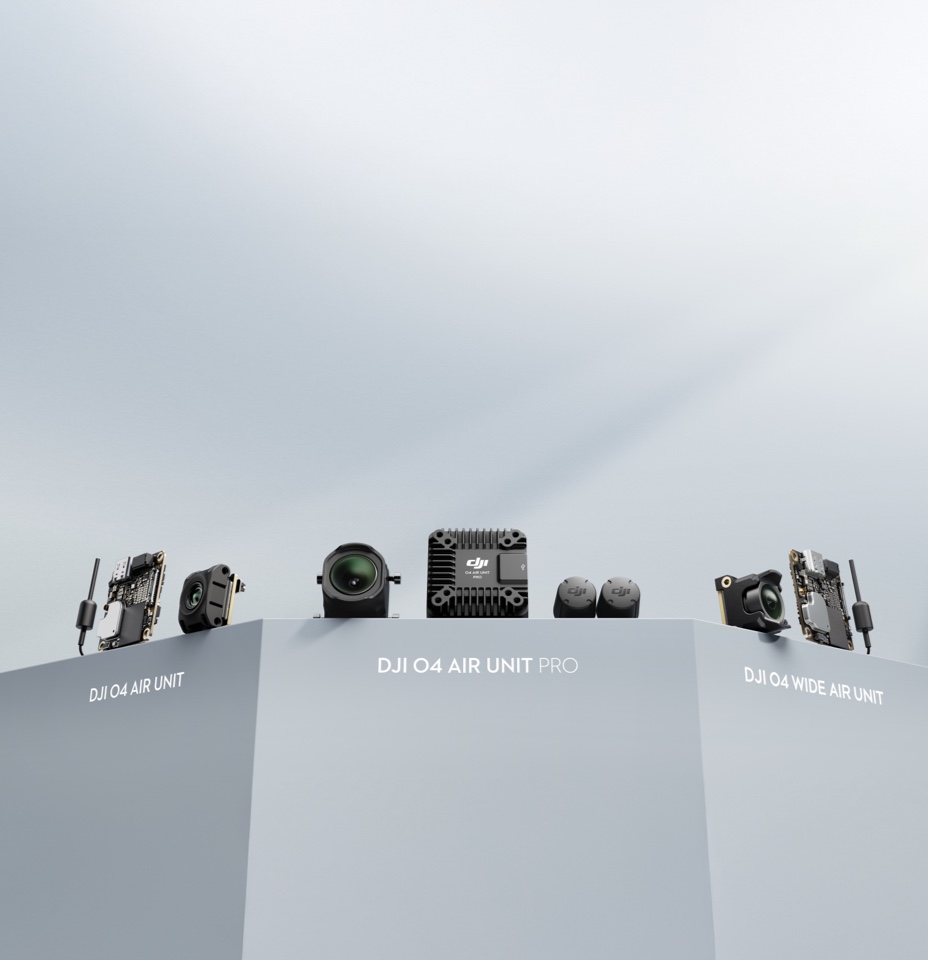
Lightweight Design, Effortless Adaptation
DJI O4 Air Unit features a lightweight design with broad compatibility and fits drone frames of 2″ and smaller, enabling flexible assembly.
Let’s Answer Your Questions
Which one is suitable for me?
The DJI O4 Air Unit Series includes three products, all equipped with the DJI O4 video transmission system. Compared to the previous generation, these products offer users a new experience with lower latency, longer range, and more ways to play.
DJI O4 Wide Air Unit is an upgrade to DJI O4 Air Unit, mainly featuring a wider 159° FOV. Retaining the original's lightweight design, HD image quality, and powerful O4 video transmission, it is ideal for beginners and FPV freestyle users.
DJI O4 Air Unit is compact and lightweight, with a mounting hole distance of 30 × 30 mm, a height of only 6 mm, and a weight of just 8.2 grams, making it ideal for beginners in the FPV drone community. The DJI O4 Air Unit is perfectly compatible with 2-inch and smaller frames, and it is also suitable for installation on racing frames for practice. It features a 1/2-inch image sensor, capable of shooting up to 4K/60fps video, with a minimum transmission latency of 20 milliseconds and a maximum transmission distance of 10 kilometers. Additionally, it comes with 23GB of built-in storage, making it an excellent choice for FPV freestyle flying and beginners, offering outstanding value for its price.
DJI O4 Air Unit Pro is powerful and an ideal choice for FPV users. It is compatible with frames of 3 inches and above, including professional FPV such as the X8. The DJI O4 Air Unit Pro is equipped with a 1/1.3-inch image sensor, capable of shooting up to 4K/120fps video, and supports 10-bit D-Log M color mode. It is compatible with the same ND filters as DJI Avata 2, providing ample flexibility for professional shooting and post-production. When the racing mode is activated, the minimum transmission latency can reach 15 milliseconds, and the maximum transmission distance can reach 15 kilometers. Whether flying in a specific area or on a long-distance flight, it provides users with an exceptional flying experience.
* The values of various parameters are measured in a controlled test environment. Please refer to the official website for details. The size and weight may be slightly different due to the configuration, manufacturing process, and measurement method.
Which goggles and remote controllers are supported by the DJI O4 Air Unit Series?
DJI Goggles 3 / DJI Goggles N3 + DJI FPV Remote Controller 3
DJI Goggles 2 / DJI Goggles Integra + DJI FPV Remote Controller 2
* Third-party flight goggles are not supported.
* Third-party remote controllers with other protocols are supported, but an additional receiver is required.
* To use the DJI FPV Remote Controllers, the flight control protocol must be set to SBUS.
Can I fly a racing drone using the DJI O4 Air Unit Series at the same time as other racing drones using analog video transmission?
Yes.
The DJI O4 Air Unit Series has introduced a racing mode feature, which can fix the recording and video transmission specifications at 1080p/100fps, set the channel mode to manual mode, and is compatible with the racing frequency points used in analog video transmission, divided by Race Band. When using with other racing drones that use analog video transmission, it is recommended to keep the goggles at least one meter apart, manually select the distribution frequency, and adjust the appropriate video transmission power accordingly.
* Enabling racing mode requires DJI Goggles 3 or DJI Goggles N3.
Can the DJI O4 Air Unit Series share accessories with the DJI O3 Air Unit?
The DJI O4 Air Unit Series and DJI O3 Air Unit only support partial accessory compatibility. Please carefully check the accessory compatibility list before purchasing, or consult DJI Support.
Shared accessories include: 3-in-1 cable*, video transmission antenna (only for DJI O4 Air Unit Pro).
Non-shared accessories include: camera module, image transmission module, ND filter set, camera coaxial cable.
* The DJI O4 Air Unit Series and DJI O3 Air Unit share the same video transmission cable wiring sequence.
Does the low power mode of the DJI O4 Air Unit Series need to be turned on?
The DJI O4 Air Unit Series has significantly improved cooling capabilities compared to the DJI O3 Air Unit.
After enabling the ground low-power mode, the DJI O4 Air Unit and DJI O4 Wide Air Unit can remain on standby for up to 2.5 minutes*, and the DJI O4 Air Unit Pro can remain on standby for up to 20 minutes*.
If you do not need to record videos while on standby on the ground, it is recommended to keep the low power mode on.
If the ambient temperature significantly exceeds 25° C, it is recommended to use external cooling methods to help dissipate heat for the Air Unit.
* Data was collected at an ambient temperature of 25° C.
Does the DJI O4 Air Unit Series support adjusting flight controller parameters?
The DJI O4 Air Unit Series supports adjusting flight controller parameters, but the flight controller should support Canvas mode.
Does the DJI O4 Air Unit Series support disassembly and replacement?
Yes. Currently, the replaceable accessories include: DJI O4 Air Unit transmission module, camera module, and antenna.
Please purchase related accessories at DJI Store, and follow the tutorial video for replacement.
Which flight controller firmware does the DJI O4 Air Unit Series support?
The DJI O4 Air Unit Series supports Betaflight 4.3.0 and INAV 8.0.1, along with their respective later versions.
How to activate the DJI O4 Air Unit Series?
It must be powered by the flight controller or battery to activate the transmission module.
Still have questions? Get help from a DJI expert.
1. Under FCC standards, in an open outdoor environment free of interference, the max video transmission range for the DJI O4 Air Unit Pro is 15 km. For the DJI O4 Air Unit, max video transmission range is 10 km.
2. Enabling Racing mode requires DJI Goggles 3 or Goggles N3. In this mode, the default video recording specification is set to 1080p/100fps, and the video transmission channel mode switches to Manual, offering bandwidth options of 20 MHz or 40 MHz. The channel selection supported in racing mode may vary based on regulations in different countries and regions.
3. The DJI O4 Air Unit offers a lowest video transmission latency of 20 ms, while the DJI O4 Air Unit Pro achieves a lowest latency of 15 ms. These measurements were taken using DJI Goggles 3 in Racing mode.
4. Regulations vary by country and region, and actual performance may differ.
5. Sold separately.


