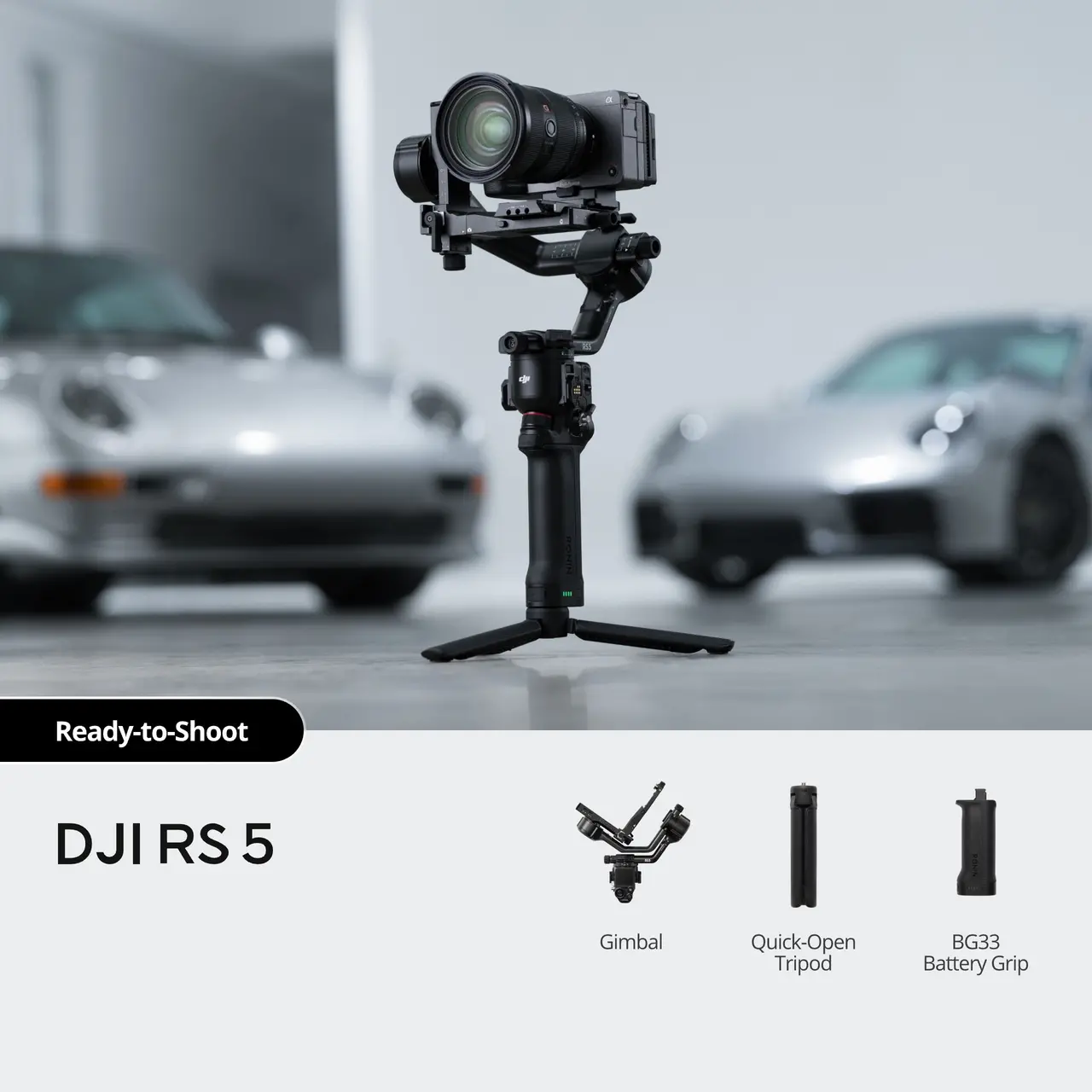


DJI RS 5
Select Option
Take a Closer Look
RS Enhanced Intelligent Tracking Module
The module [1] lets you frame and track any subject—a person, vehicle, or pet—from the gimbal's touchscreen, keeping the subject precisely positioned.
![New Electronic Briefcase Handle [2]](//se-cdn.djiits.com/tpc/uploads/core_selling_point/image/93517894c5f102fdd067afd09657e51f@origin.jpg?format=webp)
New Electronic Briefcase Handle [2]
The new Electronic Briefcase Handle [2] offers intuitive, effortless single‑handed operation, featuring a joystick and buttons that control the gimbal and camera for more creative angles.
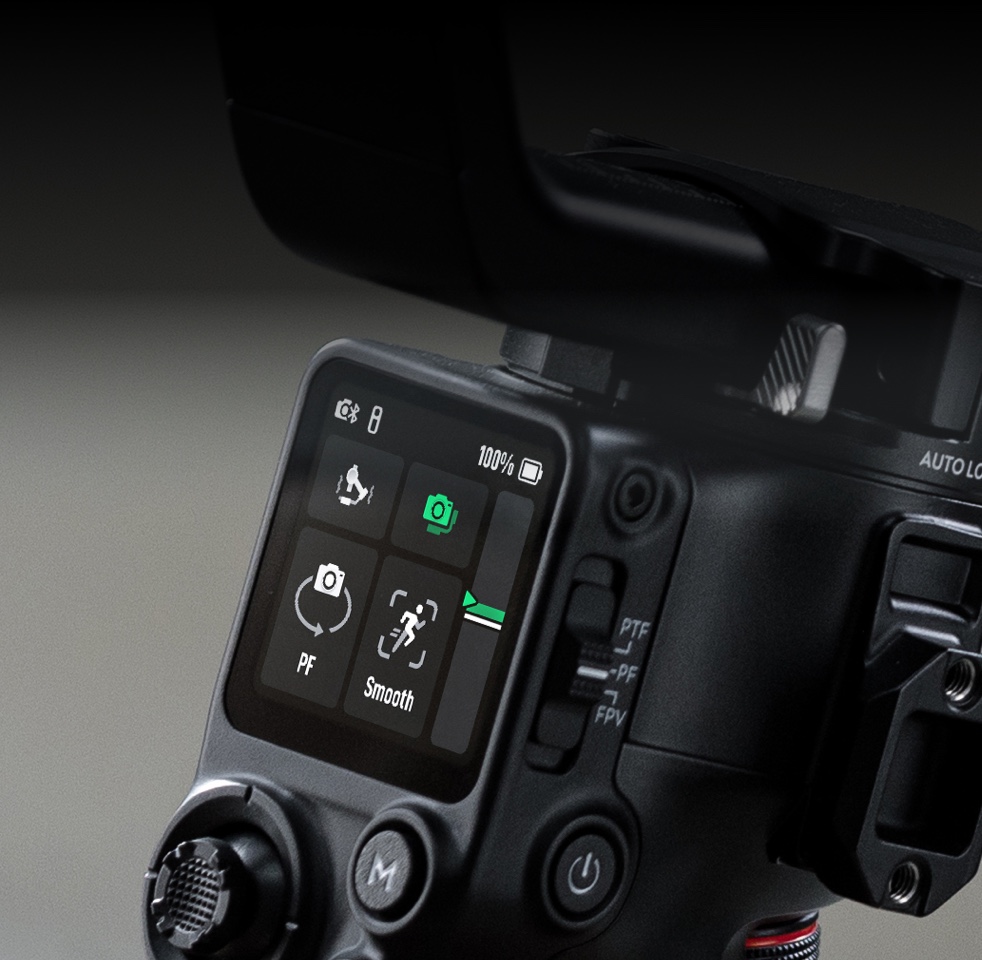
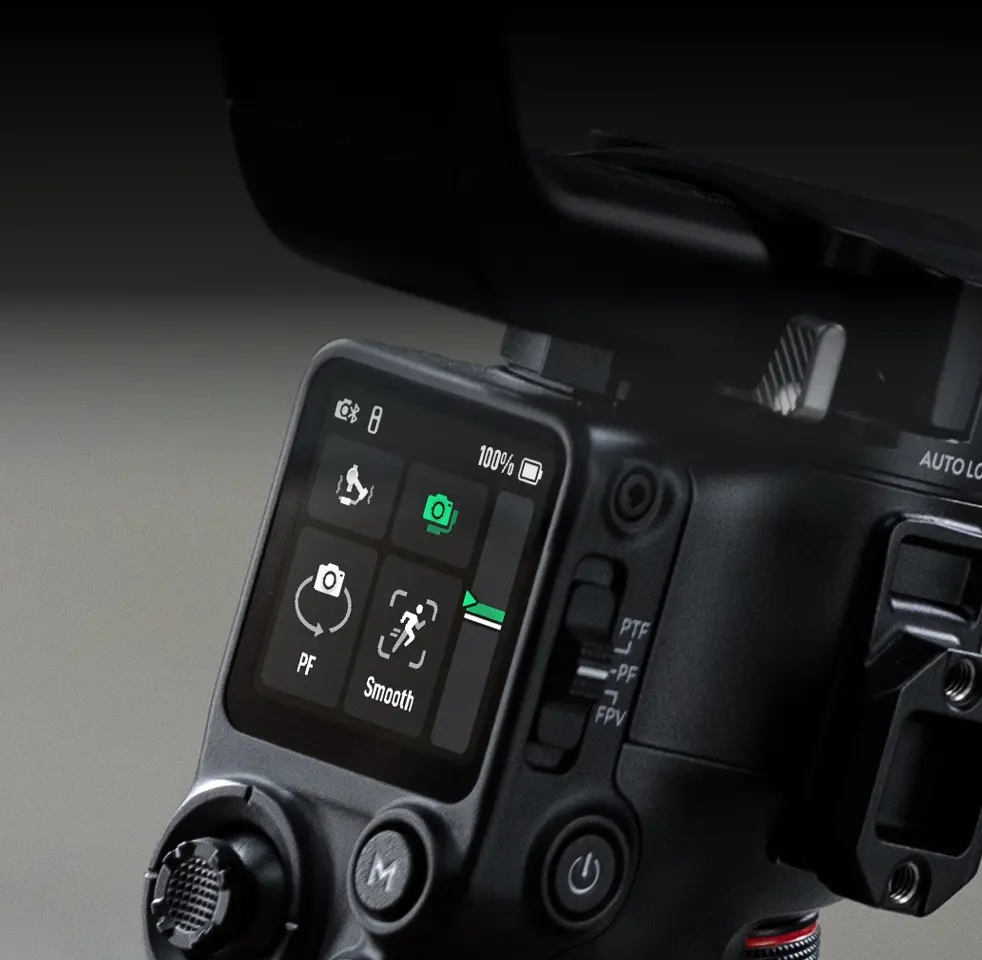
New Z-Axis Indicator
The new Z‑Axis Indicator gives you instant feedback to fine‑tune your footsteps for steadier, more professional shots.
Fine-Tuning Knobs and Teflon™ Enhanced Balancing
Fine-tuning knobs on each axis arm and Teflon™ interlayers deliver precise, smooth balancing, even with heavier professional setups.
![Extended Runtime, 1-Hour Full Charge [3]](//se-cdn.djiits.com/tpc/uploads/core_selling_point/image/17c5bb689ebf3a1042c2f592c4bab4de@origin.jpg?format=webp)
Extended Runtime, 1-Hour Full Charge [3]
Fully charge DJI RS 5 in just one hour—a 60% increase in speed. The standard battery delivers approximately 14 hours of standby time, a 15% improvement [3].
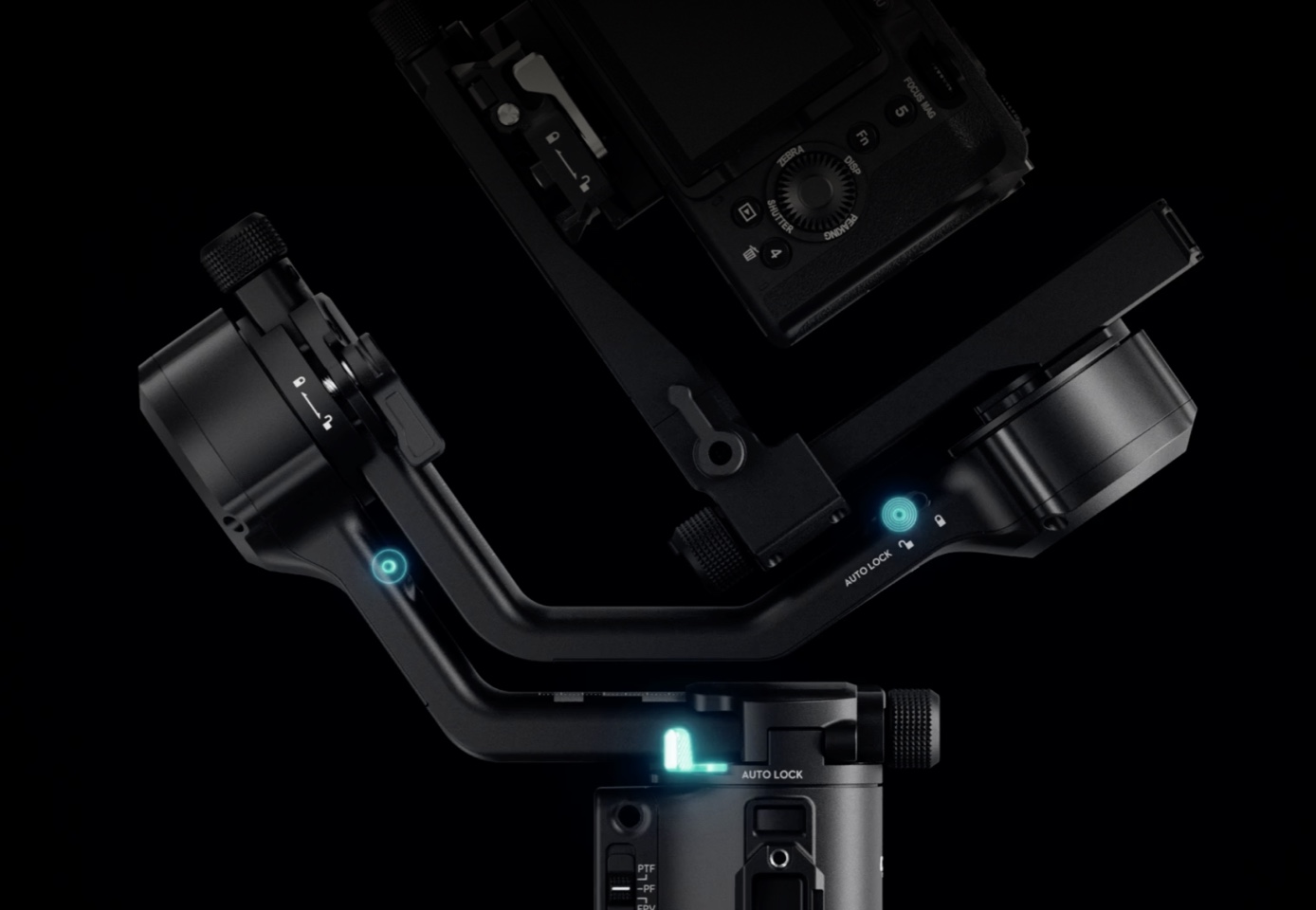
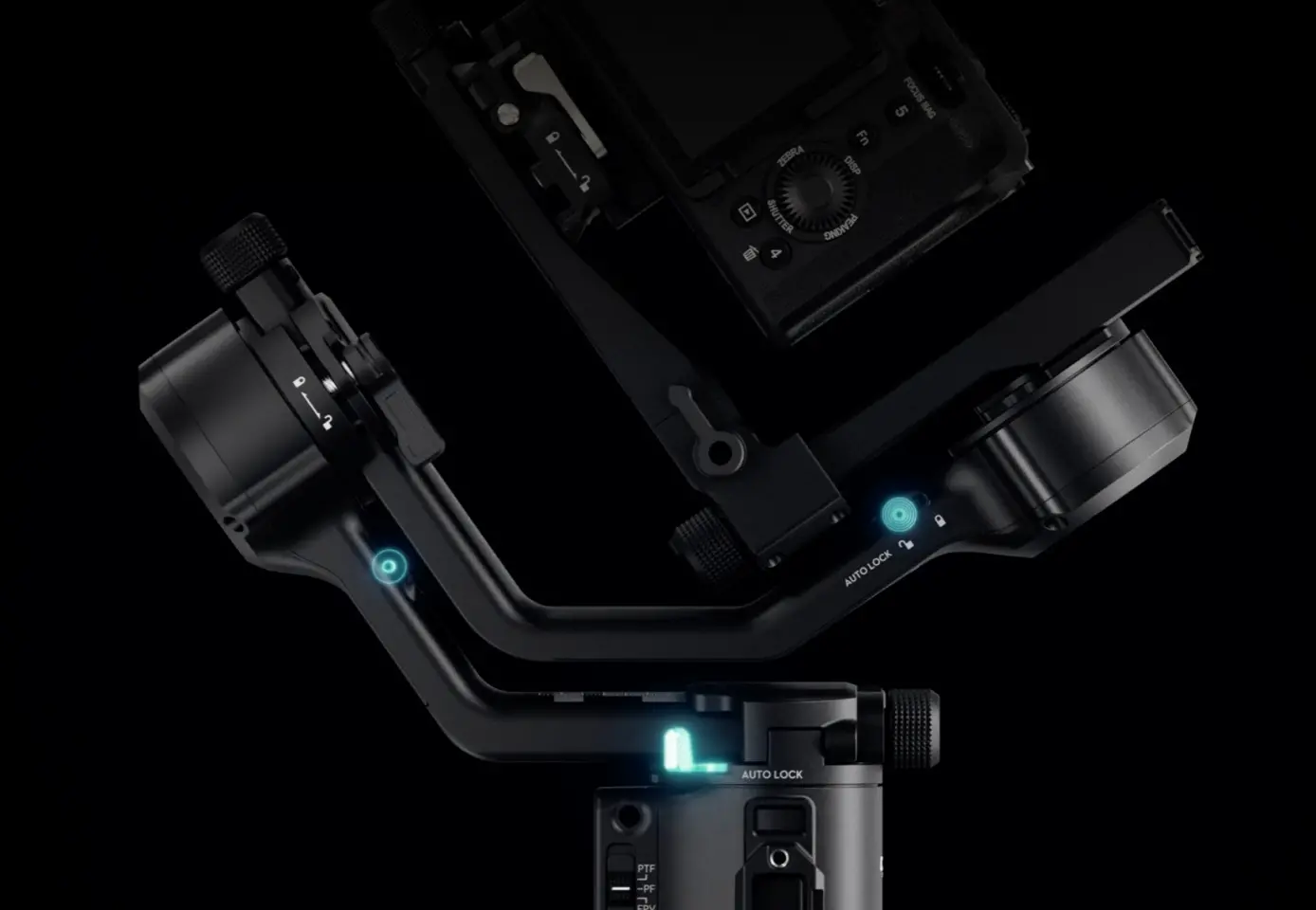
2nd-Gen Automated Axis Locks
The 2nd-Gen Automated Axis Locks automatically lock the gimbal upon power-off or sleep for easier transitions and storage. They unlock just as quickly upon power-on, getting you ready to film in an instant for those critical moments.
![New Electronic Briefcase Handle [2]](https://se-cdn.djiits.com/tpc/uploads/core_selling_point/image/93517894c5f102fdd067afd09657e51f.webp)
![Extended Runtime, 1-Hour Full Charge [3]](https://se-cdn.djiits.com/tpc/uploads/core_selling_point/image/17c5bb689ebf3a1042c2f592c4bab4de.webp)
In the Box
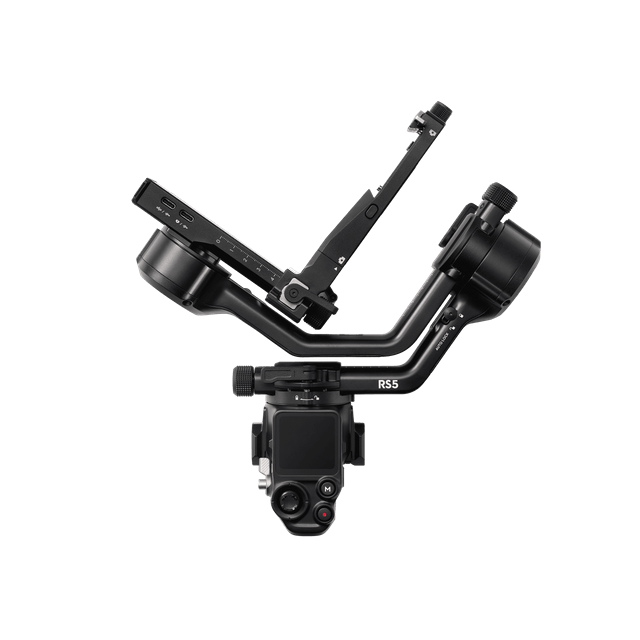
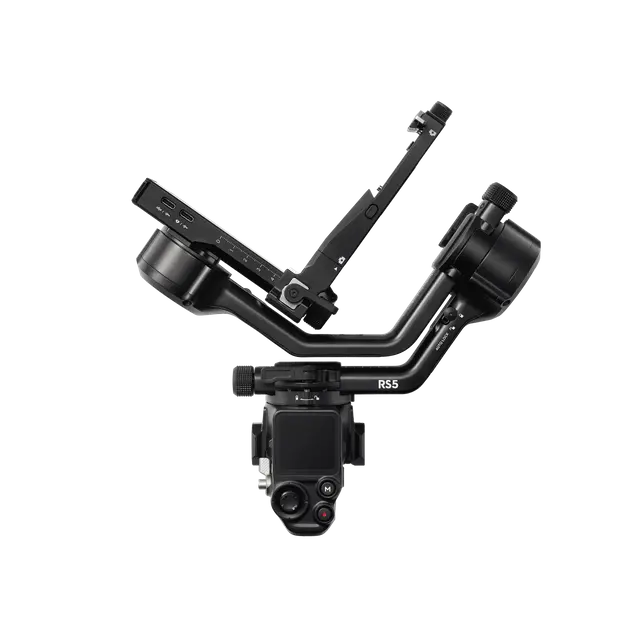
Gimbal
× 1
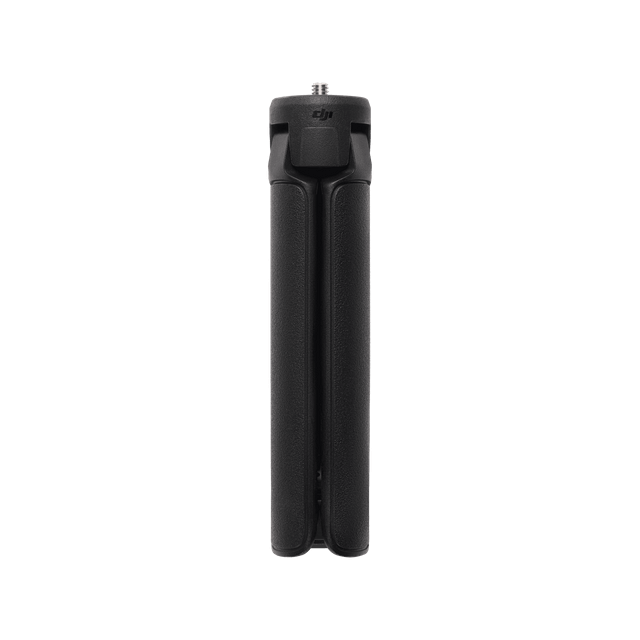
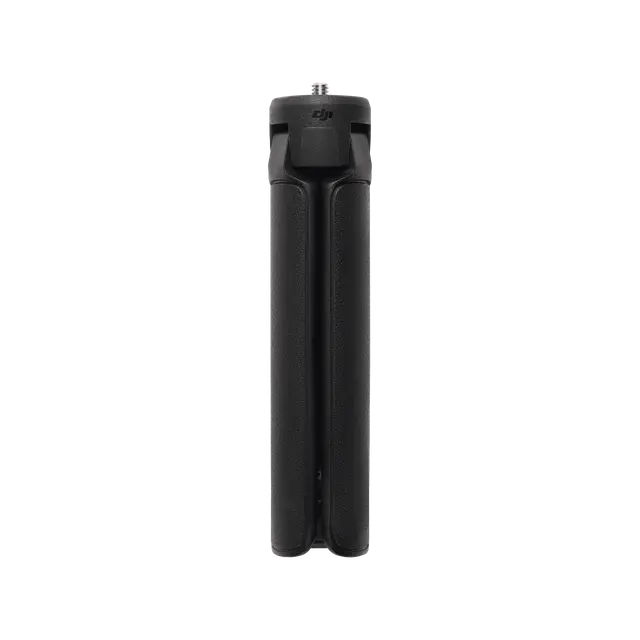
Quick-Open Tripod
× 1
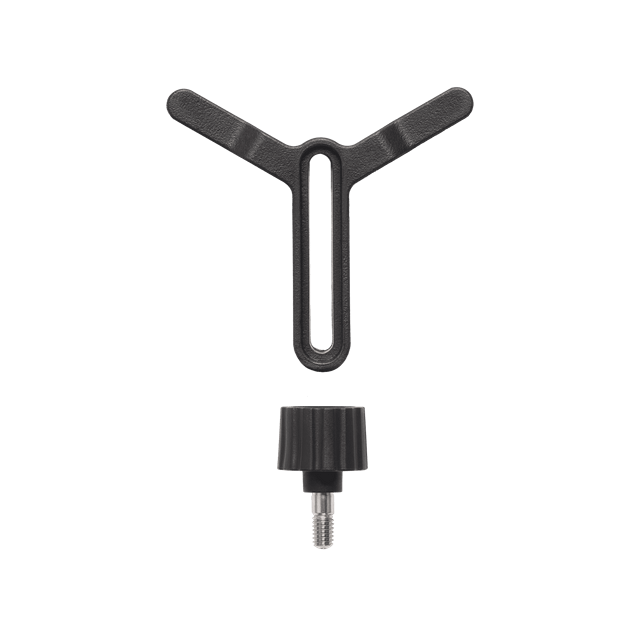
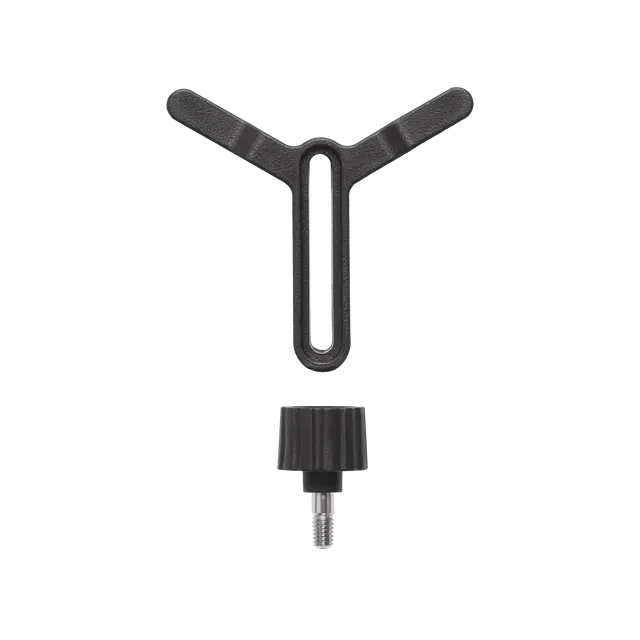
Lens-Fastening Support
× 1
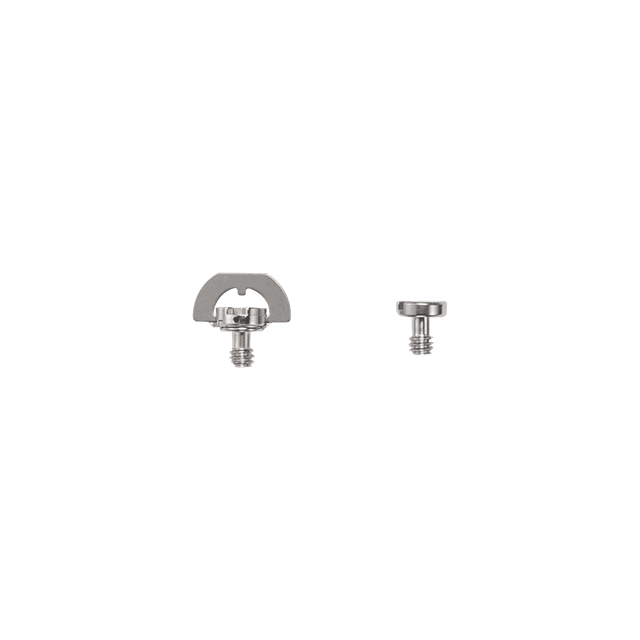
Screw Kit
× 1
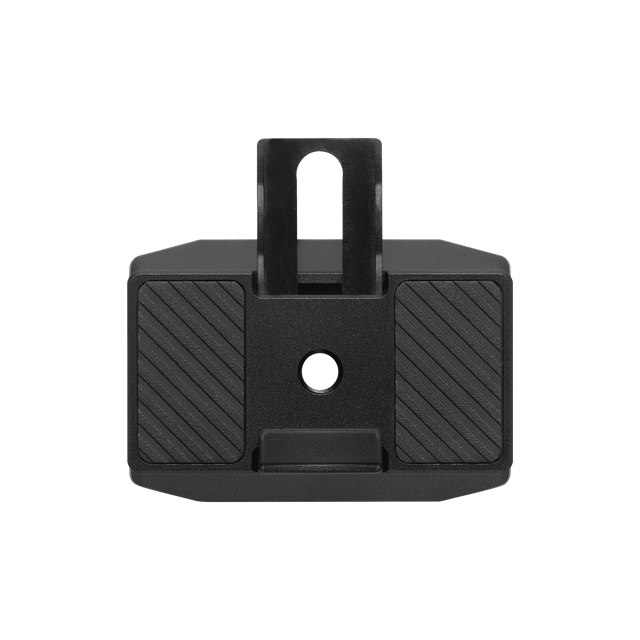
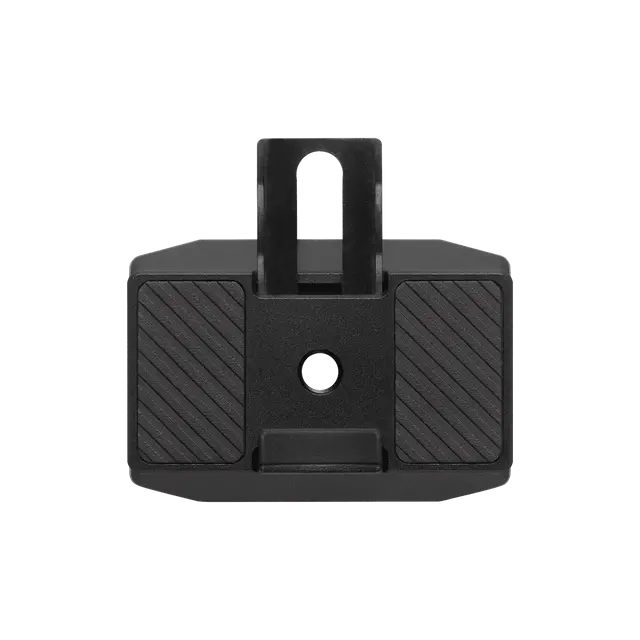
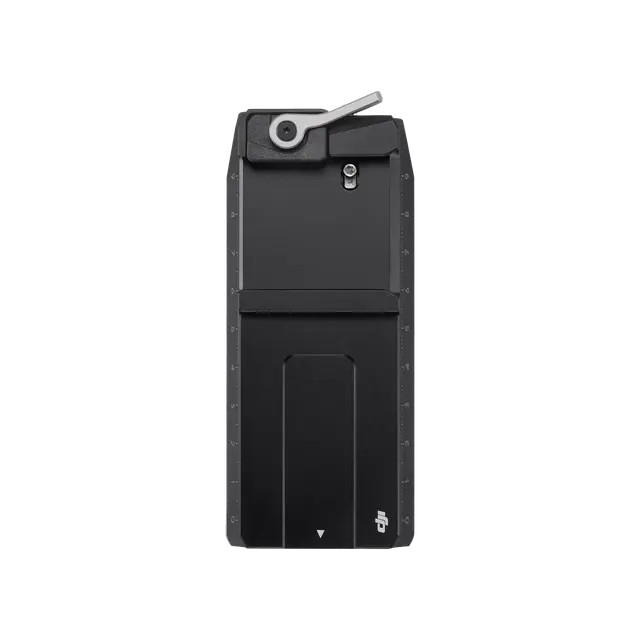
RS 5 Upper Quick-Release Plate
× 1
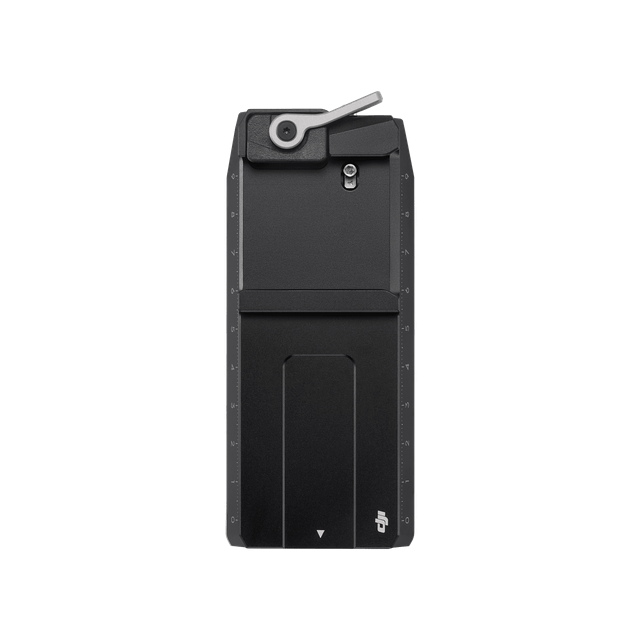
RS 5 Lower Quick-Release Plate
× 1
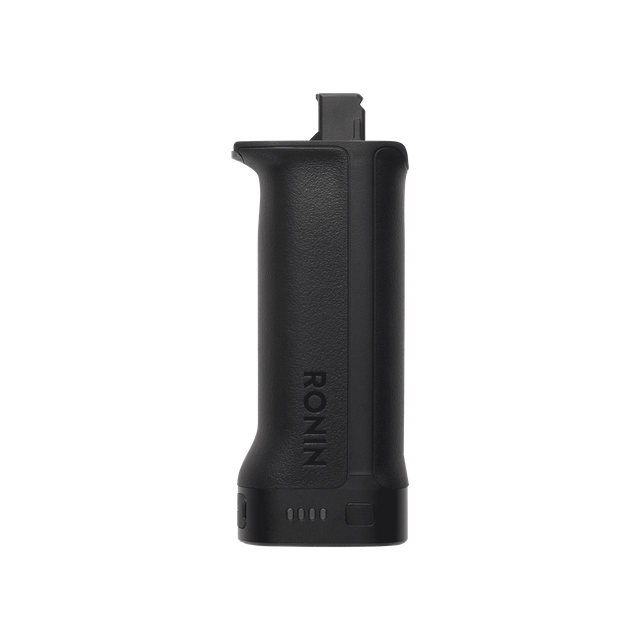
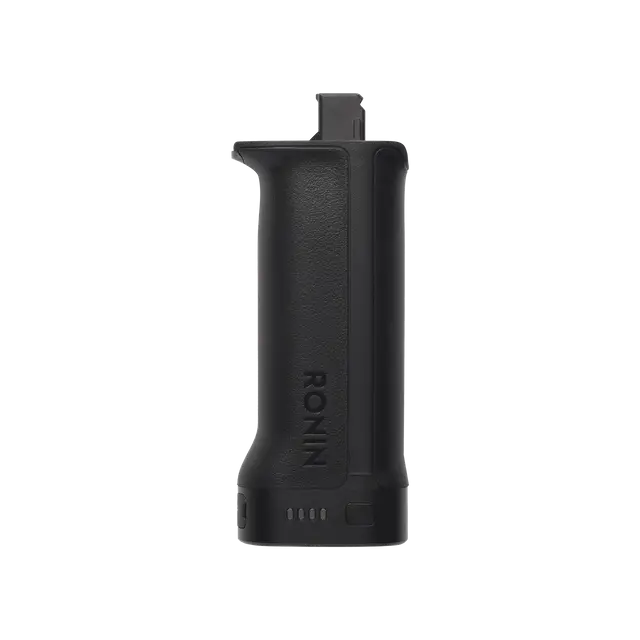
BG33 Battery Grip
× 1
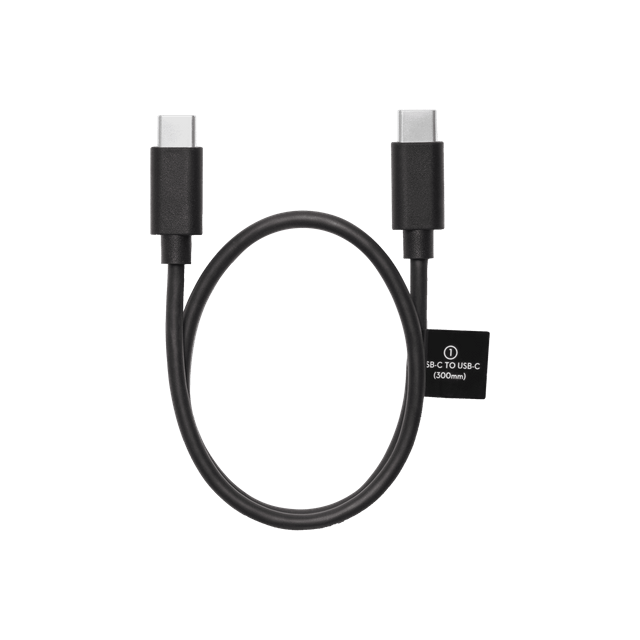
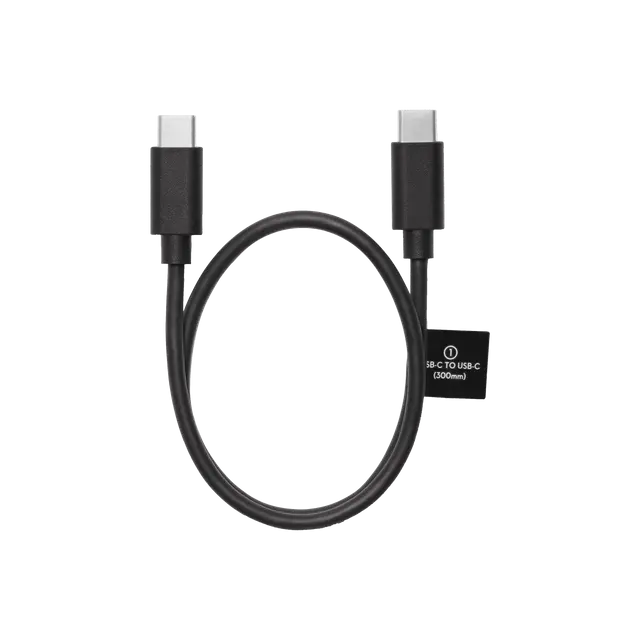
Multi-Camera Control Cable (USB-C, 30 cm)
× 1
DJI Logo Sticker
× 1

Which is the Best for You?


From USD $569
From USD $469
From USD $869
From USD $259
 1.8″ OLED Full-Color
 1.8″ OLED Full-Color1.8″ OLED Full-Color
 1.4″ LCD Full-Color
 5th-Gen Stabilization Algorithm
 4th-Gen Stabilization Algorithm4th-Gen Stabilization Algorithm4th-Gen Stabilization Algorithm
 3rd-Gen Native Vertical Shooting
 2nd-Gen Native Vertical Shooting2nd-Gen Native Vertical Shooting3rd-Gen Native Vertical Shooting
 Supports external focus motor control, Bluetooth zoom control, Bluetooth shutter, and wired shutter
 Supports external focus motor control, Bluetooth zoom control, Bluetooth shutter, and wired shutter
 Supports dual external focus motor control, Bluetooth zoom control, Bluetooth shutter, and wired shutter
 Supports Bluetooth zoom control, Bluetooth shutter and wired shutter
 Ecosystem
 EcosystemEcosystemEcosystem
Camera Compatibility List


Let’s Answer Your Questions
When using ActiveTrack on DJI RS 5, how do I adjust composition?
What are the main upgrades of the DJI RS Enhanced Intelligent Tracking Module compared to the DJI RS Intelligent Tracking Module? What type of subjects can it track?
What is the difference between using the Enhanced Intelligent Tracking Module and the Intelligent Tracking Module with DJI RS 5?
Which cameras and lenses are supported by DJI RS 5?
How do I enable Bluetooth shutter on DJI RS 5?
How long is the standby time of the DJI RS 5 battery grip?
How long does it take to fully charge the DJI RS 5 battery grip?
Still have questions? Get help from a DJI expert.
1. Requires the DJI RS Enhanced Intelligent Tracking Module, which is available for separate purchase or with the purchase of the compatible combo. Human tracking is limited to a single subject and is not recommended in scenarios with multiple people, overlapping positions, similar clothing, exaggerated movements, or complex attire. Vehicle tracking is suitable for single-vehicle scenarios where the vehicle body is less than 30% occluded and is not suitable for fast-moving vehicles. Pet tracking is limited to a single pet and is not suitable for pets that are moving quickly or changing direction frequently. If the subject temporarily leaves the frame, intelligent reacquisition within 2 seconds is only supported when tracking a person. Data was measured in a controlled environment. Actual experience may vary depending on the environment, usage, and firmware version.
2. The briefcase handle is available for separate purchase or with the purchase of the compatible combo.
3. Requires a 65W charger supporting PD protocol and DJI RS BG33 Battery Grip. The DJI RS BG33 Battery Grip is not available for purchase in India. Charging speed and battery runtime improvements are based on a comparison with DJI RS 4 using the DJI RS BG21 Battery Grip. Data was measured in a controlled environment. Actual experience may vary depending on the environment, usage, and firmware version.